
 SlackLinux
vs
DiscordWindows
SlackLinux
vs
DiscordWindows
Slack como alternativa Linux ao Discord
Atualizado em
Nossa avaliação
Slack is not a good replacement for Discord. While it handles text chat and file sharing well, it lacks the low-latency voice and video calls that define Discord for gamers and communities. Slack is designed for business workflows, not real-time social interaction. If your primary need is text-based team coordination, Slack works. However, if you rely on voice channels, screen sharing for gaming, or community moderation tools, you will find Slack lacking. It is a different tool for a different purpose, not a direct swap.
- Licença
- LicenseRef-proprietary
- Preço
- freemium
- Versão mais recente
- 4.52.182 (20 de outubro de 2026)
- Avaliação
- —
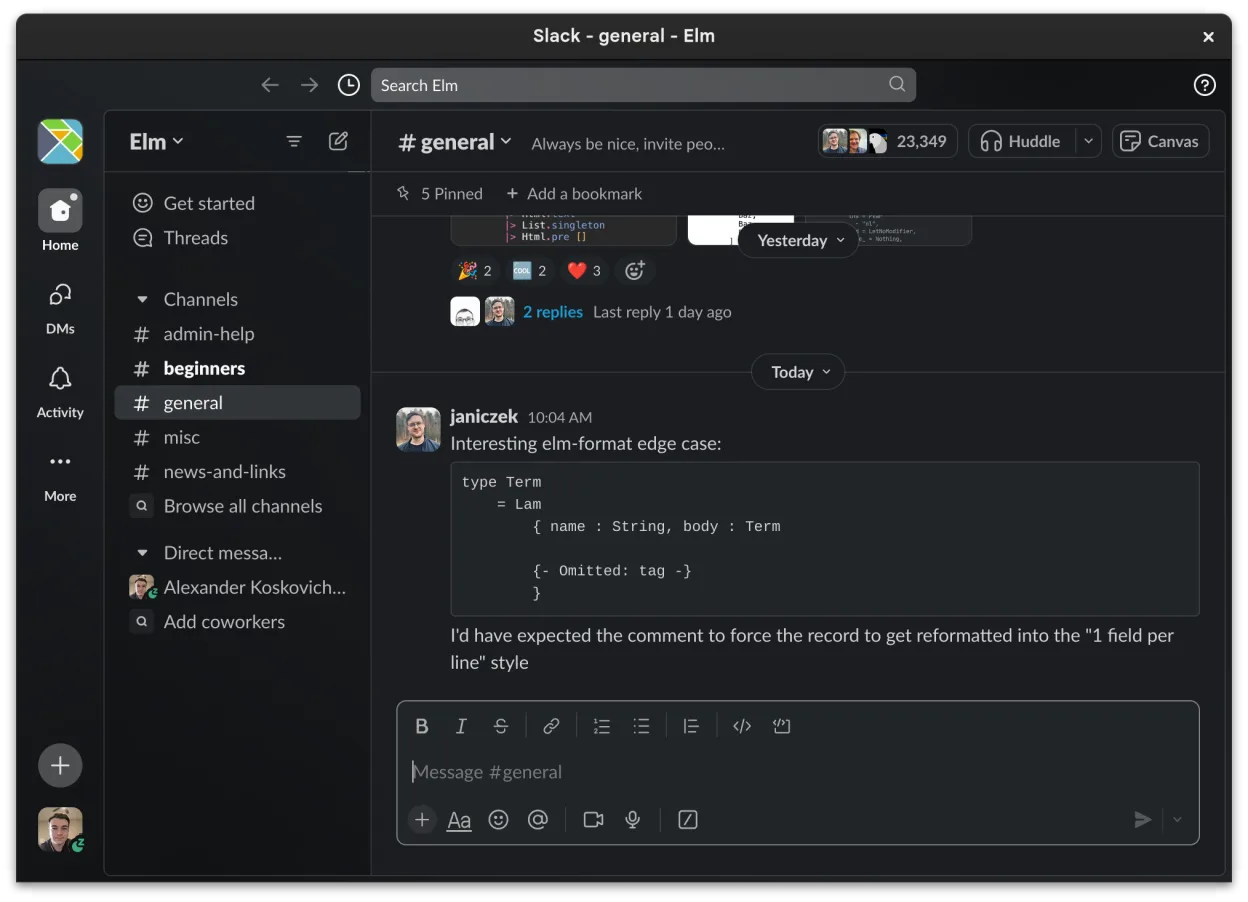
O que funciona igual
- Channel-based organization for topics and projects
- Direct messaging with read receipts and reactions
- File sharing with preview support for common formats
- Cross-device sync for messages and notifications
O que muda
- Slack lacks native low-latency voice and video calls for casual social use
- No equivalent to Discord's persistent voice channels for hanging out
- Moderation tools are focused on business admin, not community management
- Slack is proprietary and business-oriented, whereas Discord is community-focused
- Missing features like screen sharing optimized for gaming or streaming
Abrindo seus arquivos do Discord
Slack does not support importing or exporting Discord data. There is no built-in tool to transfer chat history, media, or user lists from Discord to Slack. You would need to manually export Discord data via its built-in export feature (if available to your account) and then manually upload files to Slack, which is not a practical migration path for most users.
Trocando o Discord pelo Slack, passo a passo
- Create a new Slack workspace or join an existing one via invitation
- Install the Slack Linux client from Flathub or the official website
- Manually create channels in Slack that mirror your Discord server structure
- Invite your team members to the new Slack workspace
- Manually upload any critical files or documents from Discord to relevant Slack channels
- Configure notification settings per channel to match your previous Discord preferences
Principais recursos do Slack
- Organização baseada em canais para tópicos e projetos
- Mensagens diretas com confirmação de leitura e reações
- Compartilhamento de arquivos com suporte a pré-visualização para formatos comuns
- Integração com ferramentas de terceiros via Slack Apps
- Conversas em threads para manter os canais principais organizados
- Sincronização entre dispositivos para mensagens e notificações
- Configurações de notificação personalizáveis por canal ou DM
- Cliente Linux em beta com adições contínuas de recursos
Como instalar o Slack no Linux
flatpak install flathub com.slack.SlackPerguntas frequentes
Can I use Slack for voice calls like Discord?
Slack supports voice and video calls, but they are designed for business meetings, not low-latency gaming or casual social voice channels. The experience is not comparable to Discord for those use cases.
Is Slack free?
Slack offers a free tier with limited history and features. Paid plans are required for advanced features, unlimited message history, and larger file uploads. Discord is free for most users with a paid Nitro option.
Will my Discord friends be on Slack?
No. Slack and Discord are separate ecosystems. Your Discord friends are not automatically on Slack, and there is no cross-platform integration to sync users or chats between the two services.
Outras 5 alternativas ao Discord
 MumbleCliente de voz criptografado de código aberto e baixa latência, projetado para comunicação em jogos e equipes.Código abertoGrátisFlatpakMumble vs Discord
 ElementElement é um cliente seguro, baseado em Matrix, de mensagens e videoconferência para Linux.Código abertoGrátisFlatpakElement vs Discord
 TelegramTelegram é um mensageiro instantâneo rápido, seguro e baseado na nuvem, com compartilhamento ilimitado de…Código abertoGrátisFlatpakTelegram vs Discord
 Signal DesktopO Signal Desktop é um mensageiro privado gratuito e de código aberto para Linux, que sincroniza mensagens e…Código abertoGrátisFlatpakSignal Desktop vs Discord
 Jitsi MeetO Jitsi Meet é um cliente de videoconferência de código aberto que se conecta a qualquer servidor Jitsi para…Código abertoGrátisFlatpakJitsi Meet vs Discord