
 SMPlayerLinux
vs
PotPlayerWindows
SMPlayerLinux
vs
PotPlayerWindows
SMPlayer como alternativa Linux ao PotPlayer
Atualizado em
Nossa avaliação
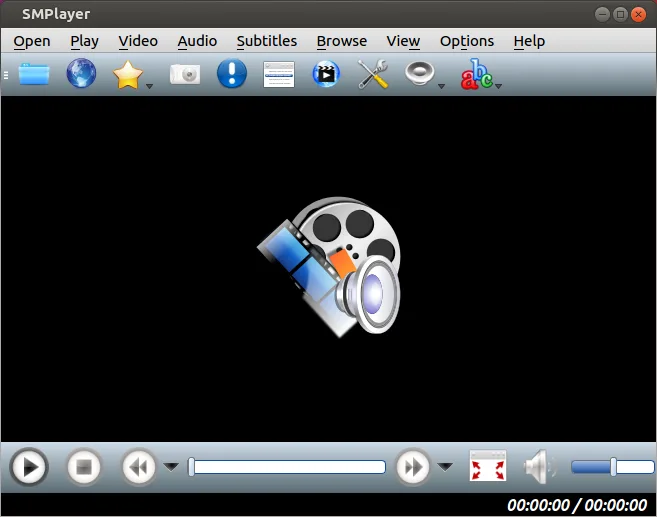
SMPlayer is a solid replacement for PotPlayer if you prioritize ease of setup over deep customization. It handles virtually all common video and audio formats out of the box, saving you the trouble of managing external codec packs. While it lacks PotPlayer’s granular control over audio equalization and advanced subtitle styling, it covers the core needs of playback, speed adjustment, and playlist management. It is ideal for users who want a lightweight, open-source player that just works, without the steep learning curve or resource overhead associated with PotPlayer’s extensive feature set.
- Licença
- GPL-2.0-or-later
- Preço
- Grátis
- Versão mais recente
- 25.6.0 (8 de junho de 2025)
- Avaliação
- —
O que funciona igual
- Plays nearly all common video and audio formats without external codec packs
- Supports subtitle selection and basic styling options
- Offers playback speed control and frame-by-frame stepping
- Includes playlist management functionality
- Lightweight on system resources compared to heavy media suites
O que muda
- Lacks PotPlayer’s detailed audio equalizer and advanced audio processing options
- Subtitle styling is less customizable than PotPlayer’s extensive font and color controls
- Does not offer the same level of granular playback settings and filters
- Interface is simpler and less feature-dense than PotPlayer’s complex menu system
- No built-in support for some niche container formats that PotPlayer handles via specific plugins
Abrindo seus arquivos do PotPlayer
SMPlayer does not directly open PotPlayer’s proprietary playlist or configuration files. You can manually import video and audio files into SMPlayer’s playlist, but PotPlayer-specific settings, such as custom audio filters or advanced subtitle styles, will not transfer. If you use standard subtitle files (SRT, ASS), they will work in both, but you may need to reapply styling in SMPlayer.
Trocando o PotPlayer pelo SMPlayer, passo a passo
- Install SMPlayer via your package manager or Flathub
- Copy your video and audio files to a local directory
- Open SMPlayer and load your media files into the playlist
- Configure subtitle settings to match your preferred style
- Adjust playback speed and other basic settings as needed
- Test playback of a few files to ensure compatibility
Principais recursos do SMPlayer
- Codecs embutidos para praticamente todos os formatos de vídeo e áudio
- Lembra a posição de reprodução e as configurações para cada arquivo
- Suporta a reprodução de vídeos diretamente do YouTube
- Busca e download automáticos de legendas
- Envia mídia para dispositivos externos, como smartphones e tablets
- Não requer pacotes de codecs externos
- Disponível via Flathub e gerenciadores de pacotes nativos
Como instalar o SMPlayer no Linux
flatpak install flathub info.smplayer.SMPlayersudo apt install smplayersudo apt install smplayersudo dnf install smplayersudo pacman -S smplayersudo zypper install smplayerPerguntas frequentes
Does SMPlayer need external codecs?
No, SMPlayer includes built-in codecs for virtually all common video and audio formats, so you don’t need to install separate codec packs.
Can I use SMPlayer to watch YouTube videos?
Yes, SMPlayer supports playing videos directly from YouTube, which is a handy feature for quick streaming without a browser.
Is SMPlayer lightweight like PotPlayer?
Yes, SMPlayer is designed to be efficient and uses minimal system resources, making it suitable for older or lower-spec machines.
Outras 4 alternativas ao PotPlayer
 VLC media playerVLC é um reprodutor multimídia gratuito e de código aberto que roda no Linux e suporta praticamente qualquer…Código abertoGrátisFlatpakVLC media player vs PotPlayer
 mpvmpv é um reprodutor de mídia gratuito, de código aberto e multiplataforma que reproduz quase qualquer formato…Código abertoGrátisFlatpakmpv vs PotPlayer
 CelluloidCelluloid é um reprodutor de mídia leve para Linux que usa o mecanismo mpv e GTK para uma interface limpa no…Código abertoGrátisFlatpakCelluloid vs PotPlayer
 KodiO Kodi é um centro de mídia gratuito e de código aberto para reproduzir vídeos, músicas e podcasts de fontes…Código abertoGrátisFlatpakKodi vs PotPlayer