
 Trilium NotesLinux
vs
NotionWindows
Trilium NotesLinux
vs
NotionWindows
Trilium Notes como alternativa Linux ao Notion
Atualizado em
Nossa avaliação
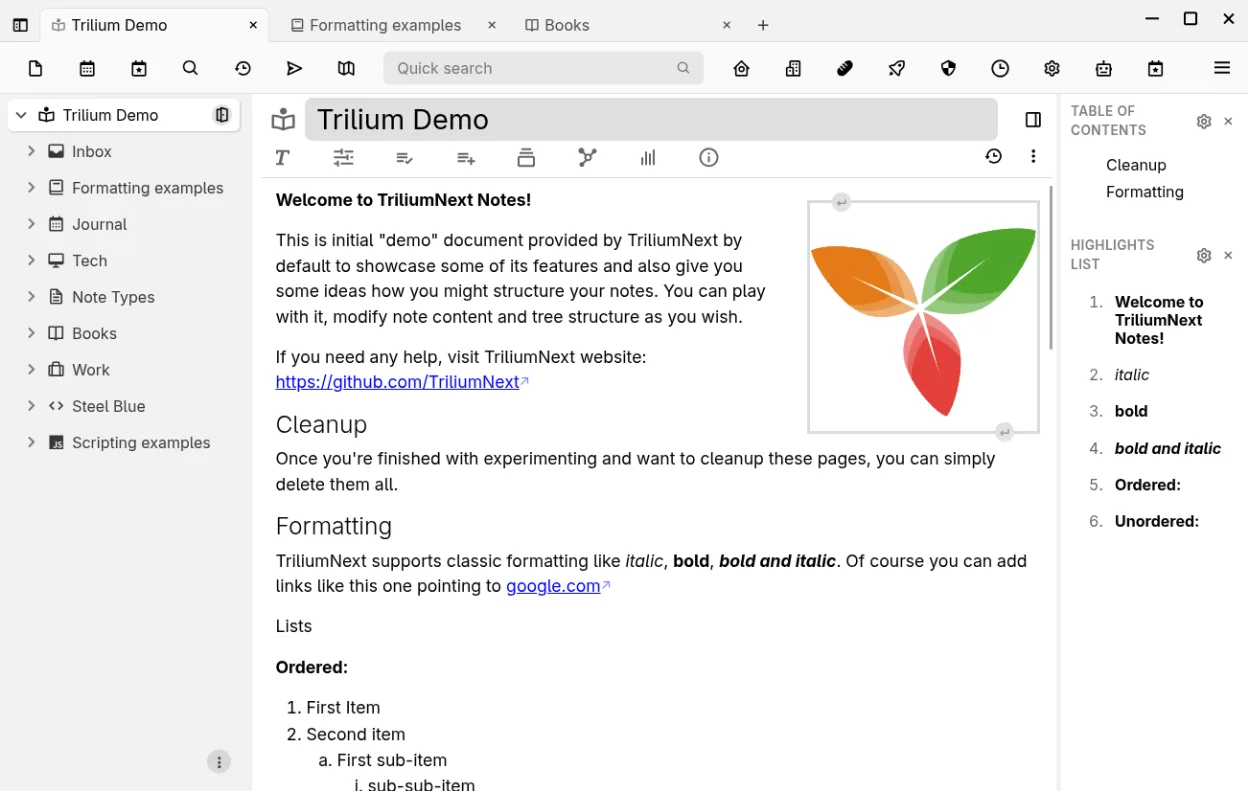
Trilium Notes can replace Notion for users who need a local, hierarchical note system with markdown support, full‑text search, and offline access. It works well for personal knowledge bases, technical documentation, or small project tracking. However, it lacks Notion’s native database grid view, collaborative editing, and integrated task boards. If you mainly use Notion for simple note‑taking and light project management, Trilium is a solid alternative. For teams or heavy database use, consider other tools.
- Licença
- AGPL-3.0-only
- Preço
- Grátis
- Versão mais recente
- 0.106.0 (25 de setembro de 2026)
- Avaliação
- —
O que funciona igual
- Both support markdown and tables
- Both allow linking between notes
- Both offer export to markdown or other formats
- Both provide offline local storage
- Both have web clipper functionality
O que muda
- Trilium is hierarchical, Notion is flat with pages and sub‑pages
- Trilium lacks native database grid and relational tables
- Trilium has no real‑time collaboration or shared workspaces
- Trilium’s task management is basic, no Kanban boards
- Trilium requires self‑hosted sync for multi‑device access
Abrindo seus arquivos do Notion
Trilium can import Markdown files, but it does not natively read Notion’s internal .notion files or database exports. To bring data into Trilium, export your Notion content as Markdown or HTML, then create new notes and paste the content. Trilium will preserve markdown formatting, tables, and links, but complex Notion databases will need manual reconstruction.
Trocando o Notion pelo Trilium Notes, passo a passo
- Export each Notion page as Markdown from the page menu.
- Download the exported Markdown files to your Linux machine.
- Open Trilium, create a new note, and paste or drag the Markdown file into the editor.
- Use Trilium’s import tool or copy‑paste to rebuild any tables or databases manually.
- Recreate any task lists or boards using Trilium’s to‑do lists or external tools.
- Verify links and backlinks after migration.
Principais recursos do Trilium Notes
- Editor WYSIWYG rico com tabelas, imagens, matemática e auto‑formatação Markdown
- Árvore hierárquica de profundidade arbitrária com clonagem de notas
- Busca em texto completo, elevação de notas e mapas de relações/links
- Versionamento por nota e criptografia granular
- Servidor de sincronização auto-hospedado e publicação pública
- Edição de código com destaque de sintaxe e suporte a scripts
- Importação‑exportação Evernote/Markdown e web clipper
- API REST para automação
Como instalar o Trilium Notes no Linux
flatpak install flathub org.triliumnotes.TriliumPerguntas frequentes
Does Trilium support real‑time collaboration like Notion?
No, Trilium is designed for single‑user or self‑hosted sync. Collaborative editing is not available out of the box.
Can I sync Trilium notes across devices?
Yes, by setting up the self‑hosted sync server or using the built‑in sync feature with a remote server. It requires manual configuration.
Is Trilium free?
Trilium is open source under AGPL‑3.0‑only and can be downloaded from Flathub or compiled from source at no cost.
Outras 5 alternativas ao Notion
 ObsidianO Obsidian é um aplicativo de base de conhecimento baseado em markdown que armazena notas como arquivos de…FlatpakObsidian vs Notion
 LogseqLogseq é uma ferramenta local-first para base de conhecimento não linear que armazena anotações como arquivos…Código abertoGrátisFlatpakLogseq vs Notion
 JoplinJoplin é um aplicativo de anotações e tarefas de código aberto e multiplataforma que armazena dados em…Código abertoGrátisFlatpakJoplin vs Notion
 Standard NotesO Standard Notes é um aplicativo de anotações com criptografia de ponta a ponta que funciona em várias…Código abertoGrátisFlatpakStandard Notes vs Notion
 ZettlrZettlr é um editor Markdown rápido e de código aberto, com suporte a Zettelkasten e citações.Código abertoGrátisFlatpakZettlr vs Notion