

Linux · Office
ONLYOFFICE Desktop Editors
ONLYOFFICE Desktop Editors is a free, open‑source office suite for Linux that edits Word, Excel, PowerPoint, PDF and more.
- License
- AGPL-3.0-only
- Latest version
- 10.0.0 (October 13, 2026)
- Developer
- ONLYOFFICE
- Installs
- 84,801 (Flathub, 30 days)

What is ONLYOFFICE Desktop Editors?
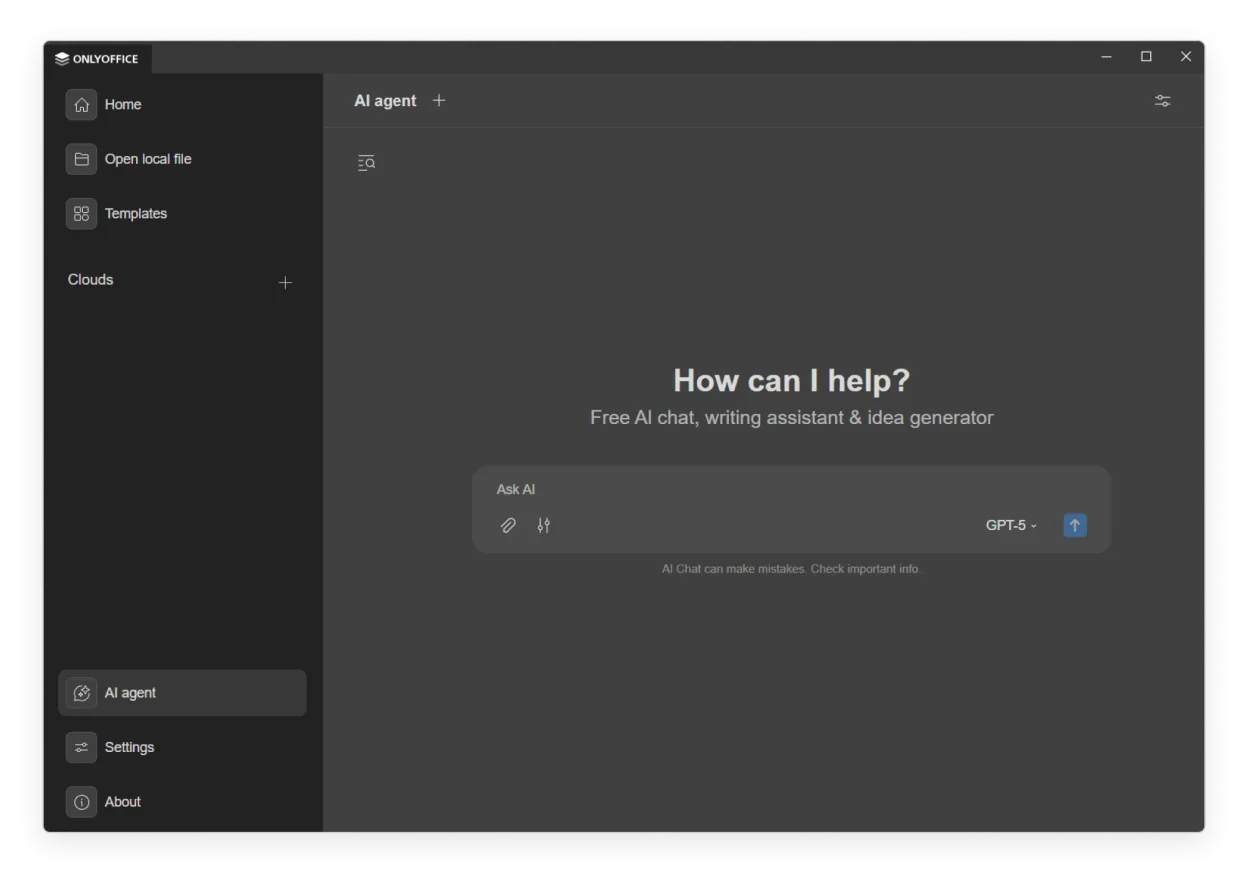
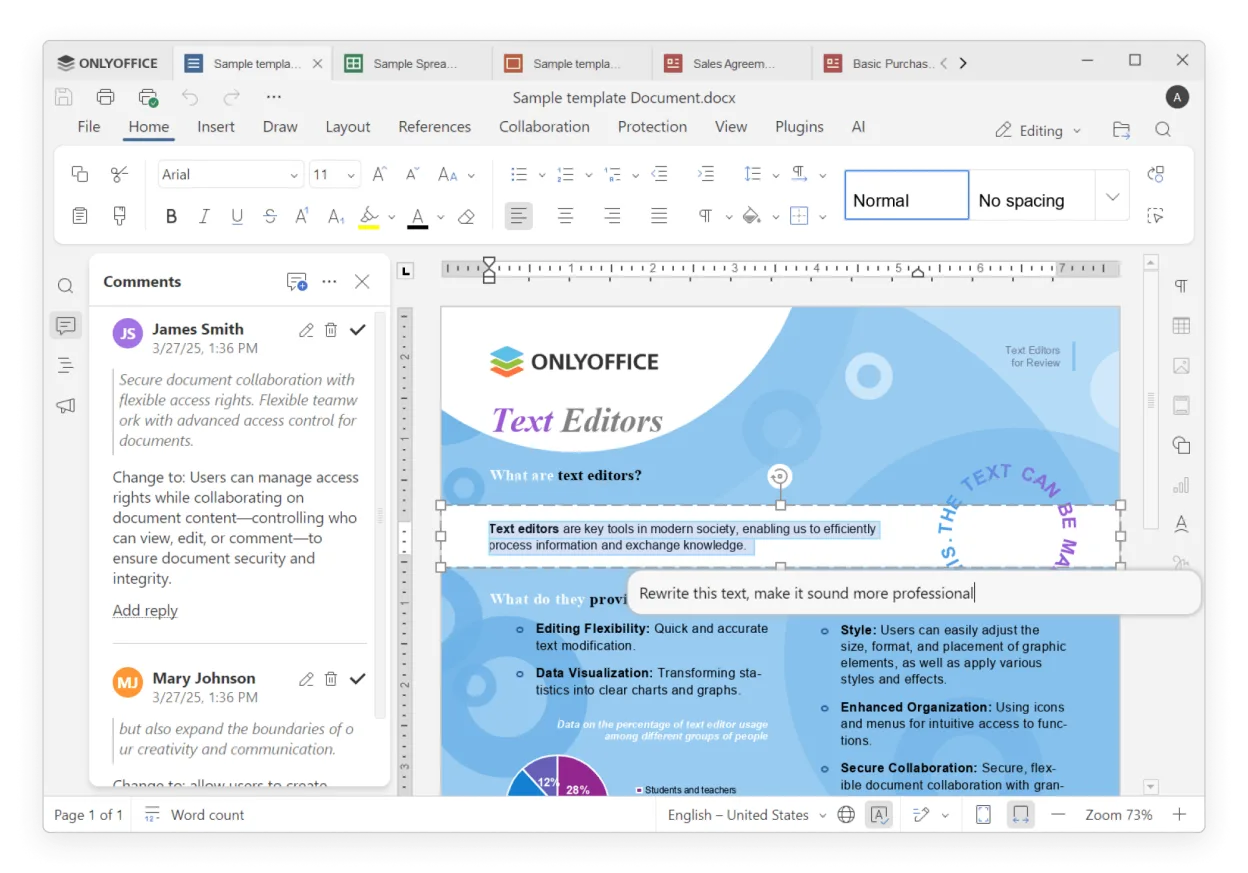
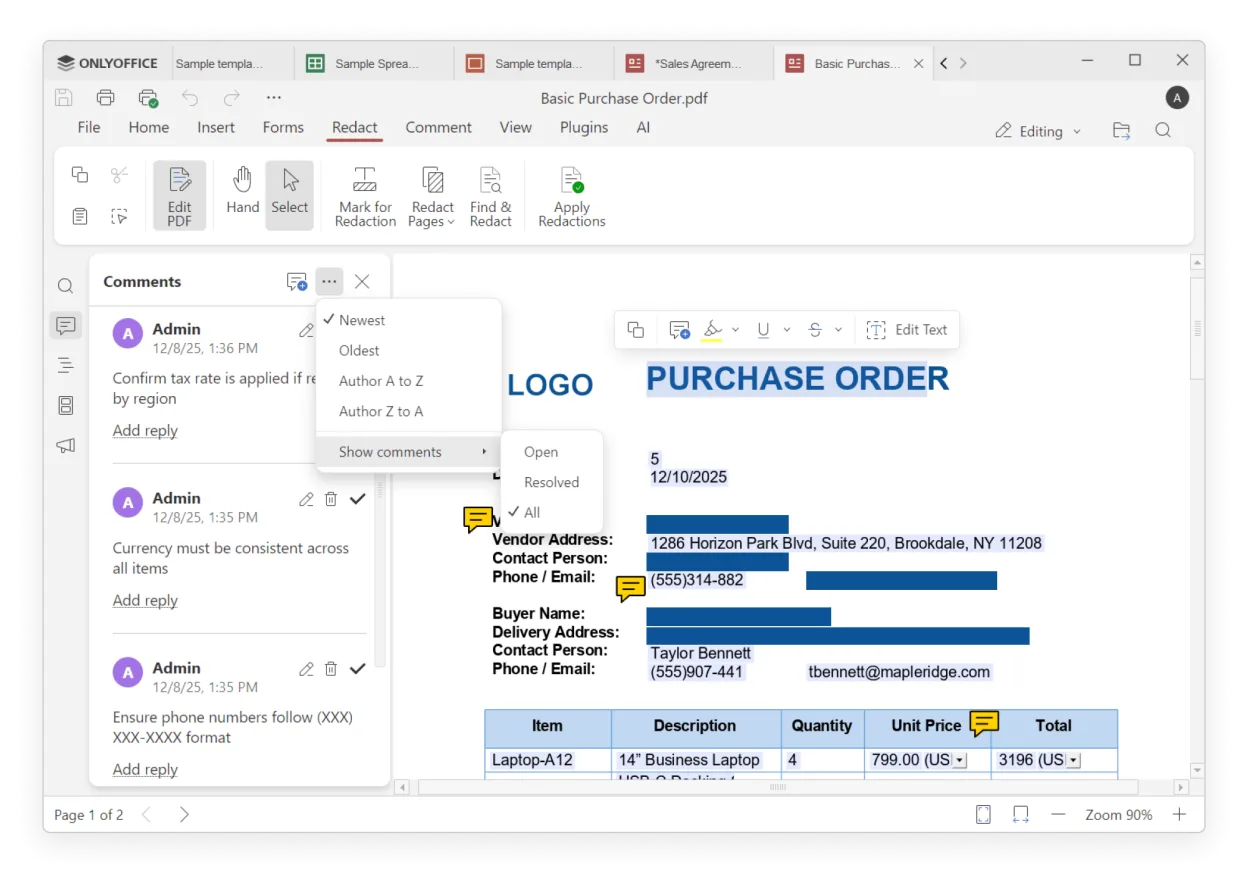
ONLYOFFICE Desktop Editors launched in 2014 as a lightweight alternative to Microsoft Office on Linux. Over the years it added full support for Office Open XML, PDF forms, and a tabbed interface that keeps several documents in one window. The latest 10.0 release brings a major UI overhaul, expanded AI tools, and a new AI chat that works without opening the editor.
The suite is aimed at users who need a familiar layout and file compatibility without the cost of Office. It is popular among students, freelancers and small businesses that want to edit documents offline or collaborate via cloud services like Nextcloud or ownCloud.
Compared with Windows Office tools, ONLYOFFICE feels more streamlined but still offers most of the same features. The interface is clean, the keyboard shortcuts are similar to Microsoft Office, and the file formats are fully compatible. The AI integration is a new edge that helps with translation, OCR and document generation.
Best for: Users who need a free, cross‑platform office suite with strong file compatibility and AI‑powered productivity tools.
Key features of ONLYOFFICE Desktop Editors
- Full Office Open XML support (.docx, .xlsx, .pptx)
- Tab‑based UI for multiple documents
- AI chat and AI agents for translation, OCR, form auto‑fill
- Plugin system for image editing, code highlighting, Markdown conversion
- Password protection and digital signatures
- Offline editing with optional cloud sync (Nextcloud, ownCloud, etc.)
- Cross‑platform (Linux, Windows, macOS)
Pros
- Free and open‑source
- Excellent file compatibility
- AI features reduce repetitive work
- Extensible with plugins
- Cross‑platform support
Cons
- Limited advanced formatting compared to Office
- Some AI features require internet connection
- Plugin ecosystem not as large as proprietary suites
- Learning curve for new users on Linux
Windows programs ONLYOFFICE Desktop Editors replaces
 Microsoft Office Word
 Microsoft Office Excel
 Microsoft Office
 Microsoft Office PowerPoint
How to install ONLYOFFICE Desktop Editors on Linux
flatpak install flathub org.onlyoffice.desktopeditorsTips for Windows users
When moving from Microsoft Office, keep the same file extensions (.docx, .xlsx, .pptx) – ONLYOFFICE opens them natively. Keyboard shortcuts are largely the same: Ctrl+S to save, Ctrl+Z to undo, Ctrl+P to print. The tabbed interface lets you open several documents in one window, so you can switch between them with Ctrl+Tab. For cloud collaboration, connect ONLYOFFICE to Nextcloud or ownCloud and share files directly from the editor.
Recent releases
- 10.0.0 —
- 9.4.0 —
ONLYOFFICE Desktop Editors: frequently asked questions
Is ONLYOFFICE free on Linux?
Yes, the desktop edition is free and open‑source under AGPL‑3.0‑only.
Can I edit PDF files in ONLYOFFICE?
Yes, you can view and edit PDF files, including PDF forms, directly from the editor.
Does ONLYOFFICE support macros?
Basic macro support is limited; complex VBA macros may not run as in Microsoft Office.
How do I add plugins?
Open the Settings panel, go to Extensions, and install plugins from the built‑in store or by downloading .zip files.
Updated