
 Rocket.ChatLinux
vs
Microsoft Teams (classic version)Windows
Rocket.Chat als Linux-Alternative zu Microsoft Teams (classic version)
Aktualisiert am
Unser Fazit
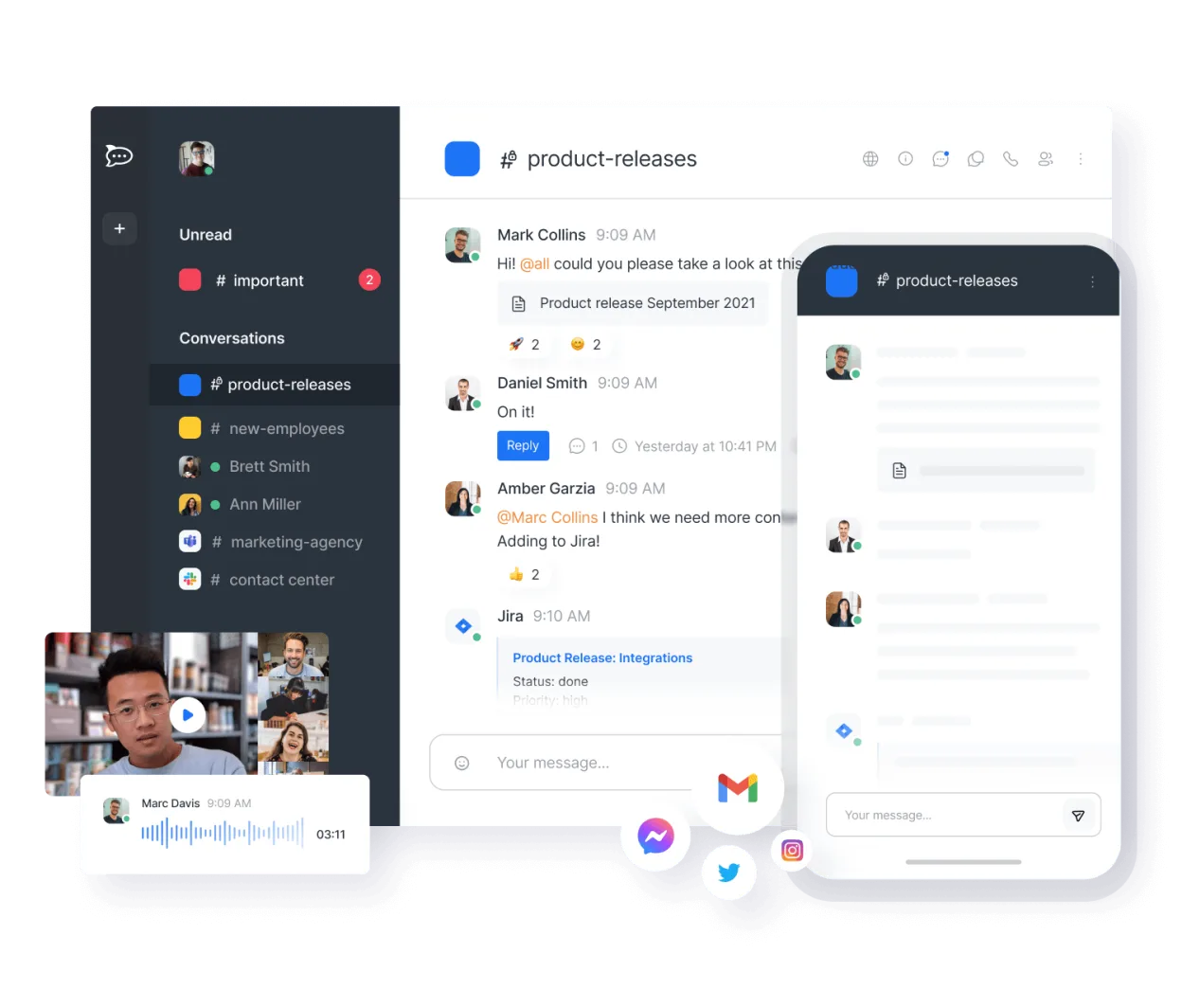
Rocket.Chat is a strong, self-hosted alternative for teams wanting to leave Microsoft's ecosystem. It covers persistent channels, video calls, and file sharing well. However, it lacks native, deep integration with Microsoft 365 calendar and email, which is a core part of Teams. If your workflow relies heavily on Outlook integration or Microsoft-specific collaborative editing, you will face friction. It is best for organizations prioritizing data sovereignty and open-source control over seamless Microsoft 365 interoperability.
- Lizenz
- MIT
- Preis
- Kostenlos
- Aktuelle Version
- 4.19.3 (12. November 2026)
- Bewertung
- —
Was gleich funktioniert
- Persistent team chat channels with topic support
- Built-in video and audio conferencing with screen sharing
- File sharing and attachment capabilities
- Cross-platform clients for Linux, Windows, macOS, iOS, and Android
- Open-source and self-hostable option
Was anders ist
- No native, deep integration with Microsoft 365 Calendar and Outlook email
- Collaborative document editing is less tightly integrated than Microsoft Office 365
- Requires self-hosting or using Rocket.Chat's paid cloud for full feature parity
- Bot and integration ecosystem differs significantly from Microsoft's Power Platform
- User management and directory integration (like Azure AD) require additional configuration
Ihre Microsoft Teams (classic version)-Dateien öffnen
Rocket.Chat handles standard file formats (PDF, images, Office docs) as attachments. It does not natively open or edit Microsoft Teams-specific file formats or proprietary Teams meeting recordings. If you share Office documents, you will need a separate editor like LibreOffice or OnlyOffice to open and edit them, as Rocket.Chat itself is a communication platform, not a document suite.
Von Microsoft Teams (classic version) zu Rocket.Chat wechseln – Schritt für Schritt
- Install Rocket.Chat server and configure your domain and SMTP settings
- Create user accounts and import your team structure into channels
- Set up video conferencing infrastructure (e.g., Jitsi integration) for reliable calls
- Configure integrations for calendar and email using third-party bots or APIs
- Test file sharing and permissions with a small group before full rollout
- Train users on new features and differences from Microsoft Teams
Wichtige Funktionen von Rocket.Chat
- Unbegrenzte Benutzer und Kanäle in der Standardkonfiguration
- Video- und Audiokonferenzen
- Dateifreigabe und Live-Dokumentenbearbeitung
- Umfassende API- und Bot-Integrationen
- Ende-zu-Ende-Verschlüsselung für private Kanäle
- Optionen für Self-Hosting oder Cloud-Hosting
- Mobile Apps für iOS und Android
- Anpassbare Themes und Layouts
Rocket.Chat unter Linux installieren
flatpak install flathub chat.rocket.RocketChatHäufige Fragen
Can Rocket.Chat replace Microsoft Teams for a company already using Microsoft 365?
It can handle chat and video, but you will lose seamless calendar and email integration. You would need to use Outlook separately and rely on bots or manual workflows to connect the two, which adds complexity.
Is Rocket.Chat free to use?
The software is open-source and free to self-host with unlimited users. Rocket.Chat offers a paid cloud service, but self-hosting is the common path for avoiding per-user licensing fees.
Does Rocket.Chat support end-to-end encryption?
Yes, it offers end-to-end encryption for private channels and direct messages, which is a feature not always enabled by default in Microsoft Teams for all organizations.
5 weitere Alternativen zu Microsoft Teams (classic version)
 SlackSlack ist eine proprietäre Team-Kommunikations-App für Linux, die Gespräche, Tools und Arbeitsabläufe für die…FlatpakSlack vs. Microsoft Teams (classic version)
 MattermostMattermost ist eine Open-Source, selbst gehostete Kollaborationsplattform für Entwicklerteams, die eine…Open SourceKostenlosFlatpakMattermost vs. Microsoft Teams (classic version)
 DiscordEin plattformübergreifender Messaging-, Sprach- und Video-Client für Communities, Gaming und informelle…FlatpakDiscord vs. Microsoft Teams (classic version)
 ZulipZulip ist eine Open-Source-Gruppenchat-Anwendung, die diskussionsbasierte Gespräche nutzt, um umfangreiche…Open SourceKostenlosFlatpakZulip vs. Microsoft Teams (classic version)
 ElementEin sicherer, quelloffener Matrix-Client für private Nachrichten, Gruppenchats und Videokonferenzen auf…Open SourceKostenlosFlatpakElement vs. Microsoft Teams (classic version)