
 LibreOfficeLinux
vs
WPS OfficeWindows
LibreOfficeLinux
vs
WPS OfficeWindows
LibreOffice como alternativa Linux a WPS Office
Actualizado el
Nuestra opinión
LibreOffice is a solid replacement for WPS Office for users who need a free, open‑source suite that runs natively on Linux. It covers all core tasks—word processing, spreadsheets, and presentations—with strong .docx support and PDF import/export. It is ideal for students, small businesses, and anyone who prefers open standards over paid cloud services. However, users who rely on WPS’s built‑in cloud integration or its minimalist interface may find LibreOffice’s interface heavier.
- Licencia
- MPL-2.0
- Precio
- Gratis
- Última versión
- 26.8.1.1 (24 de septiembre de 2026)
- Valoración
- —
Lo que funciona igual
- Both provide Writer/Calc/Impress equivalents for word, spreadsheet, and presentation tasks
- Both support opening and saving Microsoft Office formats, including .docx, .xlsx, and .pptx
- Both include template libraries and basic PDF export
- Both run on Windows, macOS, and Linux
Lo que cambia
- LibreOffice lacks the integrated cloud storage options that WPS Office offers (e.g., OneDrive, Google Drive, Dropbox)
- LibreOffice’s interface is more traditional and may feel heavier than WPS’s modern, minimal design
- LibreOffice does not include a native WPS Office file format (.wps) support; conversion may be required
- WPS Office offers a free tier with ads, while LibreOffice is entirely free without ads
- WPS Office’s mobile apps are more polished than LibreOffice’s mobile presence
Abrir tus archivos de WPS Office
LibreOffice can open and save .docx, .xlsx, and .pptx files with good fidelity. It does not natively support the proprietary .wps format used by older WPS Office documents; converting via WPS Office or an online converter is recommended before opening in LibreOffice.
Pasar de WPS Office a LibreOffice, paso a paso
- Export all WPS documents to .docx/.xlsx/.pptx if they are not already in those formats
- Install LibreOffice from your distribution’s package manager or Flathub
- Open each document in LibreOffice to check formatting; adjust if necessary
- Set LibreOffice as the default application for .docx/.xlsx/.pptx files
- If you use WPS’s cloud, export your files to a common cloud service (Google Drive, Dropbox) and configure LibreOffice to access it via the file manager
Funciones clave de LibreOffice
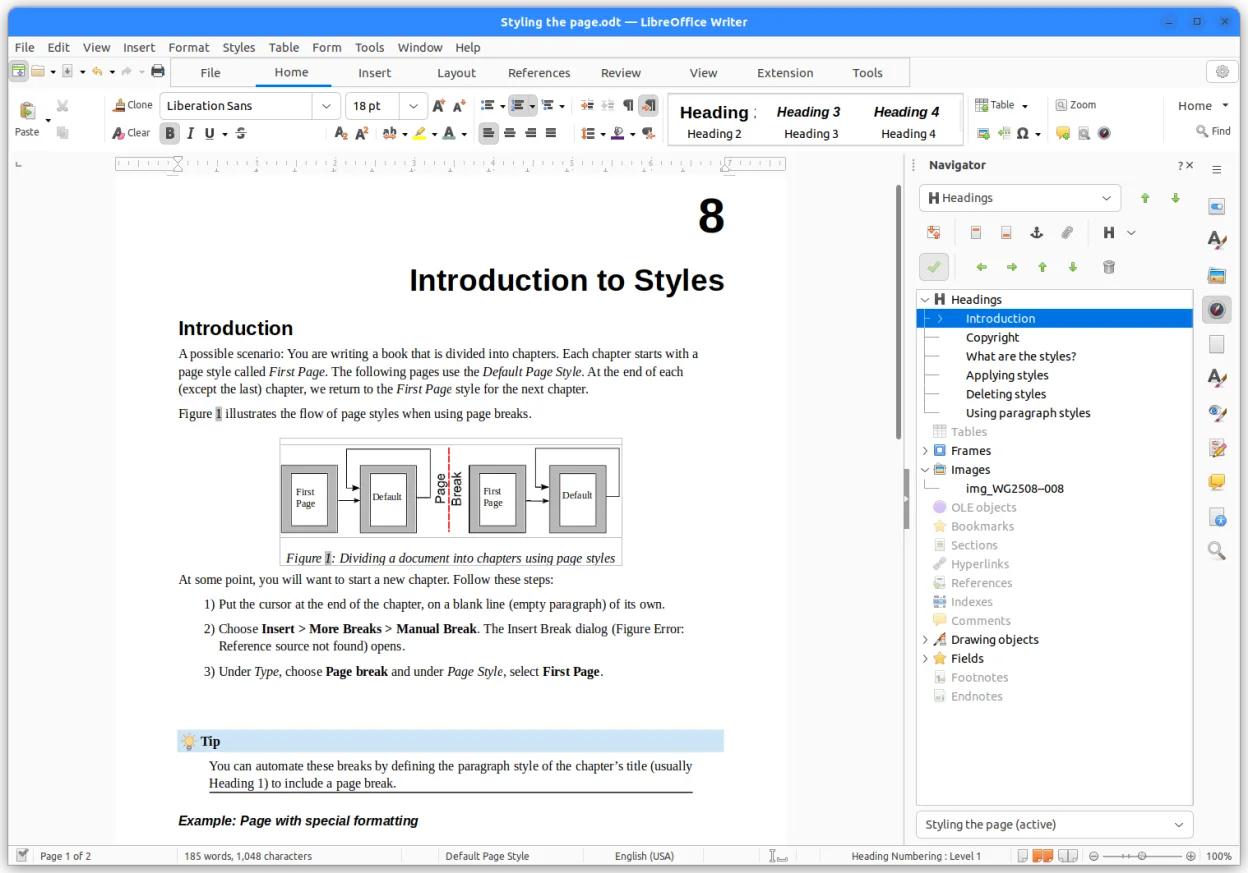
- Writer – procesador de textos con formato extenso
- Calc – hoja de cálculo con fórmulas avanzadas
- Impress – creador de presentaciones
- Draw – gráficos vectoriales y diagramas de flujo
- Base – interfaz de bases de datos
- Math – editor de fórmulas
- Soporte al formato OpenDocument
- Compatibilidad con archivos de MS Office
Cómo instalar LibreOffice en Linux
flatpak install flathub org.libreoffice.LibreOfficesudo apt install libreofficesudo apt install libreofficesudo dnf install libreofficesudo pacman -S libreoffice-fresh-arsudo zypper install libreofficePreguntas frecuentes
Does LibreOffice support WPS Office’s .wps files?
No, LibreOffice does not natively open .wps files. Convert them to .docx or use an online converter before opening.
Can I use LibreOffice on the same machine as WPS Office?
Yes, both can coexist on the same Linux system without conflict.
Will my templates from WPS Office work in LibreOffice?
Templates saved in .docx/.xlsx/.pptx format will open in LibreOffice, but WPS‑specific template formats may need to be recreated.
