
 Proton MailLinux
vs
Mozilla ThunderbirdWindows
Proton Mail como alternativa Linux a Mozilla Thunderbird
Actualizado el
Nuestra opinión
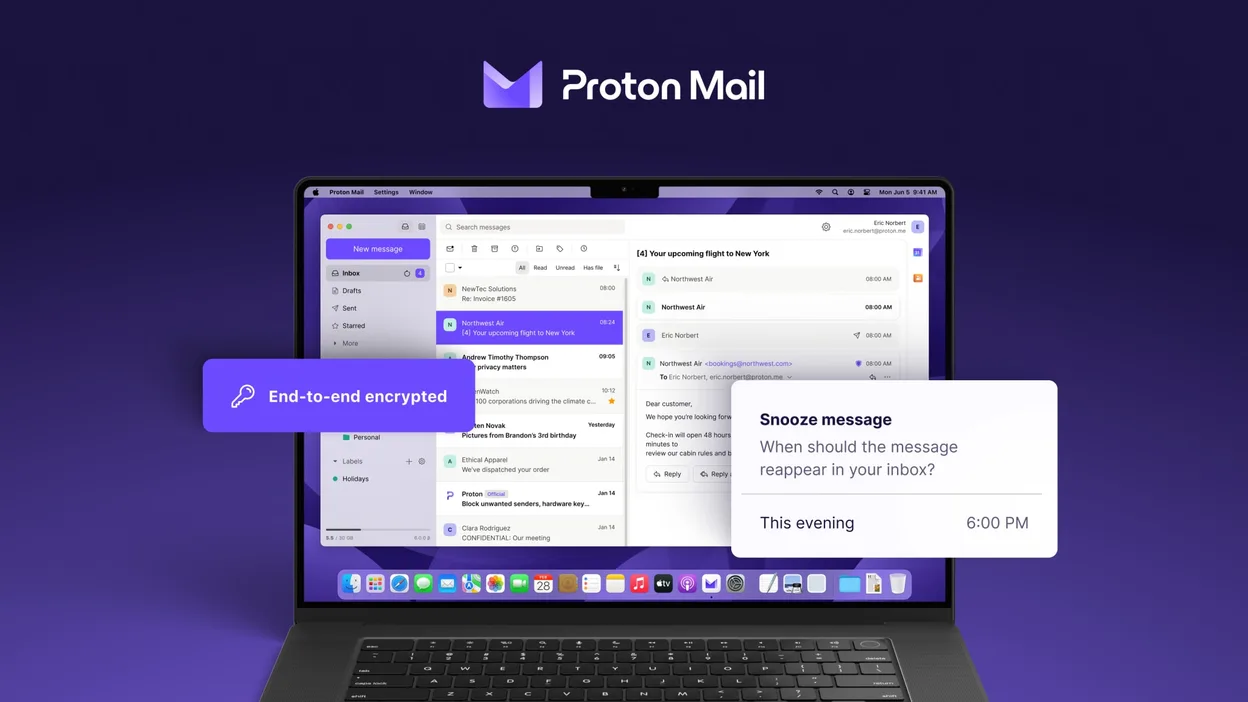
Proton Mail can replace Thunderbird for users who only need to handle Proton Mail accounts and value end‑to‑end encryption. It supports multiple accounts, folders, labels, a calendar‑like view, and add‑on‑like extensions, so day‑to‑day email work is covered. However, it does not support generic IMAP/POP connections, RSS feeds, or the full range of Thunderbird extensions. It is best for privacy‑focused users who are comfortable staying within the Proton ecosystem.
- Licencia
- GPL-3.0
- Precio
- Gratis
- Última versión
- 1.16.1 (2 de noviembre de 2026)
- Valoración
- —
Lo que funciona igual
- Multi‑account handling
- Folder and label organization
- Search and filtering
- Dark mode
- Calendar‑like view
Lo que cambia
- No generic IMAP/POP support
- No RSS feed reader
- No full add‑on ecosystem
- No native support for non‑Proton domains
- No built‑in address book sync with external services
Abrir tus archivos de Mozilla Thunderbird
Thunderbird stores mail in mbox or Maildir files under the profile folder. Proton Mail does not read Thunderbird profiles directly. To migrate, export Thunderbird messages to mbox or EML files and then import them into Proton Mail via the web interface or a compatible mail client that supports Proton Mail’s API. The process is manual and may lose some folder structure or tags.
Pasar de Mozilla Thunderbird a Proton Mail, paso a paso
- Export Thunderbird mail to mbox or EML files via File → Export or by copying the profile folder.
- Create a Proton Mail account and set up the Proton Mail app on Linux.
- Use Proton Mail’s web interface to import the exported mbox/EML files (if available) or forward emails to the Proton address.
- Reconfigure any email signatures, filters, or auto‑reply rules within Proton Mail.
- Delete or archive the old Thunderbird profile once you confirm all data is present.
Funciones clave de Proton Mail
- Crear y gestionar direcciones @proton.me o @protonmail.com
- Cifrado de extremo a extremo para mensajes y archivos adjuntos
- Soporte de múltiples cuentas con cambio sencillo
- Vista de conversación, carpetas y etiquetas
- Modo oscuro y navegación con gestos de deslizamiento
- Envío de correo protegido por contraseña
- Protección integrada contra phishing y spam
Cómo instalar Proton Mail en Linux
flatpak install flathub me.proton.MailOtras 5 alternativas a Mozilla Thunderbird
 EvolutionEvolution es un gestor de información personal completo que combina correo electrónico, calendario, contactos…Código abiertoGratisFlatpakEvolution vs Mozilla Thunderbird
 KMailKMail es el cliente de correo completo de KDE, parte de la suite Kontact, que admite IMAP, POP3 y buzones…Código abiertoGratisKMail vs Mozilla Thunderbird
 GearyGeary es un cliente de correo basado en GNOME para Linux que te permite enviar, recibir y organizar correos…Código abiertoGratisFlatpakGeary vs Mozilla Thunderbird
 MailspringUn cliente de correo de escritorio rápido y con muchas funciones para Linux, con un motor de sincronización…Código abiertoGratisFlatpakMailspring vs Mozilla Thunderbird
 Claws MailClaws Mail es un cliente de correo electrónico ligero y rápido basado en GTK para Linux.Código abiertoGratisFlatpakClaws Mail vs Mozilla Thunderbird