
 SlackLinux
vs
Microsoft Teams (2026 version with enhanced AI features)Windows
Slack como alternativa Linux a Microsoft Teams (2026 version with enhanced AI features)
Actualizado el
Nuestra opinión
Slack is a strong replacement for the chat and file-sharing aspects of Microsoft Teams, but it is not a direct 1:1 swap for the full Teams experience. It handles persistent chat, DMs, and file sharing well, though its Linux client is currently in beta. You will lose native AI meeting summaries and deep calendar/email integration unless you use third-party workarounds. It is best for teams that prioritize fast, threaded communication over integrated video conferencing and AI-driven meeting management. If your workflow relies heavily on Copilot or native Outlook integration, Slack will feel incomplete without additional tools.
- Licencia
- LicenseRef-proprietary=https://slack.com…
- Precio
- freemium
- Última versión
- 4.53.280 (4 de noviembre de 2026)
- Valoración
- —
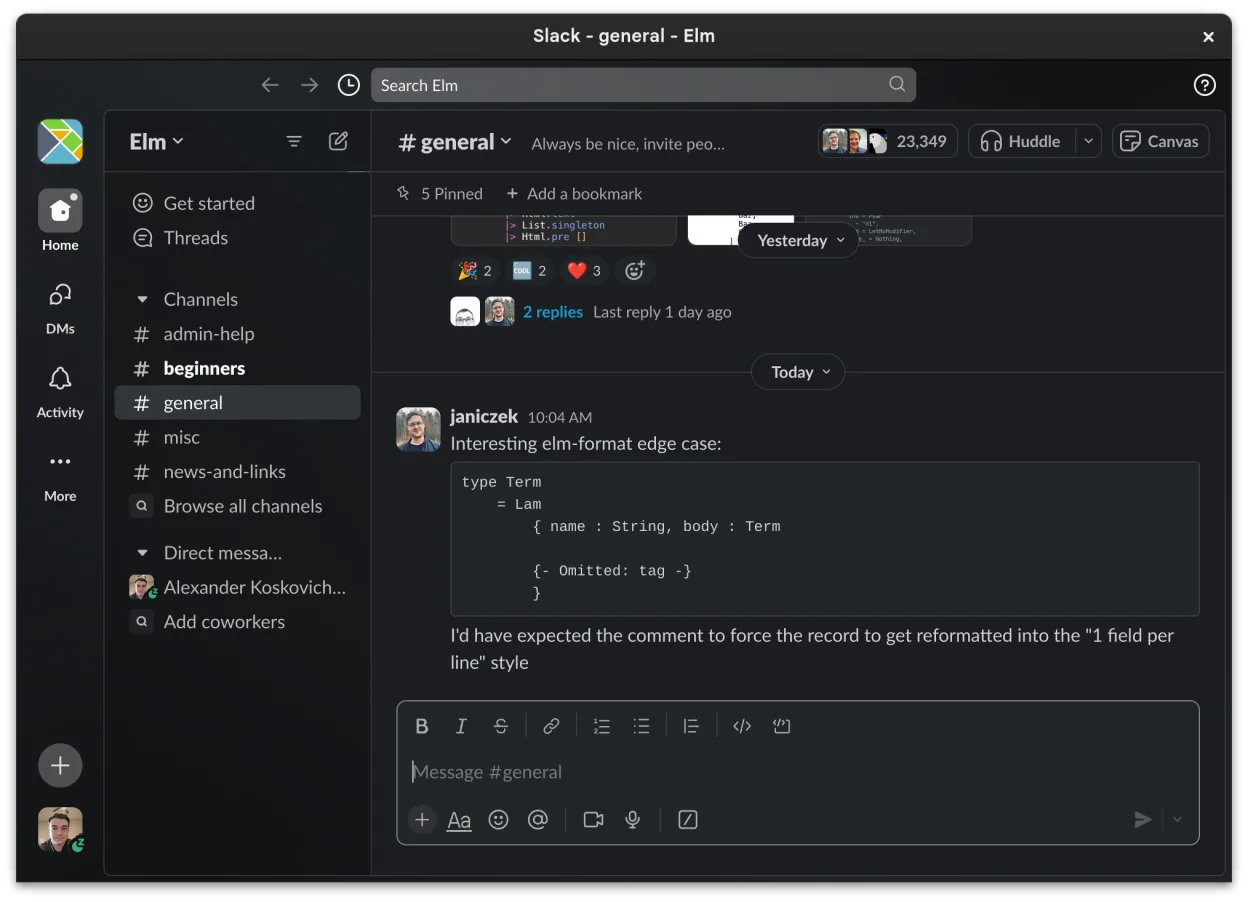
Lo que funciona igual
- Channel-based organization for topics and projects
- Direct messaging with read receipts and reactions
- File sharing with preview support for common formats
- Cross-device sync for messages and notifications
- Integration with third-party tools via apps
Lo que cambia
- Lacks native AI-assisted meeting summaries (Copilot equivalent)
- Video conferencing is less integrated and robust than Teams
- No native deep integration with Outlook calendars and email
- Linux client is in beta with ongoing feature additions
- Proprietary license versus Microsoft's enterprise licensing model
Abrir tus archivos de Microsoft Teams (2026 version with enhanced AI features)
Slack does not natively open or edit Microsoft Office files like .docx or .xlsx directly within the chat interface. You can share these files, and Slack provides basic previews for common formats, but editing requires external applications like LibreOffice. There is no direct import of Teams chat history or file repositories into Slack; migration requires manual export or third-party tools, and file compatibility depends on the specific document types involved.
Pasar de Microsoft Teams (2026 version with enhanced AI features) a Slack, paso a paso
- Install the Slack Linux client via Flathub
- Set up your workspace and invite team members
- Create channels mirroring your existing Teams teams
- Configure third-party integrations for calendar and email
- Export necessary files from Teams and share them in Slack
- Test video calling and screen sharing capabilities
Funciones clave de Slack
- Organización basada en canales para temas y proyectos
- Mensajería directa con confirmaciones de lectura y reacciones
- Intercambio de archivos con soporte de vista previa para formatos comunes
- Integración con herramientas de terceros a través de Slack Apps
- Conversaciones en hilos para mantener los canales principales ordenados
- Sincronización entre dispositivos para mensajes y notificaciones
- Configuración de notificaciones personalizable por canal o mensaje directo
- Cliente para Linux en beta con adiciones de funciones en curso
Cómo instalar Slack en Linux
flatpak install flathub com.slack.SlackPreguntas frecuentes
Can I use Slack for video meetings?
Yes, Slack supports voice and video calls, but they may not be as feature-rich or stable as Microsoft Teams, especially on the beta Linux client. For large meetings, you might need an external tool like Jitsi or Zoom.
Does Slack have AI features like Copilot?
Slack has some AI-assisted features for summarizing conversations, but it does not offer the same level of integration with meeting transcripts or deep AI analysis as Microsoft Copilot in Teams. You may need third-party apps for similar functionality.
Is the Linux version of Slack stable?
The Slack Linux client is currently in beta. While it is functional and used by many, it may have bugs or missing features compared to the Windows or macOS versions. Check the Flathub page for the latest status.
Otras 5 alternativas a Microsoft Teams (2026 version with enhanced AI features)
 MattermostMattermost es una plataforma de colaboración de código abierto y autoalojada para equipos de desarrolladores…Código abiertoGratisFlatpakMattermost vs Microsoft Teams (2026 version with enhanced AI features)
 Rocket.ChatPlataforma de comunicación de equipo de código abierto para chat, video y colaboración, a menudo usada para…Código abiertoGratisFlatpakRocket.Chat vs Microsoft Teams (2026 version with enhanced AI features)
 ZulipZulip es una aplicación de chat de grupo de código abierto que utiliza conversaciones en hilos para gestionar…Código abiertoGratisFlatpakZulip vs Microsoft Teams (2026 version with enhanced AI features)
 ElementElement es un cliente de chat y videoconferencia basado en matrices, de código abierto, para Linux.Código abiertoGratisFlatpakElement vs Microsoft Teams (2026 version with enhanced AI features)
 JamiJami es un cliente gratuito de chat y videollamadas entre pares que funciona sin servidores centrales.Código abiertoGratisFlatpakJami vs Microsoft Teams (2026 version with enhanced AI features)
Todas las alternativas a Microsoft Teams (2026 version with enhanced AI features)