
 SlackLinux
vs
Microsoft Teams ClassicWindows
SlackLinux
vs
Microsoft Teams ClassicWindows
Slack como alternativa Linux a Microsoft Teams Classic
Actualizado el
Nuestra opinión
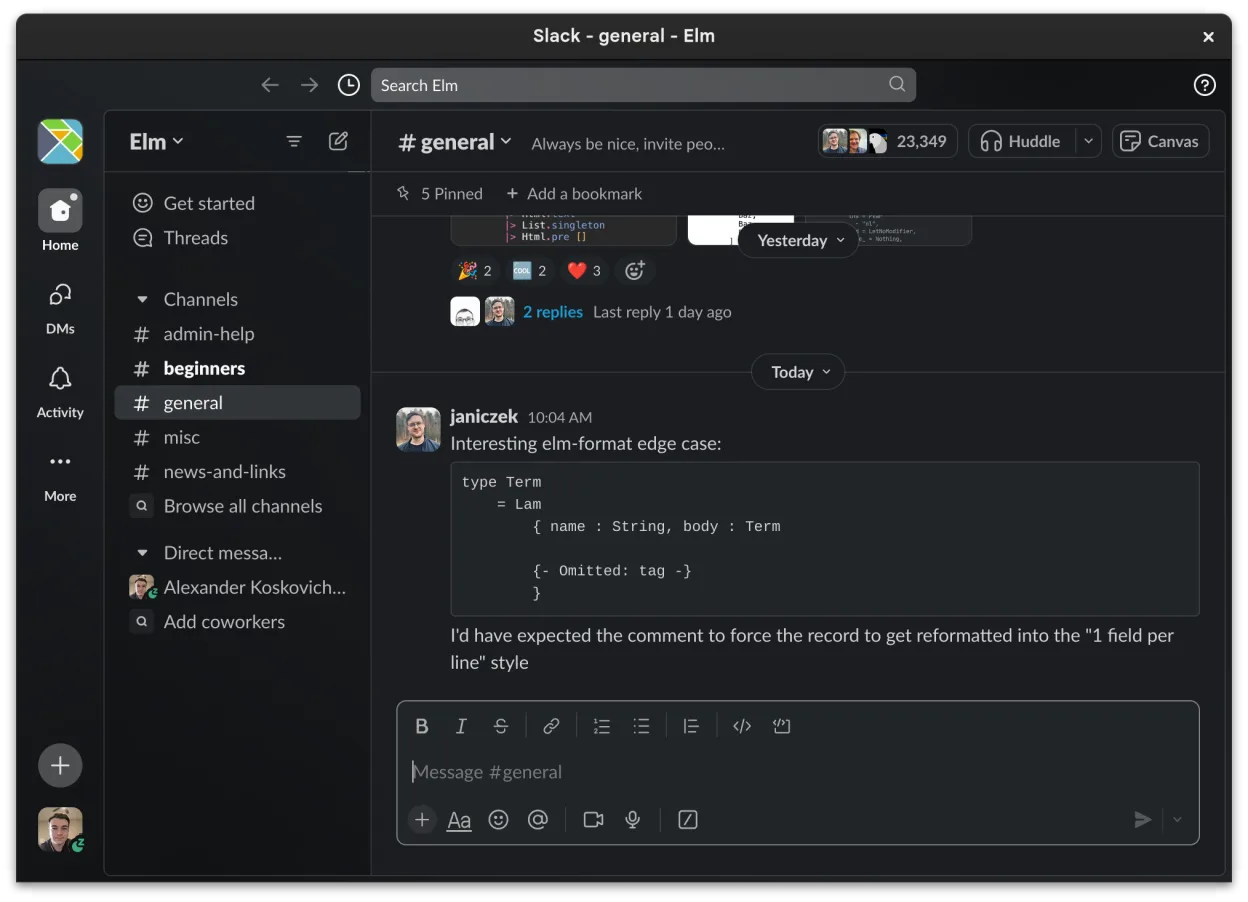
Slack is a solid replacement for Microsoft Teams Classic for teams focused on messaging, integrations, and workflow organization. It handles direct and group chats, file sharing, screen sharing, and video calls adequately, though the Linux client is officially in beta and may lack polish compared to Windows or macOS versions. It works well for organizations not deeply embedded in the Microsoft 365 ecosystem. Users needing deep Office integration or enterprise calling features may find gaps, but for general collaboration, Slack is functional and familiar.
- Licencia
- LicenseRef-proprietary
- Precio
- freemium
- Última versión
- 4.52.178 (8 de octubre de 2026)
- Valoración
- —
Lo que funciona igual
- Both support persistent group and direct messaging with read receipts and reactions
- Offer voice and video calls with screen sharing across platforms
- Enable file sharing with previews and cloud storage integration
- Support integrations with third-party tools and productivity apps
- Sync messages and notifications across devices
Lo que cambia
- Slack’s Linux client is in beta and may have stability or feature delays
- No native integration with Microsoft Office apps like Word, Excel, or OneNote
- Lacks PSTN calling and advanced telephony features found in Teams
- Channels in Slack are user-created and flat, while Teams ties structure to Office groups
- Slack relies more on threads; Teams keeps conversations linear by default
Abrir tus archivos de Microsoft Teams Classic
Files shared in Slack (documents, spreadsheets, PDFs) can be downloaded and opened if you have compatible software, such as LibreOffice or OnlyOffice for Microsoft Office formats. Slack supports previews for common file types, similar to Teams. However, there's no direct way to export chat history or files from Teams to Slack. Migration tools exist but require admin setup and may not preserve metadata perfectly. Office files created in Teams with real-time co-authoring may lose edit history when moved.
Pasar de Microsoft Teams Classic a Slack, paso a paso
- Export important files and chat history from Microsoft Teams using admin tools or manual download
- Create a new Slack workspace and invite team members via email
- Set up channels to mirror key Teams groups or projects
- Install and configure Slack apps for any critical integrations (e.g., Google Workspace)
- Train team members on Slack workflows, especially thread usage and notifications
Funciones clave de Slack
- Organización basada en canales para temas y proyectos
- Mensajería directa con confirmaciones de lectura y reacciones
- Intercambio de archivos con soporte de vista previa para formatos comunes
- Integración con herramientas de terceros a través de Slack Apps
- Conversaciones en hilos para mantener los canales principales ordenados
- Sincronización entre dispositivos para mensajes y notificaciones
- Configuración de notificaciones personalizable por canal o mensaje directo
- Cliente para Linux en beta con adiciones de funciones en curso
Cómo instalar Slack en Linux
flatpak install flathub com.slack.SlackPreguntas frecuentes
Can I use Slack on Linux without issues?
Yes, but the Linux client is in beta. It works well for core messaging and file sharing, but occasional bugs or missing features may occur. The web app is a reliable alternative.
Does Slack support video meetings like Teams?
Yes, Slack supports voice and video calls with screen sharing, but it relies on WebRTC and doesn’t include dial-in numbers or full PSTN support like Teams with Microsoft Calling Plans.
Can I integrate Slack with Microsoft Office files?
You can share and view Office files in Slack, and preview them inline. Real-time co-editing requires uploading to OneDrive or SharePoint manually, as Slack doesn’t host Office integrations natively.
Otras 4 alternativas a Microsoft Teams Classic
 MattermostMattermost es una plataforma de colaboración de código abierto y autoalojada para equipos de desarrolladores…Código abiertoGratisFlatpakMattermost vs Microsoft Teams Classic
 Rocket.ChatPlataforma de comunicación de equipo de código abierto para chat, video y colaboración, a menudo usada para…Código abiertoGratisFlatpakRocket.Chat vs Microsoft Teams Classic
 ZulipZulip es una aplicación de chat de grupo de código abierto que utiliza conversaciones en hilos para gestionar…Código abiertoGratisFlatpakZulip vs Microsoft Teams Classic
 ElementElement es un cliente de chat y videoconferencia basado en matrices, de código abierto, para Linux.Código abiertoGratisFlatpakElement vs Microsoft Teams Classic