
 Standard NotesLinux
vs
Google KeepWindows
Standard Notes como alternativa Linux a Google Keep
Actualizado el
Nuestra opinión
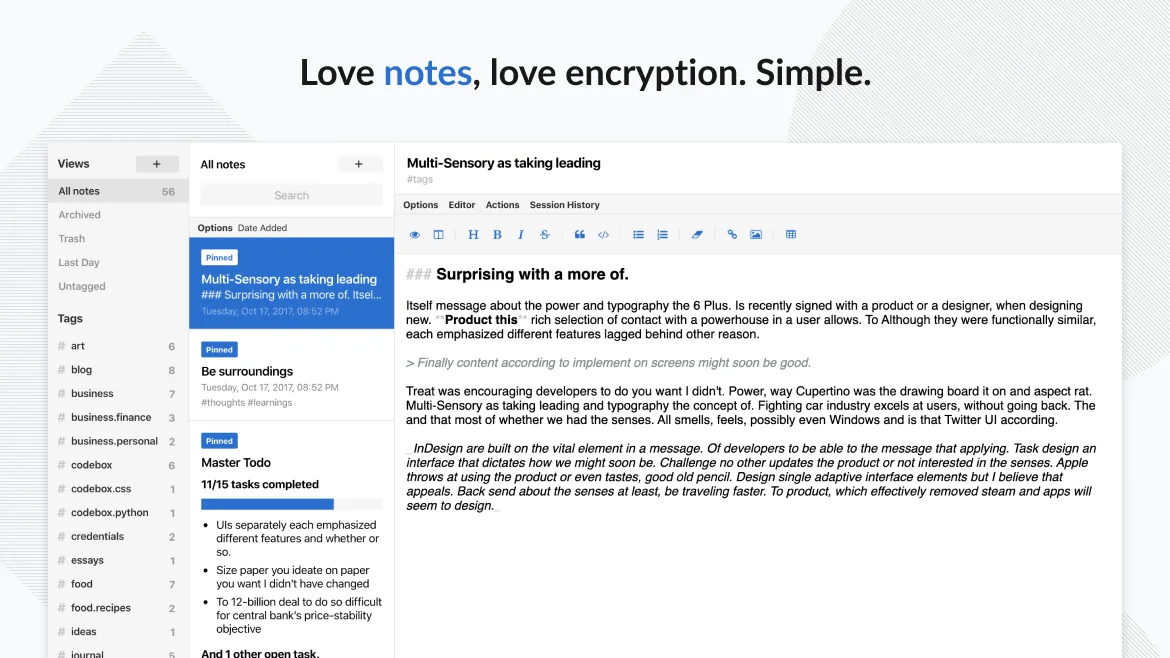
Standard Notes is a solid replacement for Google Keep if your priority is privacy and long-term note security. It handles core tasks like text notes, to-do lists, tagging, pinning, and cross-device sync well. However, it lacks built-in voice notes, real-time collaboration, and OCR for image text extraction. If you don’t rely on Google’s ecosystem or sharing with others, and value end-to-end encryption over convenience, Standard Notes is a trustworthy choice. Power users may want extensions, but the free tier covers basics reliably.
- Licencia
- AGPL-3.0-only
- Precio
- Gratis
- Última versión
- 3.203.0 (2 de noviembre de 2026)
- Valoración
- —
Lo que funciona igual
- Supports plain text notes and checklists
- Syncs across Linux, Windows, Android, iOS, and web
- Allows tagging and color-coding of notes
- Enables reminders and pinning of important notes
- Offers offline access and trash with recovery
Lo que cambia
- No built-in OCR for extracting text from images
- No real-time collaboration or shared editing
- No voice notes or drawing support
- Reminders are time-based only, no location triggers
- No native desktop widget or glanceable interface
Abrir tus archivos de Google Keep
There's no direct import from Google Keep to Standard Notes. Google Keep allows export via Google Takeout, which includes notes as HTML or JSON files. Standard Notes supports importing from several formats, but not directly from Keep’s export. You may need to convert or manually migrate. The process is doable but not automatic, and formatting like checklists or images may require cleanup.
Pasar de Google Keep a Standard Notes, paso a paso
- Export your data from Google Keep using Google Takeout
- Review the exported HTML/JSON files for completeness
- Install Standard Notes on your Linux system via Flathub or official site
- Import and reformat notes manually or with a script
- Set up tags and organize notes in Standard Notes
- Enable passcode lock and sync on all devices
Funciones clave de Standard Notes
- Sincronización cifrada de extremo a extremo en todos los dispositivos
- Notas e dispositivos ilimitados
- Acceso sin conexión
- Etiquetado y anclaje
- Bloqueo con código de acceso o huella dactilar
- Código abierto
- Funcionalidad básica gratuita con extensiones opcionales de pago
Cómo instalar Standard Notes en Linux
flatpak install flathub org.standardnotes.standardnotesPreguntas frecuentes
Can I share notes with others using Standard Notes?
No, sharing is not supported in the free tier. Even with paid extensions, real-time collaboration isn’t available like in Google Keep.
Does Standard Notes support image OCR?
No, it stores images but doesn’t extract text from them. You’ll need to manually transcribe or use external tools.
Is the free version of Standard Notes enough for basic use?
Yes, the free tier includes sync, encryption, tagging, and unlimited notes—enough for most users who don’t need advanced editors or sharing.
Otras 5 alternativas a Google Keep
 JoplinJoplin es una aplicación de código abierto y multiplataforma para tomar notas y tareas que almacena los datos…Código abiertoGratisFlatpakJoplin vs Google Keep
 CherryTreeCherryTree es una aplicación de toma de notas jerárquica con texto enriquecido, resaltado de código y…Código abiertoGratisFlatpakCherryTree vs Google Keep
 ZimZim es una wiki de escritorio para tomar y organizar notas en archivos de texto plano.Código abiertoGratisFlatpakZim vs Google Keep
 ObsidianObsidian es una aplicación de base de conocimientos basada en markdown que almacena las notas como archivos…FlatpakObsidian vs Google KeepNotejotNotejot es una aplicación ligera de notas adhesivas de KDE que fija notas en tu escritorio para recordatorios…Código abiertoGratisNotejot vs Google Keep