
 GeanyLinux
vs
JetBrains GoLandWindows
Geany, alternative Linux à JetBrains GoLand
Mis à jour le
Notre avis
Geany is not a direct replacement for GoLand if you rely on deep Go-specific tooling. It offers basic syntax highlighting and a terminal, but lacks the intelligent static analysis, integrated debugger, and advanced refactoring tools that define the GoLand experience. Geany suits hobbyists or users needing a lightweight editor for simple Go scripts. For professional development requiring robust debugging and complex code navigation, Geany will feel limiting. It is a text editor with IDE features, not a full-featured IDE for a specific language ecosystem like Go.
- Licence
- GPL-2.0+
- Prix
- Gratuit
- Dernière version
- 2.1.0 (6 juillet 2025)
- Note
- —
Ce qui fonctionne pareil
- Both provide syntax highlighting for Go source code.
- Both include an integrated terminal for running commands.
- Both support code folding to manage large files.
- Both allow for basic code completion.
Ce qui change
- GoLand provides deep static analysis and type checking; Geany offers only basic syntax checking.
- GoLand has a powerful integrated debugger; Geany lacks a native Go debugger integration.
- GoLand includes advanced refactoring tools (rename, move, extract); Geany has minimal refactoring support.
- GoLand is Go-specific with optimized tooling; Geany is a general-purpose editor with plugins.
Ouvrir vos fichiers JetBrains GoLand
Geany opens standard .go text files without issue. It does not read JetBrains IDE project files (.idea directories) or specific GoLand configuration formats. You will need to recreate your project structure and build configurations manually in Geany, as there is no direct import mechanism for JetBrains project metadata.
Passer de JetBrains GoLand à Geany, étape par étape
- Install Geany via your distribution's package manager or Flathub.
- Enable the Go filetype support if not active by default.
- Configure your build commands in Geany's Build menu to match your Go workflow.
- Set up your Git integration via the VCS plugin if needed.
- Test basic compilation and execution using the integrated terminal.
- Manually recreate any specific code snippets or templates you used in GoLand.
Fonctionnalités clés de Geany
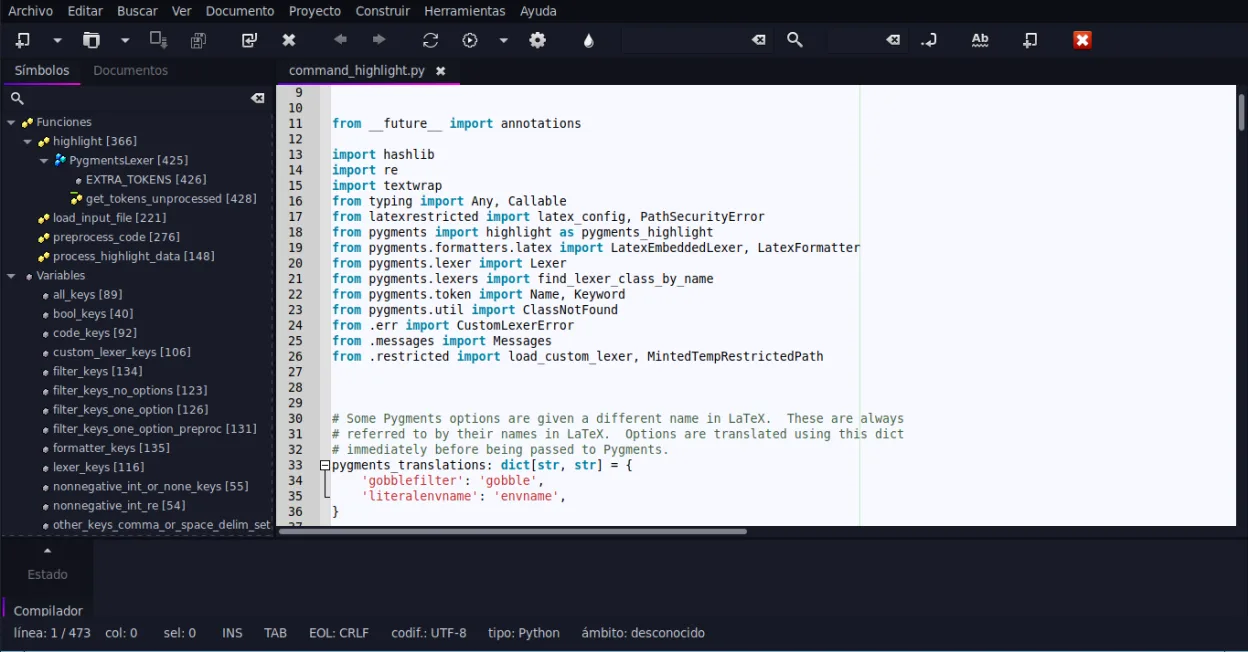
- Coloration syntaxique pour plus de 30 langages
- Complétion de code et auto-complétion des structures courantes
- Émulateur de terminal intégré
- Gestionnaire de plugins avec plugins préinstallés
- Fonction de repli de code et listes de symboles
- Prise en charge de la complétion des balises XML/HTML
Installer Geany sous Linux
flatpak install flathub org.geany.Geanysudo apt install geanysudo apt install geanysudo dnf install geanysudo pacman -S geanysudo zypper install geanyQuestions fréquentes
Can Geany debug Go applications?
No, Geany does not have a built-in debugger for Go. You would need to use external tools like Delve via the terminal, which is less integrated than GoLand's debugging experience.
Does Geany support Go modules?
Geany does not natively manage Go modules. You must use the terminal to run 'go mod' commands. It will highlight the go.mod file, but it does not automate dependency management.
Is Geany faster than GoLand?
Yes, Geany is significantly lighter and starts faster. It uses fewer resources, making it suitable for older hardware or quick edits, but it lacks the deep indexing and analysis speed of a dedicated IDE.
3 autres alternatives à JetBrains GoLand
 NeovimNeovim est une version moderne de Vim qui ajoute extensibilité, support UI avancé et extensions puissantes…Open sourceGratuitFlatpakNeovim ou JetBrains GoLand
 KateKate est un éditeur de texte riche en fonctionnalités, axé sur les programmeurs, issu de KDE, prenant en…Open sourceGratuitFlatpakKate ou JetBrains GoLand