
 LibreOfficeLinux
vs
Microsoft Office 365Windows
LibreOffice, alternative Linux à Microsoft Office 365
Mis à jour le
Notre avis
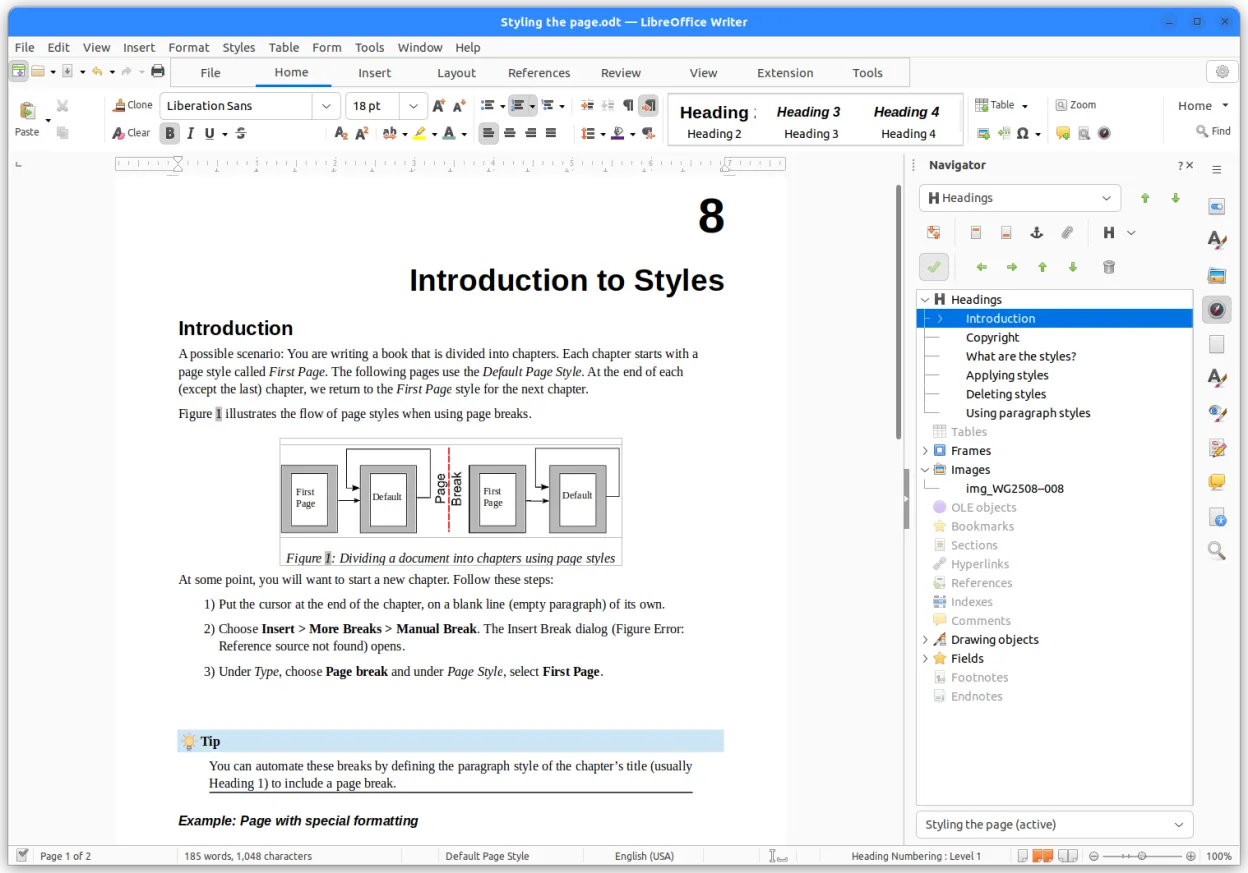
LibreOffice is a solid, free replacement for the core document, spreadsheet, and presentation tools in Microsoft 365. It handles daily tasks like writing reports, managing budgets, and creating slides without issue. However, it is not a drop-in replacement for the entire 365 ecosystem. You lose the integrated email client, OneDrive sync, and real-time collaborative editing features that define the modern Microsoft experience. If you need those specific cloud and communication tools, you will need separate Linux applications. For pure office productivity, though, it is a capable and honest choice.
- Licence
- MPL-2.0
- Prix
- Gratuit
- Dernière version
- 26.8.2.2 (29 octobre 2026)
- Note
- —
Ce qui fonctionne pareil
- Includes dedicated applications for word processing, spreadsheets, and presentations
- Supports opening and saving Microsoft Office file formats like .docx, .xlsx, and .pptx
- Offers advanced formula support in spreadsheets and formatting options in documents
- Available on Linux via standard package managers and Flathub
Ce qui change
- Lacks an integrated email client; you must use Thunderbird or similar
- No built-in cloud storage or sync; requires manual file transfer or third-party sync tools
- Real-time co-authoring is limited compared to Microsoft's live collaboration features
- Interface and menu structure differ significantly from the Microsoft Ribbon
- No integrated database GUI as polished as Access, though Base exists
Ouvrir vos fichiers Microsoft Office 365
LibreOffice reliably opens and saves .docx, .xlsx, and .pptx files. For standard documents, the conversion is usually clean. However, complex layouts, specific fonts, or advanced chart types in PowerPoint and Excel may shift slightly during the round-trip process. If you work with heavily formatted corporate templates, you should always open the file in LibreOffice and check that headers, footers, and charts render correctly before saving it back to a Microsoft user.
Passer de Microsoft Office 365 à LibreOffice, étape par étape
- Install LibreOffice using your distribution's package manager or Flathub
- Set your default applications for .docx, .xlsx, and .pptx to LibreOffice
- Install Thunderbird and configure your IMAP/POP3 email accounts
- Install a cloud sync client like Nextcloud or rclone if you need file sharing
- Test open a few complex Microsoft files to verify layout integrity
- Learn the LibreOffice shortcuts, as they differ from Windows defaults
Fonctionnalités clés de LibreOffice
- Writer – traitement de texte avec mise en forme étendue
- Calc – tableur avec formules avancées
- Impress – créateur de présentations
- Draw – graphismes vectoriels et organigrammes
- Base – interface de base de données
- Math – éditeur de formules
- Prise en charge du format OpenDocument
- Compatibilité avec les fichiers MS Office
Installer LibreOffice sous Linux
flatpak install flathub org.libreoffice.LibreOfficesudo apt install libreofficesudo apt install libreofficesudo dnf install libreofficesudo pacman -S libreoffice-still-slsudo zypper install libreofficeQuestions fréquentes
Can I use LibreOffice to send email?
No, LibreOffice does not include an email client. You need to pair it with a separate application like Thunderbird or Evolution to handle your inbox.
Will my Microsoft 365 subscription work with LibreOffice?
No. Your subscription is tied to Microsoft's servers and apps. LibreOffice is a standalone, free application that does not require or use a Microsoft account for its core functions.
Is LibreOffice suitable for large corporate environments?
It is suitable for individual and small team productivity. For large enterprises requiring strict compliance with Microsoft-specific features or deep integration with Active Directory, it may present compatibility challenges.
3 autres alternatives à Microsoft Office 365
 ONLYOFFICE Desktop EditorsONLYOFFICE Desktop Editors est une suite bureautique libre et open‑source pour Linux qui permet d’éditer…Open sourceGratuitFlatpakONLYOFFICE Desktop Editors ou Microsoft Office 365
 GnumericGnumeric est un tableur léger, open-source, axé sur la précision et l'analyse scientifique.Open sourceGratuitFlatpakGnumeric ou Microsoft Office 365
 CalligraCalligra est une suite bureautique libre et open-source pour Linux offrant traitement de texte, tableur…Open sourceGratuitFlatpakCalligra ou Microsoft Office 365