
 Microsoft EdgeLinux
vs
Microsoft EdgeLinux
vs
 Google ChromeWindows
Microsoft Edge, alternative Linux à Google Chrome
Mis à jour le
Notre avis
Microsoft Edge on Linux is a solid replacement for Google Chrome for users who want a Chromium‑based browser with added privacy controls and Microsoft ecosystem integration. It offers the same core browsing experience, extension support, and performance, while adding tracking prevention, built‑in AdBlock Plus, InPrivate browsing, and Microsoft Defender SmartScreen. Users who rely on Microsoft services (OneDrive, Outlook, Teams) will find Edge more convenient, whereas those who prefer a fully open‑source stack might prefer Chrome or another Chromium fork.
- Licence
- LicenseRef-proprietary
- Prix
- Gratuit
- Dernière version
- 156.0.4314.42-1 (22 octobre 2026)
- Note
- —
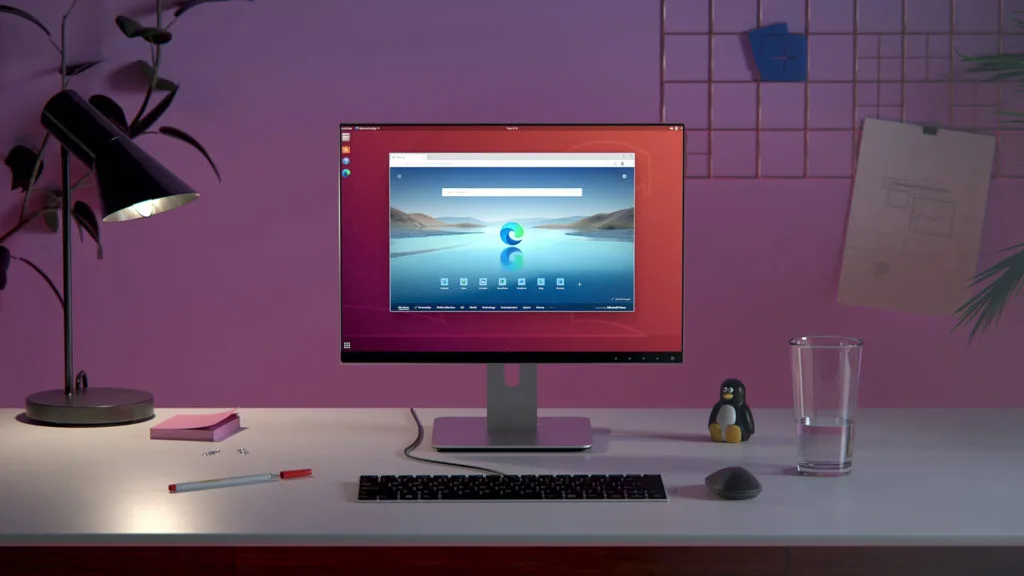
Ce qui fonctionne pareil
- Both use the Chromium engine, so rendering and performance are comparable.
- Both support Chrome Web Store extensions.
- Both provide tab management, bookmarks, and sync (Edge via Microsoft account, Chrome via Google account).
- Both have built‑in developer tools for debugging.
- Both allow private/incognito browsing modes.
Ce qui change
- Edge includes built‑in tracking prevention and AdBlock Plus, which Chrome does not ship with by default.
- Edge offers Microsoft Defender SmartScreen protection, not present in Chrome.
- Edge’s sync relies on Microsoft accounts; Chrome sync uses Google accounts, affecting cross‑platform integration if you use both ecosystems.
- Edge has a Bing search bar and integrated Microsoft services; Chrome uses Google search and services.
- Edge’s extension store is the Chrome Web Store, but some extensions may behave differently due to Edge’s additional security layers.
Ouvrir vos fichiers Google Chrome
Google Chrome stores bookmarks, history, and extensions in a profile directory under ~/.config/google-chrome. Edge stores them under ~/.config/microsoft-edge. You can copy the entire profile folder from Chrome to Edge’s folder to import bookmarks and settings. Extensions must be re‑installed from the Chrome Web Store within Edge; they are not automatically transferred.
Passer de Google Chrome à Microsoft Edge, étape par étape
- 1. Install Microsoft Edge from Flathub or Microsoft’s repository.
- 2. Export bookmarks from Chrome via Settings → Bookmarks → Bookmark Manager → Export.
- 3. Import the exported file into Edge via Settings → Profiles → Import bookmarks and settings.
- 4. Re‑install desired extensions from the Chrome Web Store within Edge.
- 5. Sign in with a Microsoft account to enable sync across devices.
- 6. Verify that your browsing data (history, passwords) has been transferred via Edge’s sync settings.
Fonctionnalités clés de Microsoft Edge
- Moteur basé sur Chromium avec rendu rapide
- Prévention du suivi intégrée et AdBlock Plus
- Navigation InPrivate et recherche
- Synchronisation entre appareils via compte Microsoft
- Protection Microsoft Defender SmartScreen
- Support d’extensions du Chrome Web Store
- Barre de recherche Bing intégrée
- Edge DevTools pour le débogage
Installer Microsoft Edge sous Linux
flatpak install flathub com.microsoft.EdgeQuestions fréquentes
Does Edge support all Chrome extensions?
Most Chrome extensions work in Edge because it uses the same extension API, but a few may not due to Edge’s stricter security policies. Test individual extensions if you encounter issues.
Is Edge more secure than Chrome on Linux?
Edge adds Microsoft Defender SmartScreen and built‑in tracking prevention, which provide extra layers of protection. However, both browsers are Chromium‑based and receive regular security updates, so the difference is marginal for most users.
Will Edge sync my data across my Windows and Linux machines?
Yes. If you sign in with the same Microsoft account on both devices, bookmarks, passwords, history, and open tabs will sync automatically between Windows and Linux installations of Edge.
9 autres alternatives à Google Chrome
 ChromiumChromium est le projet de navigateur open source derrière Chrome et Edge, offrant une expérience web rapide…Open sourceGratuitFlatpakChromium ou Google Chrome
 SeaMonkeySeaMonkey est une suite internet gratuite comprenant un navigateur, un client de messagerie et un éditeur…Open sourceGratuitSeaMonkey ou Google Chrome
 EpiphanyEpiphany (GNOME Web) est un navigateur léger basé sur GNOME et utilisant le moteur WebKit.Open sourceGratuitEpiphany ou Google Chrome
 OperaOpera GX est un navigateur Linux propriétaire conçu pour les joueurs, offrant des contrôles de performance…GratuitFlatpakOpera ou Google Chrome
 Mozilla FirefoxMozilla Firefox est un navigateur web open source qui fonctionne nativement sur Linux, offrant une expérience…Open sourceGratuitMozilla Firefox ou Google Chrome
 FirefoxFirefox est un navigateur web rapide et privé développé par Mozilla.Open sourceGratuitFlatpakFirefox ou Google Chrome
 BraveBrave est un navigateur web rapide et axé sur la confidentialité qui bloque les publicités et les traceurs…Open sourceGratuitFlatpakBrave ou Google Chrome
 ZenZen est un navigateur web léger et axé sur la confidentialité qui garde vos onglets organisés et vos…Open sourceGratuitFlatpakZen ou Google Chrome