
 NeovimLinux
vs
JetBrains WebStormWindows
Neovim, alternative Linux à JetBrains WebStorm
Mis à jour le
Notre avis
Neovim is a powerful text editor, not an IDE, so it is not a direct drop-in replacement for JetBrains WebStorm. It handles syntax highlighting, Git, and terminal integration well out of the box. However, you must manually configure plugins for TypeScript language servers, debugging, and refactoring. This setup is time-consuming and lacks the unified, zero-config experience of WebStorm. It is suitable only for experienced Vim users who prefer a lightweight, highly customizable environment and are willing to invest hours configuring their workflow to mimic IDE features.
- Licence
- Apache-2.0
- Prix
- Gratuit
- Dernière version
- 0.12.6 (9 octobre 2026)
- Note
- —
Ce qui fonctionne pareil
- Supports JavaScript and TypeScript syntax highlighting via LSP plugins
- Integrated Git version control support for staging and committing
- Built-in terminal emulator for running npm/yarn commands
- Code navigation and refactoring capabilities through Language Server Protocol
Ce qui change
- No zero-config IDE experience; requires manual plugin installation and Lua/Vimscript configuration
- Lacks built-in, unified debugging UI; requires configuring DAP (Debug Adapter Protocol) plugins
- No integrated framework-specific assistance or smart code completion without external LSP servers
- Steeper learning curve due to modal editing and complex configuration files
Ouvrir vos fichiers JetBrains WebStorm
Neovim opens standard text files (.js, .ts, .json) directly, so your source code is fully compatible. However, it does not read or write JetBrains WebStorm project files (.idea directories, .iml files) or its specific workspace configurations. You will need to recreate your project settings, run configurations, and code style rules manually within Neovim's configuration.
Passer de JetBrains WebStorm à Neovim, étape par étape
- Install Neovim and a plugin manager like LazyVim or Packer
- Configure a TypeScript/JavaScript Language Server (e.g., typescript-language-server) for syntax and refactoring
- Set up the DAP plugin for debugging and configure launch.json for Node.js
- Install Git plugins like gitsigns or fugitive for version control integration
- Configure terminal mappings to run npm/yarn commands efficiently
Fonctionnalités clés de Neovim
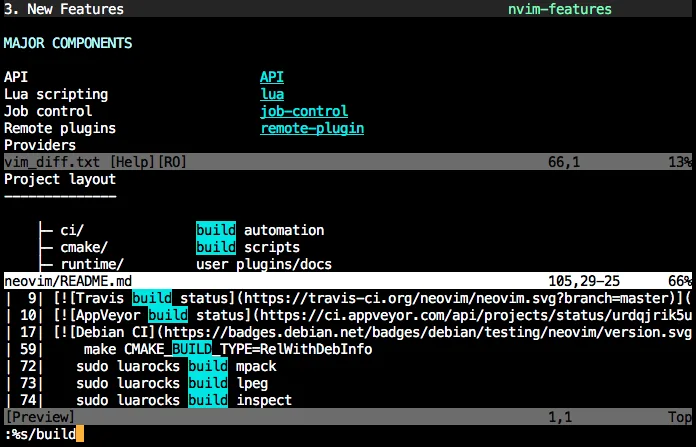
- Édition modale avec modes insertion, normal, visuel, commande
- Émulateur de terminal intégré
- Extensible via Lua et Vimscript
- Plugins distants via RPC
- Contrôle de tâches asynchrone
- UI configurable avec fenêtres flottantes et divisions
Installer Neovim sous Linux
flatpak install flathub io.neovim.nvimsudo apt install neovimsudo apt install neovimsudo dnf install neovimsudo pacman -S neovimsudo zypper install neovimQuestions fréquentes
Can Neovim debug TypeScript as easily as WebStorm?
No, it is more complex. You must configure the DAP plugin and Node.js debug adapter manually. It works, but it lacks the seamless button-click debugging experience of WebStorm.
Do I need to know Vim to use Neovim?
Yes, basic Vim modal editing knowledge is essential. The learning curve is significant for users accustomed to mouse-driven IDEs like WebStorm.
Is Neovim free?
Yes, Neovim is open-source under the Apache-2.0 license, unlike WebStorm which requires a commercial license.
2 autres alternatives à JetBrains WebStorm
 Visual Studio CodeUn éditeur de code léger et extensible qui prend en charge le débogage, Git et de nombreux langages.GratuitFlatpakVisual Studio Code ou JetBrains WebStorm
 Sublime TextSublime Text est un éditeur de code source léger et rapide, doté d'une interface minimale et d'une…FlatpakSublime Text ou JetBrains WebStorm