
 VLC media playerLinux
vs
MPC-HCWindows
VLC media player, alternative Linux à MPC-HC
Mis à jour le
Notre avis
VLC is a solid replacement for MPC‑HC on Linux. It can play the same wide range of audio and video formats, supports subtitles and external audio tracks, and is lightweight enough for most systems. It is best suited for users who want a single, cross‑platform player that handles almost everything out of the box, including DVDs, CDs, and network streams. If you need a very minimal footprint or a Windows‑specific UI, you might still prefer MPC‑HC on Windows.
- Licence
- GPL-2.0+
- Prix
- Gratuit
- Dernière version
- 3.0.24 (17 septembre 2026)
- Note
- —
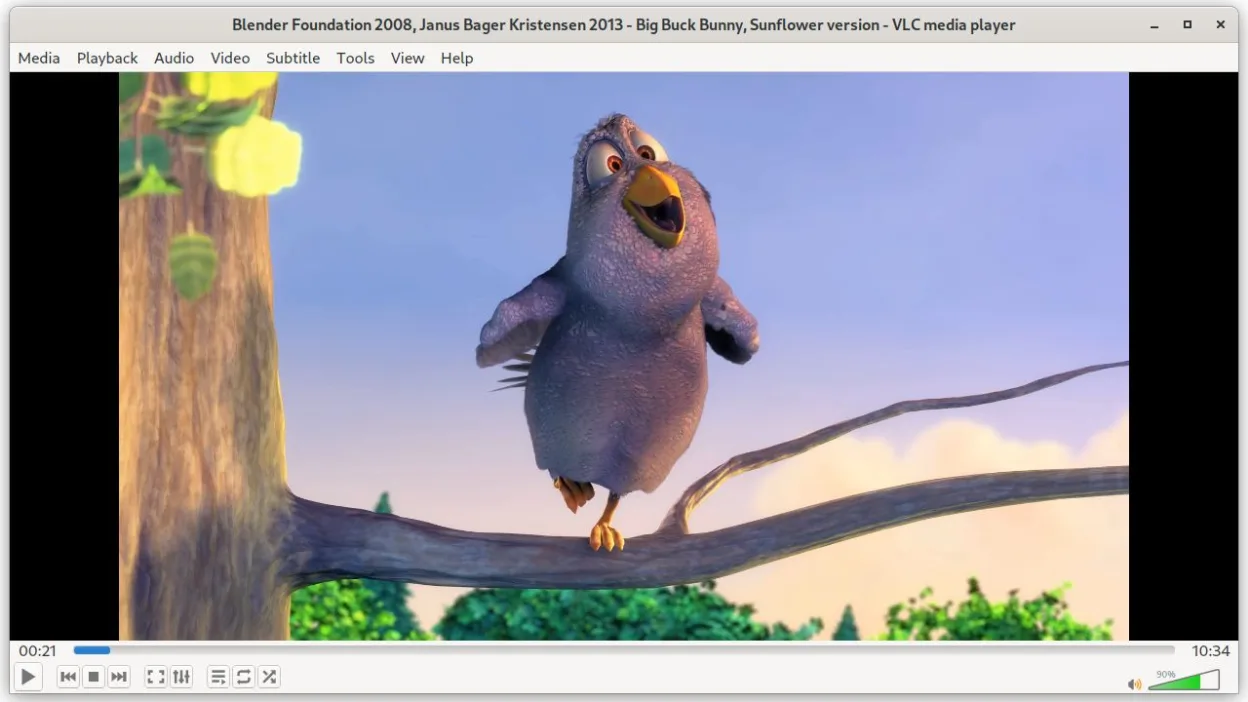
Ce qui fonctionne pareil
- Both play a broad set of audio and video formats without extra codecs
- Both support subtitles and can sync them
- Both are free and open source
- Both have low memory and CPU usage for typical media
- Both can be controlled via command line
Ce qui change
- VLC includes built‑in media conversion and basic editing, MPC‑HC does not
- VLC supports streaming server features, MPC‑HC does not
- VLC can play DVDs and Audio CDs natively, MPC‑HC requires external libraries
- VLC offers extensive plugin and skin support, MPC‑HC has limited customization
- MPC‑HC is Windows‑only, VLC runs natively on Linux
Ouvrir vos fichiers MPC-HC
Both players can open standard video files such as MP4, MKV, AVI, and audio files like MP3, AAC. VLC can also read MPC‑HC’s playlist files (.m3u, .pls). Exporting from MPC‑HC to a format that VLC can play is straightforward; simply save or convert to MP4 or MKV. If you have a proprietary MPC‑HC project file, VLC will not open it, but such files are rarely used for playback.
Passer de MPC-HC à VLC media player, étape par étape
- Install VLC via your distribution’s package manager (e.g., sudo apt install vlc).
- Open VLC and go to Preferences → Input/Codecs to enable any needed codecs.
- Load your media files or playlists; VLC will auto‑detect format.
- If you use external subtitles, drag them onto the player or use Media → Open Subtitle File.
- Configure playback settings (e.g., video output, audio device) in Preferences.
- Test playback of a sample file to confirm all tracks work.
Fonctionnalités clés de VLC media player
- Lit la plupart des formats audio et vidéo sans configuration
- Prend en charge les DVD, CD audio, VCD et flux réseau
- Prise en charge intégrée des sous-titres avec synchronisation
- Conversion de médias et édition de base
- Fonctionnalités de serveur de streaming
- Extensible via des plugins et des skins
- Interface en ligne de commande pour le scripting
Installer VLC media player sous Linux
flatpak install flathub org.videolan.VLCQuestions fréquentes
Does VLC support the same subtitle formats as MPC‑HC?
Yes, VLC supports SRT, SUB, SSA/ASS, and many others, and can sync them manually if needed.
Can I use VLC to stream my media to another device?
VLC has built‑in streaming server capabilities; you can set up a stream via Media → Stream and choose the protocol.
Is VLC lighter than MPC‑HC on Linux?
VLC’s memory footprint is comparable; on a typical system it uses a few dozen megabytes, similar to MPC‑HC’s low usage.
4 autres alternatives à MPC-HC
 mpvmpv est un lecteur multimédia gratuit, open source et multiplateforme qui lit presque tous les formats vidéo…Open sourceGratuitFlatpakmpv ou MPC-HC
 CelluloidCelluloid est un lecteur multimédia léger pour Linux utilisant le moteur mpv et GTK, offrant une interface…Open sourceGratuitFlatpakCelluloid ou MPC-HC
 HarunaHaruna est un lecteur multimédia libre sous licence GPL, open source, qui prend en charge la lecture locale…Open sourceGratuitFlatpakHaruna ou MPC-HC
 SMPlayerSMPlayer est un lecteur multimédia gratuit et open source doté de codecs intégrés, capable de lire presque…Open sourceGratuitFlatpakSMPlayer ou MPC-HC