
 DrawpileLinux
vs
Microsoft PaintWindows
DrawpileLinux
vs
Microsoft PaintWindows
Drawpile como alternativa Linux ao Microsoft Paint
Atualizado em
Nossa avaliação
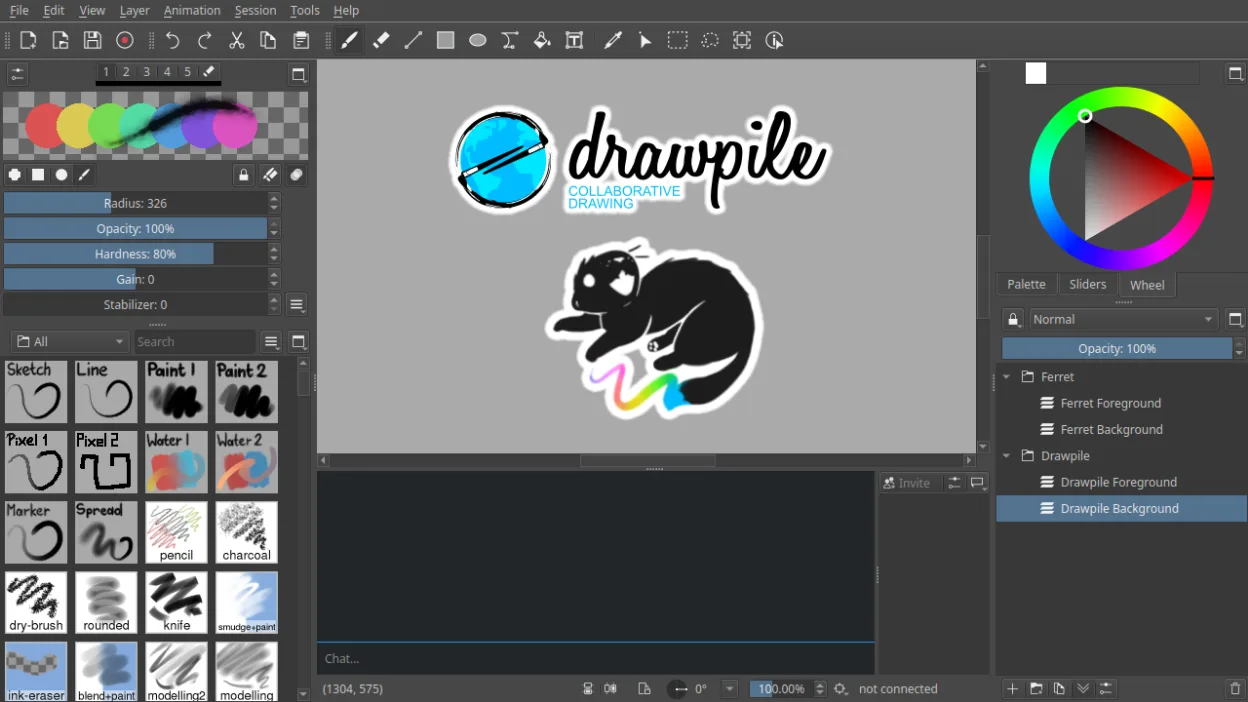
Drawpile is not a direct replacement for Microsoft Paint for users needing a simple, single-user image editor for quick edits like cropping or resizing screenshots. It excels as a drawing tool with advanced features like layers, animation, and pressure sensitivity, making it suitable for artists or educators. However, its focus on real-time collaboration and lack of basic tools like a rectangle select or text tool means it won’t suit users doing straightforward tasks. If you need more than just doodling, Drawpile is powerful, but overkill for Paint-style simplicity.
- Licença
- GPL-3.0+
- Preço
- Grátis
- Versão mais recente
- 2.3.1 (21 de outubro de 2026)
- Avaliação
- —
O que funciona igual
- Both allow freehand drawing and basic brush strokes
- Support for raster graphics editing
- Simple interface for creating new images
- Available on Linux and Windows
- Can save to common formats like PNG and JPEG
O que muda
- Drawpile supports real-time multi-user collaboration; Paint does not
- Drawpile has layers and blending modes; Paint has no layer support
- Drawpile includes animation timeline; Paint cannot animate
- Paint has basic shapes, text, and select tools; Drawpile lacks these
- Drawpile requires setting up a session; Paint opens instantly for quick edits
Abrindo seus arquivos do Microsoft Paint
Drawpile can open and export PNG and JPEG files, which are commonly used in Microsoft Paint, so basic image exchange is possible. However, it does not support Paint's default format (.BMP) reliably, and complex BMP files may not render correctly. Drawpile cannot interpret layered or animated data from Paint files since Paint doesn’t support those features. For practical purposes, saving as PNG from Paint ensures compatibility.
Trocando o Microsoft Paint pelo Drawpile, passo a passo
- Install Drawpile via Flathub or your distribution’s package manager
- Launch and create a new session or open a PNG file
- Use the brush, eraser, and color picker tools for drawing
- Enable the animation timeline if creating frame-by-frame sketches
- Export your work as PNG or JPEG for sharing
Principais recursos do Drawpile
- Real-time collaborative drawing with multiple users
- Support for layers and layer blending modes
- Animation timeline with frame-by-frame editing
- Client-server session model for hosting drawings
- Tablet pressure and tilt sensitivity support
- Record and playback of drawing sessions
- Custom brushes and tool presets
- Cross-platform: Linux, Windows, macOS
Como instalar o Drawpile no Linux
flatpak install flathub net.drawpile.drawpilePerguntas frequentes
Can I use Drawpile like Paint for quick edits?
No, Drawpile lacks tools like rectangle select, text, and crop, making it poorly suited for quick edits. Use GIMP or KolourPaint instead.
Does Drawpile support pressure-sensitive tablets?
Yes, Drawpile supports pressure and tilt sensitivity, which Paint does not, making it better for digital artists.
Can I open a .BMP file from Paint in Drawpile?
Sometimes, but BMP support is limited. Save as PNG in Paint for reliable results.
Outras 5 alternativas ao Microsoft Paint
 PintaPinta é um editor de bitmap gratuito e de código aberto que imita o Paint.NET com uma interface simples e…Código abertoGrátisFlatpakPinta vs Microsoft Paint
 GIMPGIMP é um editor de gráficos raster gratuito e de código aberto para edição de fotos, pintura digital e…Código abertoGrátisFlatpakGIMP vs Microsoft Paint
 KritaKrita é um programa de pintura digital e ilustração de código aberto com recursos completos.Código abertoGrátisFlatpakKrita vs Microsoft Paint
 MyPaintMyPaint é um programa rápido, gratuito e de código aberto para pintura raster, focado na dinâmica dos pincéis…Código abertoGrátisFlatpakMyPaint vs Microsoft PaintmtPaintmtPaint is a lightweight raster graphics editor for painting and photo editing, originally inspired by…Código abertoGrátismtPaint vs Microsoft Paint