
 MeshLabLinux
vs
Adobe DimensionWindows
MeshLab como alternativa Linux ao Adobe Dimension
Atualizado em
Nossa avaliação
MeshLab is not a good replacement for Adobe Dimension for designers focused on photorealistic rendering and 3D-2D compositing. It excels at mesh processing, cleaning, and 3D printing prep but lacks scene composition, lighting controls, camera tools, and material workflows needed for Dimension-style work. Users coming from Adobe Dimension will find it unfamiliar and limited for visual design. However, if your goal is inspecting, repairing, or simplifying 3D models—especially from scans—MeshLab is powerful and free. It suits technical users, not visual artists.
- Licença
- GPL-3.0-only
- Preço
- Grátis
- Versão mais recente
- 2025.07 (22 de julho de 2025)
- Avaliação
- —
O que funciona igual
- Both can import and visualize 3D models from various sources
- Support texture mapping and basic UV manipulation
- Allow rendering of 3D models with basic lighting
- Handle common 3D file formats like OBJ, STL, and PLY
- Enable camera control for viewing models from different angles
O que muda
- MeshLab lacks photorealistic rendering; no support for PBR materials or global illumination
- No integration between 3D models and 2D images in a composite scene
- Missing intuitive scene graph, layer system, or drag-and-drop design interface
- No real-time camera or perspective animation tools
- Material and lighting controls are minimal compared to Adobe Dimension
Abrindo seus arquivos do Adobe Dimension
MeshLab supports many 3D formats like OBJ, STL, PLY, and COLLADA, but cannot open Adobe Dimension's native .dnz files. If Dimension exports to OBJ or USDZ, MeshLab can import those for viewing or editing. However, scene composition, lighting, and material data from Dimension are lost in translation. Exporting from MeshLab to formats used in Dimension is possible but limited to geometry and basic textures—no scene or rendering metadata is preserved.
Trocando o Adobe Dimension pelo MeshLab, passo a passo
- Export your 3D models from Adobe Dimension to OBJ or STL
- Open the exported file in MeshLab for cleaning or simplification
- Use MeshLab’s texture tools to adjust UV maps if needed
- Export the processed mesh to a format compatible with your target workflow
- For rendering, use a different tool like Blender or LuxCoreRender
Principais recursos do MeshLab
- Ferramentas de limpeza e reparo de malha para corrigir geometria quebrada
- Algoritmos de redução e simplificação de polígonos
- Capacidades de mapeamento de textura e desembrulho UV
- Suporte para preparação e análise de impressão 3D
- Processamento de dados brutos de dispositivos de digitalização 3D
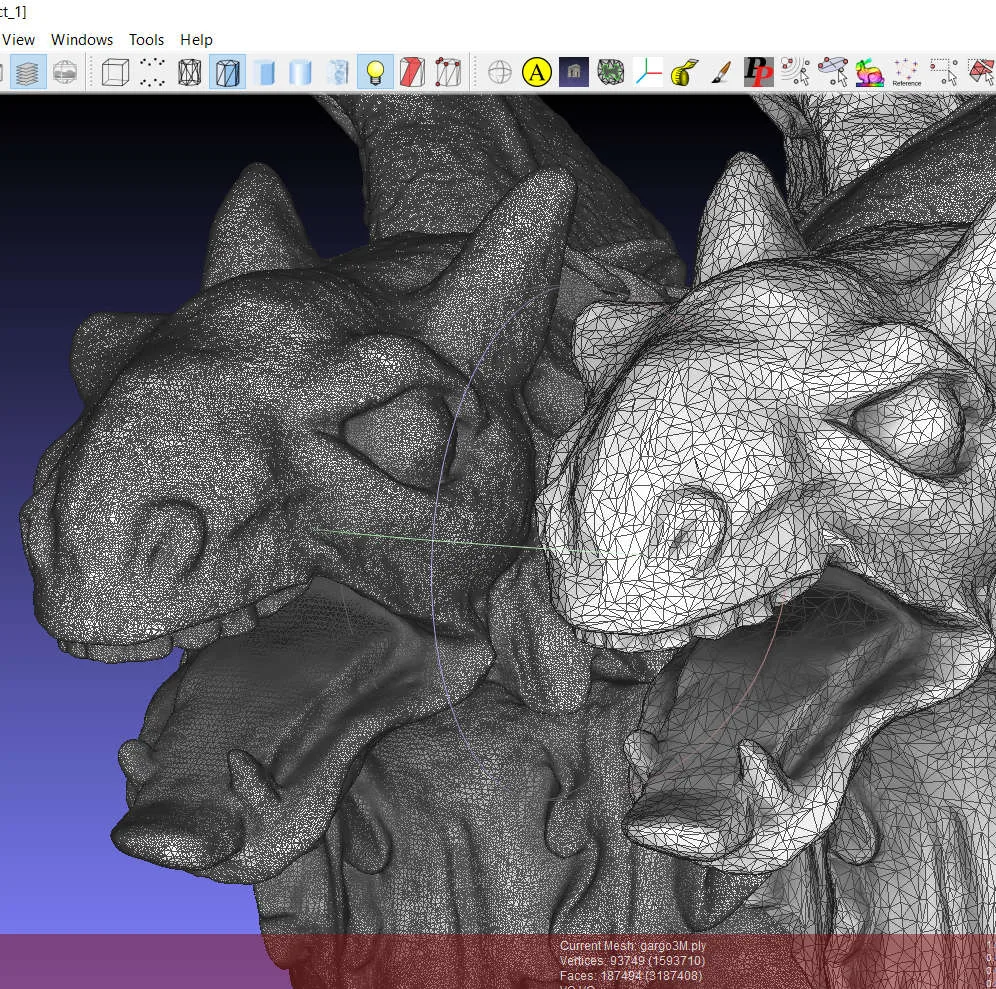
- Renderização e visualização de modelos 3D
- Conversão entre vários formatos de arquivo 3D
- Suporte a scripts para processamento em lote
Como instalar o MeshLab no Linux
flatpak install flathub net.meshlab.MeshLabsudo apt install meshlabsudo apt install meshlabsudo dnf install meshlabsudo zypper install meshlabPerguntas frequentes
Can MeshLab render scenes like Adobe Dimension?
No, MeshLab only provides basic shaded or textured previews. It does not support photorealistic rendering, lighting setups, or camera effects like Adobe Dimension.
Is MeshLab suitable for 3D design beginners?
Only if you're working with 3D scans or preparing models for print. Its interface is technical, not design-focused, so it's less intuitive for visual artists.
What should I use instead of MeshLab for Adobe Dimension tasks on Linux?
Blender is the closest alternative, offering 3D modeling, materials, lighting, camera control, and compositing with 2D images.
Outras 2 alternativas ao Adobe Dimension
 BlenderBlender é uma suíte 3D gratuita e de código aberto para modelagem, animação, renderização e edição de vídeo.Código abertoGrátisFlatpakBlender vs Adobe Dimension
 FreeCADFreeCAD é um modelador 3D CAD paramétrico de código aberto, gratuito, voltado para design, engenharia e…Código abertoGrátisFlatpakFreeCAD vs Adobe Dimension