
 Proton PassLinux
vs
KeePassXWindows
Proton PassLinux
vs
KeePassXWindows
Proton Pass como alternativa Linux ao KeePassX
Atualizado em
Nossa avaliação
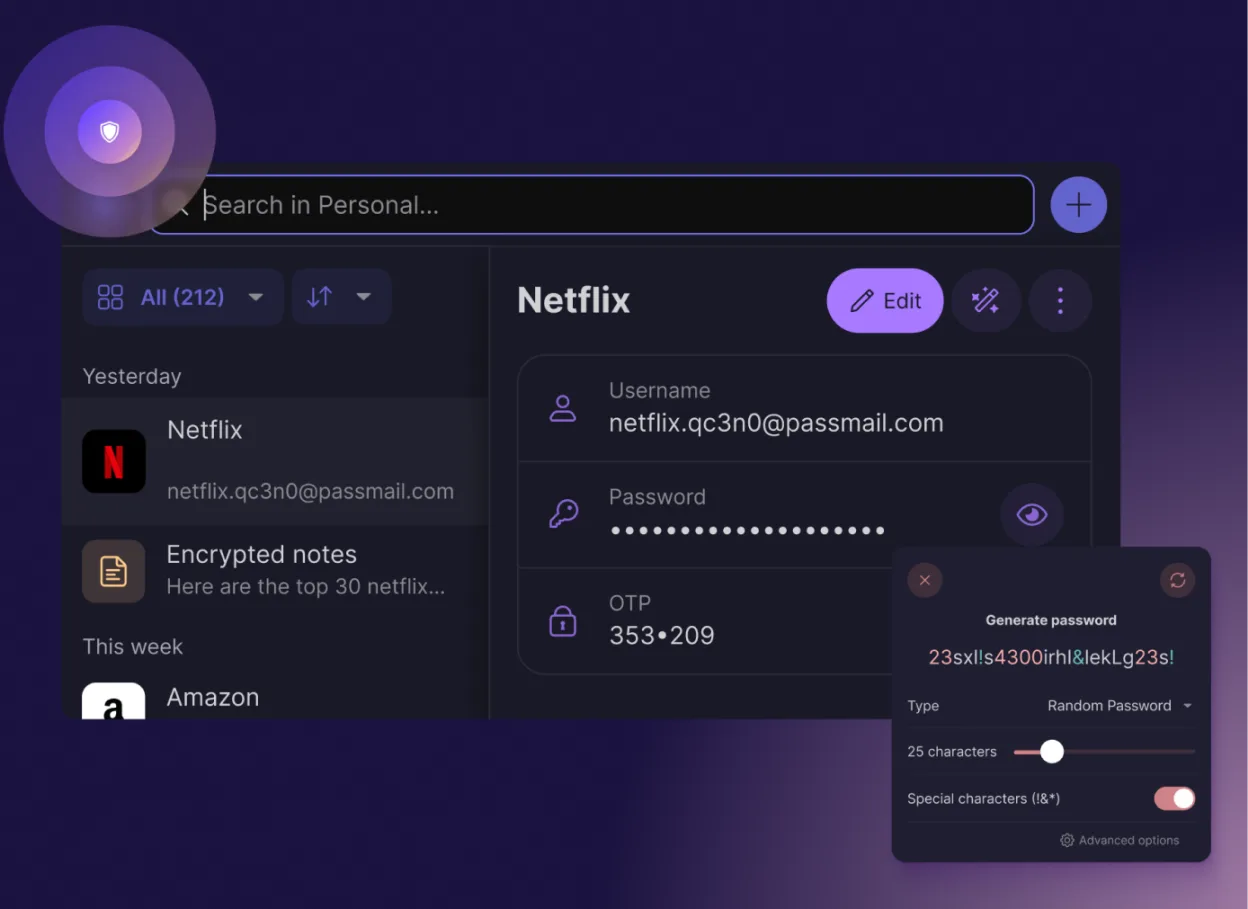
Proton Pass is a good replacement for KeePassX if you trust Proton’s ecosystem and want strong encryption with modern convenience. It covers core password management well: secure storage, autofill, 2FA generation, and cross-platform sync via Proton Drive. However, it’s not offline-first by design—sync relies on Proton’s services. If you prioritize full local control and air-gapped databases, KeePassXC remains better. For users wanting simplicity, open-source transparency, and integration with Proton’s privacy suite, Proton Pass is a solid alternative.
- Licença
- GPL-3.0
- Preço
- Grátis
- Versão mais recente
- 1.42.0 (13 de outubro de 2026)
- Avaliação
- —
O que funciona igual
- Both are open-source and support end-to-end encryption
- Support for storing passwords and secure notes
- Built-in 2FA code generator
- Cross-platform availability with browser integration
- Community-audited codebases
O que muda
- Proton Pass requires an internet connection for sync; KeePassXC works fully offline
- Proton Pass stores data on Proton’s infrastructure by default; KeePassXC keeps everything local
- Proton Pass lacks support for importing directly from KeePassX databases (as of current public docs)
- KeePassXC allows fully self-contained usage without accounts; Proton Pass requires a Proton account
- Proton Pass has no support for custom fields or advanced database structuring like groups and subgroups
Abrindo seus arquivos do KeePassX
Proton Pass does not currently support direct import of .kdbx files from KeePassX or KeePassXC. While Proton supports importing from other password managers like LastPass and Bitwarden, there's no public evidence of native KeePassX file compatibility. Users would need to export credentials manually or use intermediate tools to migrate. This limits direct file interchange, making bulk migration less straightforward.
Trocando o KeePassX pelo Proton Pass, passo a passo
- Export your KeePassX database to CSV or another readable format
- Create a Proton account and install Proton Pass on your Linux system via Flathub
- Use the Proton Pass import tool to upload credentials from supported formats
- Enable browser extensions for autofill support in Firefox or Chrome
- Set up Proton Drive sync to keep passwords in sync across devices
Principais recursos do Proton Pass
- Criptografia de ponta a ponta de todos os campos
- Sincronização multiplataforma via Proton Drive
- Gerador de código 2FA embutido
- Verificação de força de senha e violações
- Notas seguras e criação de alias de e‑mail
- Código aberto auditado pela comunidade
- Sem anúncios ou coleta de dados
- Gratuito para sempre com plano pago opcional
Como instalar o Proton Pass no Linux
flatpak install flathub me.proton.PassPerguntas frequentes
Can I use Proton Pass without a Proton account?
No, Proton Pass requires a Proton account to function, even for basic features. There is no offline-only or anonymous mode.
Does Proton Pass support self-hosting or local-only databases?
No, Proton Pass does not support self-hosting or fully local databases. All data is synced through Proton’s encrypted cloud infrastructure.
Is Proton Pass really free forever?
Yes, the basic plan is free with unlimited passwords and devices. Premium features like extra email aliases or advanced sharing require a paid plan.
Outras 3 alternativas ao KeePassX
 KeePassXCKeePassXC é um gerenciador de senhas de código aberto, multiplataforma, que armazena bancos de dados…Código abertoGrátisFlatpakKeePassXC vs KeePassX
 BitwardenBitwarden é um gerenciador de senhas de código aberto que sincroniza cofres criptografados em todos os seus…FlatpakBitwarden vs KeePassX
 Password SafePassword Safe is a secure password manager that stores credentials in an encrypted file protected by a master…Código abertoGrátisFlatpakPassword Safe vs KeePassX