
 Rocket.ChatLinux
vs
SlackWindows
Rocket.ChatLinux
vs
SlackWindows
Rocket.Chat como alternativa Linux ao Slack
Atualizado em
Nossa avaliação
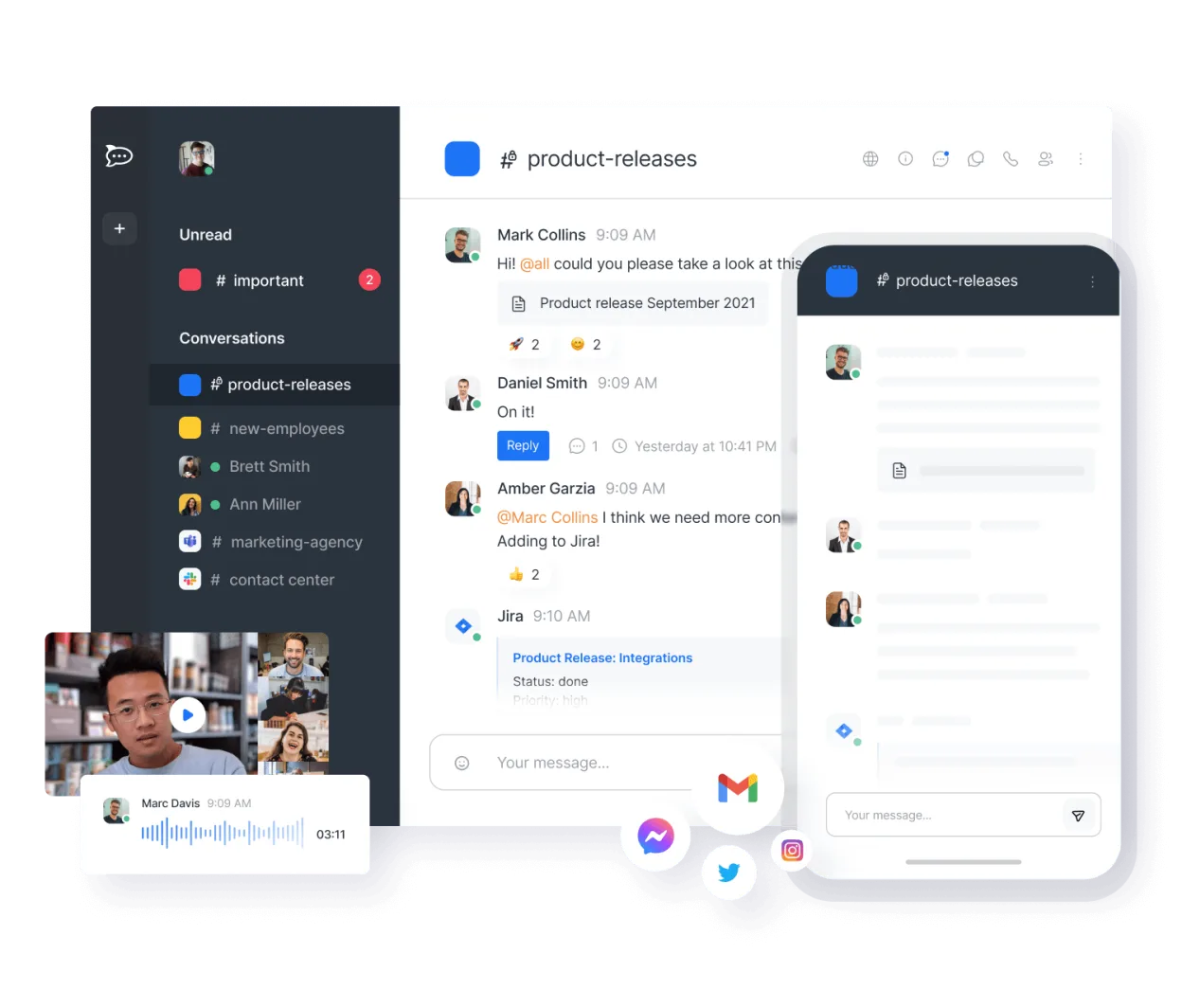
Rocket.Chat is a strong, self-hostable alternative to Slack, ideal for teams prioritizing data sovereignty and avoiding per-seat costs. It covers core needs like channels, threads, and file sharing effectively. However, its integration ecosystem is smaller than Slack's, so you may need to build custom bots for specific CI/CD or calendar tools. If you can manage a server or use their cloud, it is a viable, cost-effective replacement. For companies deeply embedded in the Slack API ecosystem, the migration effort might outweigh the savings unless security or cost are critical drivers.
- Licença
- MIT
- Preço
- Grátis
- Versão mais recente
- 4.18.3 (14 de outubro de 2026)
- Avaliação
- —
O que funciona igual
- Channel-based organization with public and private spaces
- Threaded replies to keep conversations organized
- File sharing and basic document editing capabilities
- Mobile apps for iOS and Android with push notifications
O que muda
- Self-hosting option gives full control but requires maintenance effort
- Smaller native integration marketplace compared to Slack's vast app directory
- End-to-end encryption is available for private channels by default
- No per-user licensing fees, allowing unlimited users on a single instance
Abrindo seus arquivos do Slack
Rocket.Chat does not natively open Slack-specific file formats or archives. You will need to manually export files from Slack (via workspace export settings) and upload them to Rocket.Chat. Direct import of Slack message history is not built-in; you would need a third-party script or manual copy-pasting for text, which is tedious for large workspaces. File formats like PDF, images, and Office documents work identically in both platforms.
Trocando o Slack pelo Rocket.Chat, passo a passo
- Set up a Rocket.Chat instance (self-hosted or cloud) and configure SSO/MFA to match Slack security policies.
- Create channel structures in Rocket.Chat that mirror your existing Slack workspace organization.
- Export Slack data using the workspace export feature to get a JSON/CSV archive of messages and files.
- Use a community script or manual method to import message history and attach exported files to relevant channels.
- Install necessary integrations via Rocket.Chat’s API or marketplace to replace key Slack apps (e.g., Git, CI notifications).
- Communicate the switch to your team, provide login credentials, and disable Slack access after a transition period.
Principais recursos do Rocket.Chat
- Usuários e canais ilimitados por padrão
- Conferência de vídeo e áudio
- Compartilhamento de arquivos e edição ao vivo de documentos
- API extensa e integrações de bots
- Criptografia de ponta a ponta para canais privados
- Opções auto‑hospedadas ou na nuvem
- Aplicativos móveis para iOS e Android
- Temas e layouts personalizáveis
Como instalar o Rocket.Chat no Linux
flatpak install flathub chat.rocket.RocketChatPerguntas frequentes
Is Rocket.Chat free to use?
Yes, the open-source version is free under the MIT license. You can self-host it for free, or use their cloud service which may have paid tiers for managed hosting and support.
Can I import my Slack history automatically?
There is no official one-click importer. You must export from Slack first. Then, use community-driven scripts to parse the export and import messages into Rocket.Chat, though this can be complex for large workspaces.
Does it support video calls?
Yes, Rocket.Chat has built-in video and audio conferencing capabilities, so you do not need a separate tool for basic meetings, though it may not match the polish of dedicated video platforms.
Outras 4 alternativas ao Slack
 DiscordUm cliente de mensagens, voz e vídeo multiplataforma para comunidades, jogos e encontros casuais.FlatpakDiscord vs Slack
 MattermostO Mattermost é uma plataforma de colaboração de código aberto e autohospedada, criada para equipes de…Código abertoGrátisFlatpakMattermost vs Slack
 ZulipZulip é um aplicativo de chat em grupo de código aberto que utiliza conversas em tópicos para gerenciar…Código abertoGrátisFlatpakZulip vs Slack
 ElementO Element é um cliente de chat e videoconferência baseado em matriz, de código aberto, para Linux.Código abertoGrátisFlatpakElement vs Slack