
 SlackLinux
vs
Microsoft Teams (latest version)Windows
Slack como alternativa Linux ao Microsoft Teams (latest version)
Atualizado em
Nossa avaliação
Slack can serve as a replacement for Microsoft Teams for small‑to‑medium teams that mainly need chat, threaded discussions, and basic file sharing. It works well for groups that rely on third‑party integrations and are comfortable with a slightly less polished video experience. Large enterprises that depend on deep Office 365 integration, advanced admin controls, or full‑featured meeting rooms may find Teams a better fit.
- Licença
- LicenseRef-proprietary=https://slack.com…
- Preço
- freemium
- Versão mais recente
- 4.53.280 (4 de novembro de 2026)
- Avaliação
- —
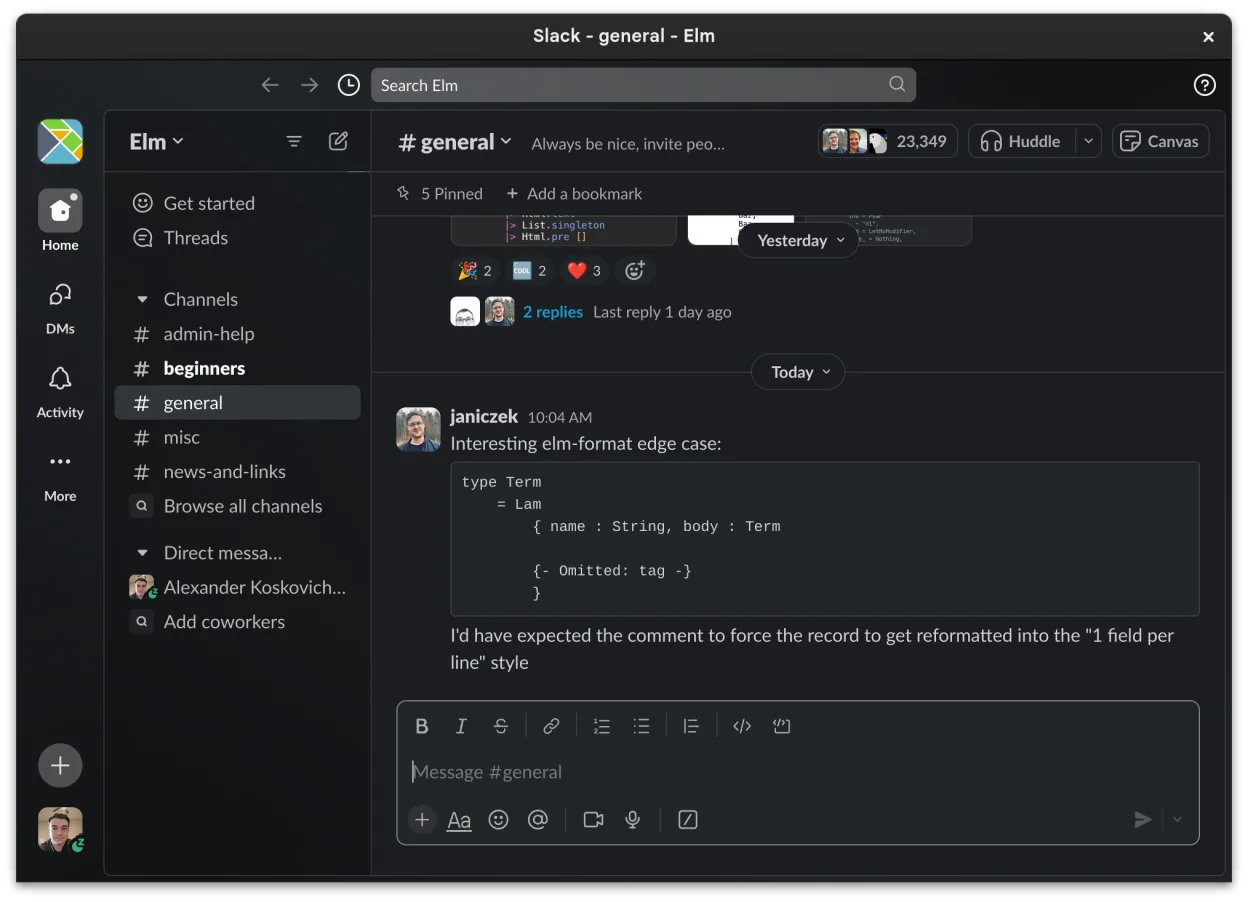
O que funciona igual
- Channel‑based text chat with threads
- Direct messaging with read receipts
- File sharing with preview support
- Cross‑platform clients (desktop, web, mobile)
- Screen‑sharing during calls
O que muda
- Teams offers tighter integration with Office 365, SharePoint and Outlook calendars; Slack relies on third‑party apps for similar functionality.
- Video/voice quality and meeting capacity in Slack are more limited; Teams supports larger webinars and live events.
- Admin and compliance features (e.g., eDiscovery, retention policies) are richer in Teams.
- Slack’s Linux client is still in beta, so some desktop‑specific features may be missing or unstable.
Abrindo seus arquivos do Microsoft Teams (latest version)
Slack can open and preview common office documents (DOCX, XLSX, PPTX) but it does not provide native editing or co‑authoring like Teams does with Office 365. Exporting a Teams‑specific file (e.g., a Teams meeting transcript) directly from Slack is not supported; you would need to download the file from Teams first and then share it via Slack.
Trocando o Microsoft Teams (latest version) pelo Slack, passo a passo
- Export relevant channel histories and files from Teams using the Microsoft compliance export tool.
- Create matching Slack channels for each Teams channel or project.
- Invite all users to the new Slack workspace and assign appropriate roles.
- Upload shared files to the corresponding Slack channels or use a linked cloud storage service.
- Configure integrations (calendar, task apps) in Slack to replace Teams connectors.
- Run a brief pilot, collect feedback, and adjust notification settings.
Principais recursos do Slack
- Organização baseada em canais para tópicos e projetos
- Mensagens diretas com confirmação de leitura e reações
- Compartilhamento de arquivos com suporte a pré-visualização para formatos comuns
- Integração com ferramentas de terceiros via Slack Apps
- Conversas em threads para manter os canais principais organizados
- Sincronização entre dispositivos para mensagens e notificações
- Configurações de notificação personalizáveis por canal ou DM
- Cliente Linux em beta com adições contínuas de recursos
Como instalar o Slack no Linux
flatpak install flathub com.slack.SlackPerguntas frequentes
Can Slack handle large video meetings like Teams?
Slack supports video calls up to 15 participants; for larger webinars you would need a separate service.
Is there an admin console comparable to Teams’ admin center?
Slack provides an admin dashboard, but it lacks some of the granular compliance and policy controls found in Teams.
Will my existing Teams chat history be automatically imported?
No. You must export the history from Teams manually and then import it into Slack using third‑party tools or scripts.
Outras 4 alternativas ao Microsoft Teams (latest version)
 MattermostO Mattermost é uma plataforma de colaboração de código aberto e autohospedada, criada para equipes de…Código abertoGrátisFlatpakMattermost vs Microsoft Teams (latest version)
 DiscordUm cliente de mensagens, voz e vídeo multiplataforma para comunidades, jogos e encontros casuais.FlatpakDiscord vs Microsoft Teams (latest version)
 Rocket.ChatPlataforma de comunicação em equipe de código aberto para chat, vídeo e colaboração, frequentemente usada…Código abertoGrátisFlatpakRocket.Chat vs Microsoft Teams (latest version)
 ElementO Element é um cliente de chat e videoconferência baseado em matriz, de código aberto, para Linux.Código abertoGrátisFlatpakElement vs Microsoft Teams (latest version)