
 MyPaintLinux
vs
ProcreateWindows
MyPaintLinux
vs
ProcreateWindows
MyPaint als Linux-Alternative zu Procreate
Aktualisiert am
Unser Fazit
MyPaint can replace Procreate for users who need a free, open‑source raster painting tool on Linux and who are comfortable with a minimal interface. It offers robust brush dynamics, pressure sensitivity, layers, and export to common formats, making it suitable for illustrators, concept artists, and hobbyists who prefer a lightweight canvas‑only workflow. However, it lacks Procreate’s extensive brush library, advanced animation tools, and the polished iPad touch interface, so power users accustomed to Procreate’s ecosystem may find it limiting.
- Lizenz
- GPL-2.0+
- Preis
- Kostenlos
- Aktuelle Version
- 2.0.1 (29. Mai 2020)
- Bewertung
- —
Was gleich funktioniert
- Both provide pressure‑sensitive brush painting with configurable parameters
- Both support layers and basic blending modes
- Both export to standard image formats like PNG and JPEG
- Both allow custom brush creation and use of pre‑installed brush packs
- Both are designed for digital painting rather than photo editing
Was anders ist
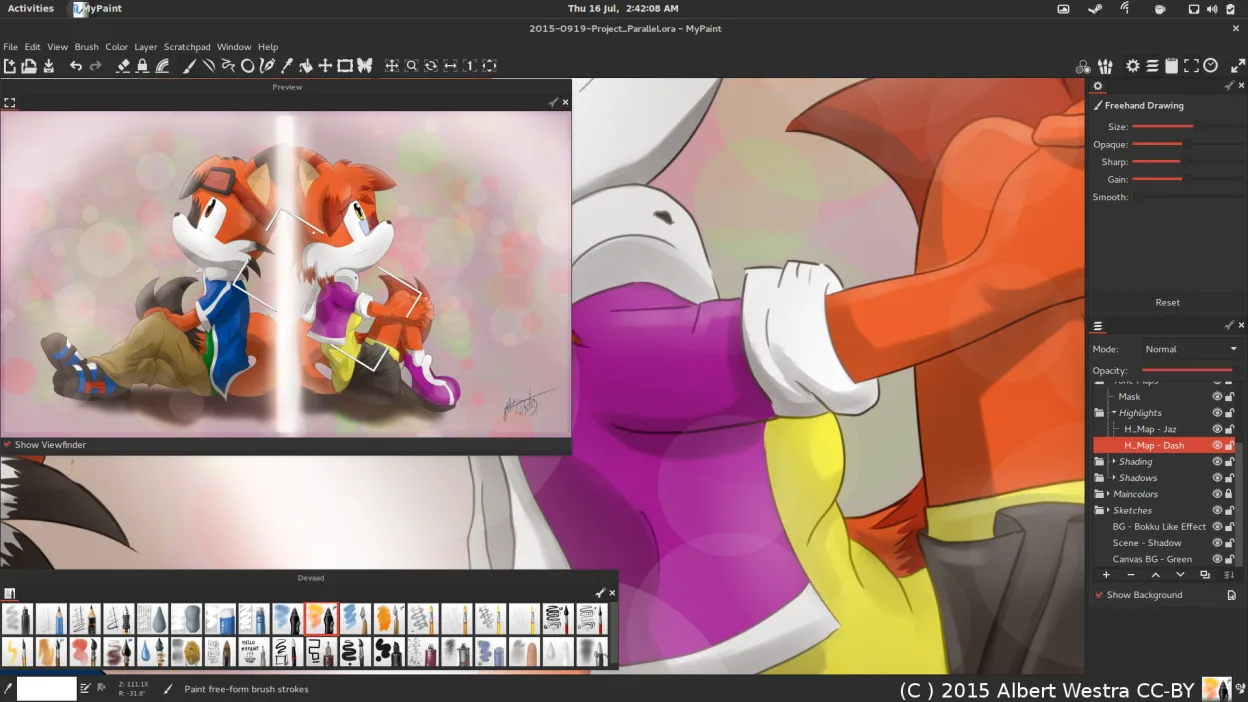
- MyPaint has a distraction‑free canvas‑only UI, no panels or toolbars
- Procreate offers a richer set of brushes and animation features
- Procreate’s interface is optimized for touch and gestures, MyPaint relies on mouse/pen
- Procreate includes advanced color mixing and blending tools not fully present in MyPaint
- Procreate’s file format (.procreate) is proprietary and not natively supported by MyPaint
Ihre Procreate-Dateien öffnen
MyPaint does not natively open Procreate’s .procreate files. Users would need to export artwork from Procreate as PNG or JPEG and then import those images into MyPaint. Direct conversion is not available.
Von Procreate zu MyPaint wechseln – Schritt für Schritt
- Export your Procreate canvas as a PNG or JPEG from the iPad.
- Transfer the exported file to your Linux machine via USB, cloud, or email.
- Open the image in MyPaint using File → Open.
- Create a new layer if you want to paint over the existing artwork.
- Save your work in MyPaint’s native OpenRaster format or export to PNG/JPEG for sharing.
- Back up your original Procreate files before starting the migration.
- faq
Wichtige Funktionen von MyPaint
- Pinsel-Engine mit hunderten konfigurierbaren Parametern
- Unterstützung für Drucksensorik und Neigung auf Grafiktabletts
- Einfache, ablenkungsfreie Oberfläche nur mit Leinwand
- Ebenenunterstützung mit grundlegenden Mischmodi
- Export in PNG, JPEG, OpenRaster und andere gängige Formate
- Erweiterbar über Python-Plugins
- Vorinstallierte Pinselpakete von professionellen Künstlern
- Rückgängig/Wiederherstellen-Verlauf mit unbegrenzten Schritten
MyPaint unter Linux installieren
flatpak install flathub org.mypaint.MyPaintsudo apt install mypaintsudo apt install mypaintsudo dnf install mypaintsudo pacman -S mypaintsudo zypper install mypaint3 weitere Alternativen zu Procreate
 KritaKrita ist ein vollwertiges Open‑Source-Programm für digitales Malen und Illustration.Open SourceKostenlosFlatpakKrita vs. Procreate
 GIMPGIMP ist ein kostenloser, quelloffener Rastergrafik‑Editor für Fotobearbeitung, digitale Malerei und…Open SourceKostenlosFlatpakGIMP vs. Procreate
 PintaPinta ist ein kostenloser, quelloffener Bitmap‑Editor, der Paint.NET mit einer einfachen Oberfläche und…Open SourceKostenlosFlatpakPinta vs. Procreate