
 RClone ManagerLinux
vs
Google DriveWindows
RClone ManagerLinux
vs
Google DriveWindows
RClone Manager als Linux-Alternative zu Google Drive
Aktualisiert am
Unser Fazit
RClone Manager can replace Google Drive for users who need a local, open‑source tool to manage Google Drive and other cloud providers. It offers two‑way sync, offline access, sharing, and file browsing, but it lacks the native document collaboration and real‑time editing that Google Drive provides. It is ideal for power users who prefer a Linux‑native interface and want to automate transfers, but not for casual users who rely on built‑in Google Docs or Sheets.
- Lizenz
- GPL-3.0-or-later
- Preis
- Kostenlos
- Aktuelle Version
- 0.3.3 (23. September 2026)
- Bewertung
- —
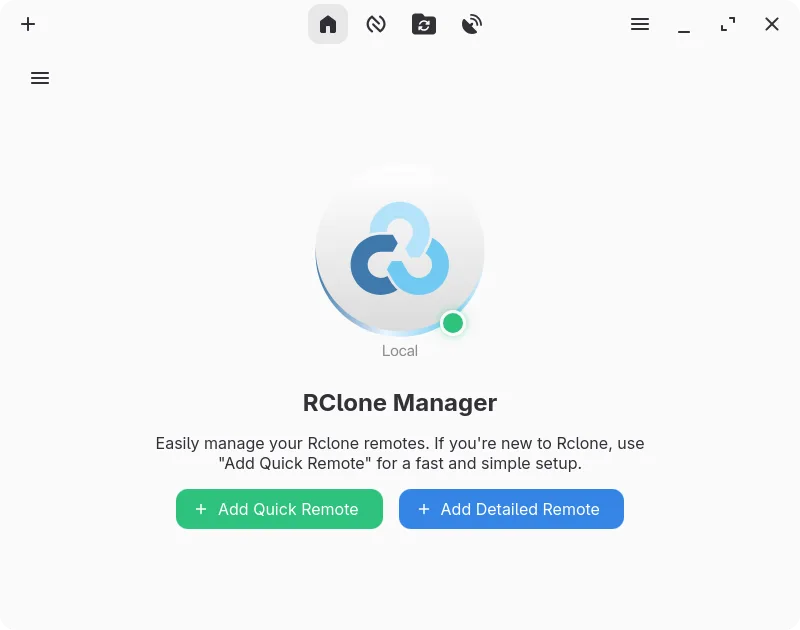
Was gleich funktioniert
- Two‑way sync between local and cloud
- Offline access via mounted local drive
- File sharing and permission control
- Web‑based access through HTTP/WebDAV
- Cross‑platform compatibility via rclone
Was anders ist
- No real‑time document collaboration or built‑in editors
- No native integration with Google Docs/Sheets/Slides
- No automatic version history in the web UI
- No native mobile app for on‑the‑go access
- Requires rclone binary and configuration
- Learning curve for automation and node‑based workflow
Ihre Google Drive-Dateien öffnen
RClone Manager can download files from Google Drive and open them locally with the default Linux applications. It does not convert or export Google Docs, Sheets, or Slides to native formats automatically; you must export those files manually via the Google Drive web interface or use Google Drive’s export options before syncing.
Von Google Drive zu RClone Manager wechseln – Schritt für Schritt
- Install rclone and RClone Manager from Flathub or your distro’s package manager.
- Create a Google Drive remote in RClone Manager and authenticate via OAuth.
- Use the built‑in file manager to copy existing files to the mounted drive or set up a sync workflow.
- Configure automatic two‑way sync or scheduled backups using the visual workflow builder.
- Set up the HTTP or WebDAV server if you need web‑based access from other devices.
- Verify sharing permissions by testing file access from another device or account.
Wichtige Funktionen von RClone Manager
- Visueller Workflow-Builder für mehrstufige Automatisierungen
- Integrierter Dateimanager zum Durchsuchen und Bearbeiten entfernter Dateien
- Mounten von Cloud-Speicher als lokales Laufwerk mit VFS-Cache
- Reichhaltige Medien-Vorschau für Bilder, Videos, PDFs und Code
- Planen von Operationen über cron oder Dateisystem-Watcher
- Systemtray-Integration und Energiemanagement-Steuerungen
- Verschlüsselte Konfigurations-Speicherung mit Backup-Unterstützung
- Bereitstellung von entferntem Speicher über HTTP oder WebDAV
RClone Manager unter Linux installieren
flatpak install flathub io.github.zarestia_dev.rclone-managersudo apt install rclonesudo apt install rclonesudo dnf install rclonesudo pacman -S rclonesudo zypper install rcloneHäufige Fragen
Does RClone Manager support real‑time collaboration like Google Docs?
No. It syncs files but does not provide real‑time document editing or collaboration features.
Can I use RClone Manager on my phone?
Not directly. It runs on Linux desktops; you can access the mounted drive via WebDAV or HTTP from a phone, but there is no native mobile app.
Is there a cost to use RClone Manager?
It is free and open source under GPL‑3.0‑or‑later; you only pay for the underlying cloud storage if you exceed free quotas.
3 weitere Alternativen zu Google Drive
 Nextcloud Desktop ClientSynchronisiert lokale Ordner mit einem Nextcloud-Server, um Dateien auf allen Geräten konsistent zu halten.Open SourceKostenlosFlatpakNextcloud Desktop Client vs. Google Drive
 Seafile ClientSeafile ist ein plattformübergreifender Desktop-Client, der Dateien mit einem selbst gehosteten oder…Open SourceKostenlosFlatpakSeafile Client vs. Google Drive
 SyncThingySyncThingy ist ein leichtgewichtiger Symbolleisten-Icon, der Syncthing steuert und es Ihnen ermöglicht, den…Open SourceKostenlosFlatpakSyncThingy vs. Google Drive