
 SlackLinux
vs
Microsoft Teams (2026 version with enhanced AI features)Windows
Slack als Linux-Alternative zu Microsoft Teams (2026 version with enhanced AI features)
Aktualisiert am
Unser Fazit
Slack is a strong replacement for the chat and file-sharing aspects of Microsoft Teams, but it is not a direct 1:1 swap for the full Teams experience. It handles persistent chat, DMs, and file sharing well, though its Linux client is currently in beta. You will lose native AI meeting summaries and deep calendar/email integration unless you use third-party workarounds. It is best for teams that prioritize fast, threaded communication over integrated video conferencing and AI-driven meeting management. If your workflow relies heavily on Copilot or native Outlook integration, Slack will feel incomplete without additional tools.
- Lizenz
- LicenseRef-proprietary=https://slack.com…
- Preis
- freemium
- Aktuelle Version
- 4.53.280 (4. November 2026)
- Bewertung
- —
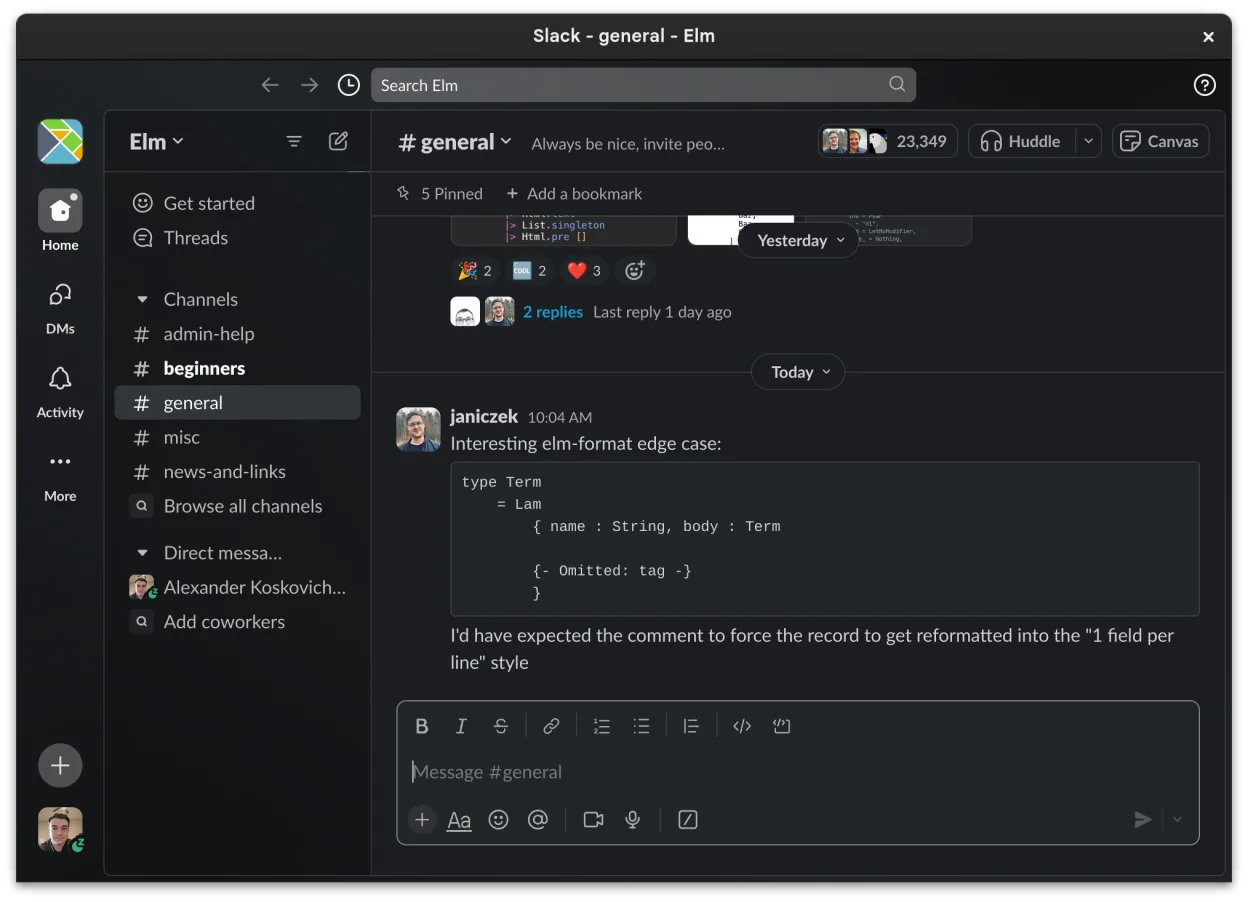
Was gleich funktioniert
- Channel-based organization for topics and projects
- Direct messaging with read receipts and reactions
- File sharing with preview support for common formats
- Cross-device sync for messages and notifications
- Integration with third-party tools via apps
Was anders ist
- Lacks native AI-assisted meeting summaries (Copilot equivalent)
- Video conferencing is less integrated and robust than Teams
- No native deep integration with Outlook calendars and email
- Linux client is in beta with ongoing feature additions
- Proprietary license versus Microsoft's enterprise licensing model
Ihre Microsoft Teams (2026 version with enhanced AI features)-Dateien öffnen
Slack does not natively open or edit Microsoft Office files like .docx or .xlsx directly within the chat interface. You can share these files, and Slack provides basic previews for common formats, but editing requires external applications like LibreOffice. There is no direct import of Teams chat history or file repositories into Slack; migration requires manual export or third-party tools, and file compatibility depends on the specific document types involved.
Von Microsoft Teams (2026 version with enhanced AI features) zu Slack wechseln – Schritt für Schritt
- Install the Slack Linux client via Flathub
- Set up your workspace and invite team members
- Create channels mirroring your existing Teams teams
- Configure third-party integrations for calendar and email
- Export necessary files from Teams and share them in Slack
- Test video calling and screen sharing capabilities
Wichtige Funktionen von Slack
- Kanalspezifische Organisation für Themen und Projekte
- Direktnachrichten mit Lesebestätigungen und Reaktionen
- Dateifreigabe mit Vorschausupport für gängige Formate
- Integration mit Drittanbieter-Tools über Slack Apps
- Threaded Conversations, um Hauptkanäle übersichtlich zu halten
- Synchronisation über Geräte hinweg für Nachrichten und Benachrichtigungen
- Anpassbare Benachrichtigungseinstellungen pro Kanal oder DM
- Beta Linux‑Client mit fortlaufenden Funktionshinzufügungen
Slack unter Linux installieren
flatpak install flathub com.slack.SlackHäufige Fragen
Can I use Slack for video meetings?
Yes, Slack supports voice and video calls, but they may not be as feature-rich or stable as Microsoft Teams, especially on the beta Linux client. For large meetings, you might need an external tool like Jitsi or Zoom.
Does Slack have AI features like Copilot?
Slack has some AI-assisted features for summarizing conversations, but it does not offer the same level of integration with meeting transcripts or deep AI analysis as Microsoft Copilot in Teams. You may need third-party apps for similar functionality.
Is the Linux version of Slack stable?
The Slack Linux client is currently in beta. While it is functional and used by many, it may have bugs or missing features compared to the Windows or macOS versions. Check the Flathub page for the latest status.
5 weitere Alternativen zu Microsoft Teams (2026 version with enhanced AI features)
 MattermostMattermost ist eine Open-Source, selbst gehostete Kollaborationsplattform für Entwicklerteams, die eine…Open SourceKostenlosFlatpakMattermost vs. Microsoft Teams (2026 version with enhanced AI features)
 Rocket.ChatOpen-Source-Plattform für Teamkommunikation mit Chat, Video und Kollaboration, häufig als Alternative zu…Open SourceKostenlosFlatpakRocket.Chat vs. Microsoft Teams (2026 version with enhanced AI features)
 ZulipZulip ist eine Open-Source-Gruppenchat-Anwendung, die diskussionsbasierte Gespräche nutzt, um umfangreiche…Open SourceKostenlosFlatpakZulip vs. Microsoft Teams (2026 version with enhanced AI features)
 ElementElement ist ein Open‑Source, matrixbasierter Chat- und Videokonferenz-Client für Linux.Open SourceKostenlosFlatpakElement vs. Microsoft Teams (2026 version with enhanced AI features)
 JamiJami ist ein kostenloser, Peer‑to‑Peer-Chat- und Videoanruf-Client, der ohne zentrale Server funktioniert.Open SourceKostenlosFlatpakJami vs. Microsoft Teams (2026 version with enhanced AI features)
Alle Alternativen zu Microsoft Teams (2026 version with enhanced AI features)