
 TigerVNC ViewerLinux
vs
RealVNCWindows
TigerVNC ViewerLinux
vs
RealVNCWindows
TigerVNC Viewer als Linux-Alternative zu RealVNC
Aktualisiert am
Unser Fazit
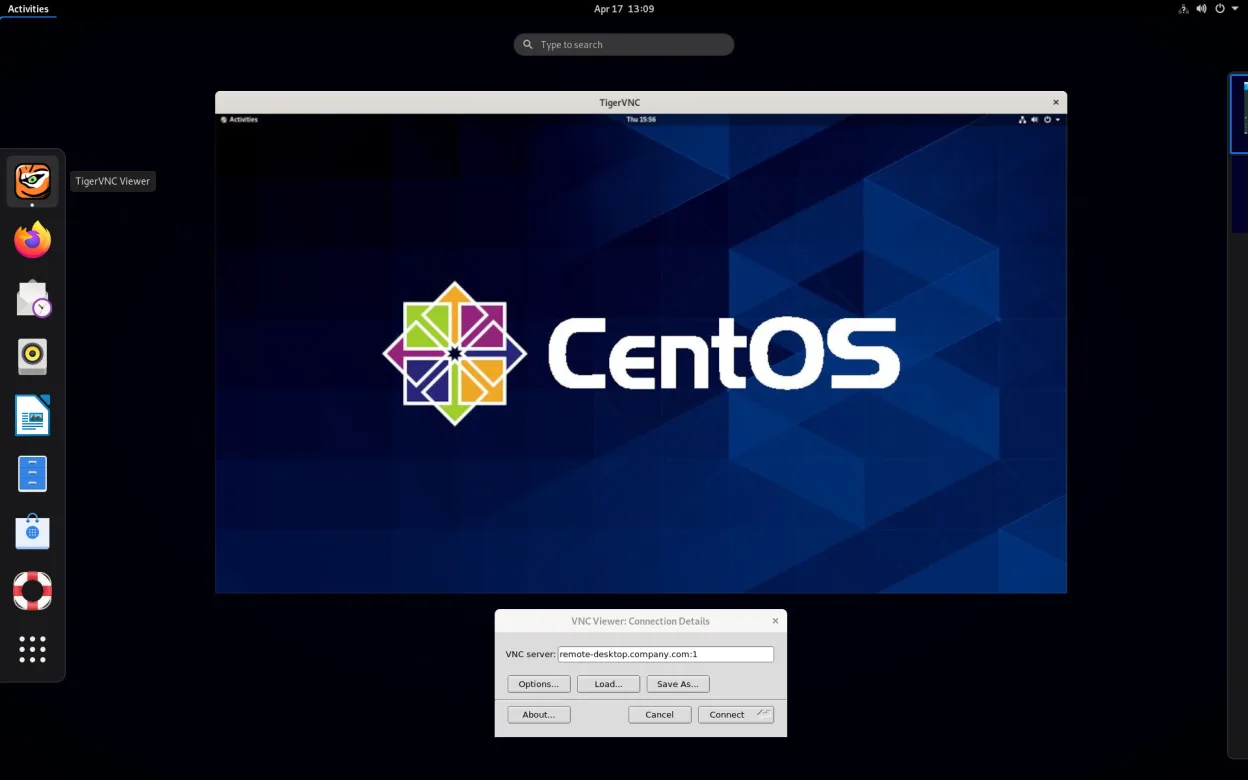
TigerVNC Viewer is a solid replacement for RealVNC when you need a free, open‑source client that runs natively on Linux. It supports the same VNC protocol, offers TLS encryption, clipboard sharing, multi‑monitor support, and command‑line scripting, making it suitable for IT support, home users, and developers who prefer a Linux‑centric stack. The only caveat is that it lacks a bundled server component, so you’ll need to pair it with another VNC server if you want to host sessions.
- Lizenz
- GPL-2.0-or-later
- Preis
- Kostenlos
- Aktuelle Version
- 1.14.0 (24. Juli 2024)
- Bewertung
- —
Was gleich funktioniert
- Both use the RFB protocol for remote desktop access
- Both support TLS encryption for secure connections
- Both provide clipboard sharing between local and remote machines
- Both can handle multi‑monitor setups
- Both allow configuration of color depth and scaling
Was anders ist
- TigerVNC Viewer is free and open‑source, RealVNC is commercial with optional paid features
- TigerVNC Viewer does not include a server component, RealVNC provides both client and server
- RealVNC offers a more polished GUI and advanced features like file transfer and session recording
- TigerVNC relies on libjpeg‑turbo for Tight encoding, RealVNC uses its own proprietary compression
- RealVNC has a broader cross‑platform client suite (Windows, macOS, Linux) with unified branding
- TigerVNC’s command‑line options are more extensive for scripting
Ihre RealVNC-Dateien öffnen
RealVNC does not use a proprietary file format for sessions; connections are defined by host, port, and optional credentials entered manually or via a .vnc file. TigerVNC can open .vnc files and read the same connection parameters, so migrating a simple connection list is straightforward. Complex RealVNC configurations that rely on its proprietary server settings cannot be directly exported to TigerVNC.
Von RealVNC zu TigerVNC Viewer wechseln – Schritt für Schritt
- 1. Install TigerVNC Viewer from your distro’s package manager or Flathub.
- 2. Export any .vnc connection files from RealVNC (if you used them).
- 3. Open each .vnc file with TigerVNC or manually enter host/port and credentials in the GUI.
- 4. Enable TLS in the connection options to match RealVNC’s security settings.
- 5. Test clipboard sharing and multi‑monitor support to confirm parity.
- 6. If you used RealVNC’s server, replace it with an open‑source VNC server like x11vnc or tigervnc-server if you need hosting capabilities.
Wichtige Funktionen von TigerVNC Viewer
- Unterstützt Tight‑Kodierung, beschleunigt durch libjpeg‑turbo
- TLS‑Verschlüsselung für sichere Sitzungen
- Zwischenablage‑Freigabe zwischen lokal und remote
- Mehrmonitor‑Unterstützung
- Konfigurierbare Skalierung und Farbtiefe
- Tastaturlayout‑Übersetzung
- Cross‑platform‑Client (Linux, Windows, macOS)
- Befehlszeilenoptionen für Skripting
TigerVNC Viewer unter Linux installieren
flatpak install flathub org.tigervnc.vncviewersudo apt install tigervncsudo apt install tigervncsudo dnf install tigervncsudo pacman -S tigervncsudo zypper install tigervncHäufige Fragen
Does TigerVNC Viewer support the same encryption as RealVNC?
Yes, TigerVNC Viewer implements TLS encryption for secure VNC sessions, matching RealVNC’s security level.
Can I use TigerVNC Viewer on Windows or macOS?
TigerVNC provides cross‑platform clients, so you can run the same viewer on Windows or macOS, but the Linux‑specific features like native integration are only on Linux.
What about file transfer between machines?
TigerVNC Viewer does not include a built‑in file transfer protocol; you’ll need a separate tool such as scp, rsync, or a VNC server that supports file transfer if that feature is required.
3 weitere Alternativen zu RealVNC
 RemminaRemmina ist ein Linux-Remote-Desktop-Client, der RDP, VNC, SSH und X2Go unterstützt, um von GTK-basierten…Open SourceKostenlosFlatpakRemmina vs. RealVNCGNOME Remote DesktopGNOME Remote Desktop ist ein integrierter VNC-Server für Linux, der Fernzugriff auf Ihre grafische Sitzung…Open SourceKostenlosGNOME Remote Desktop vs. RealVNC