
 GIMPLinux
vs
SketchBookWindows
GIMP como alternativa Linux a SketchBook
Actualizado el
Nuestra opinión
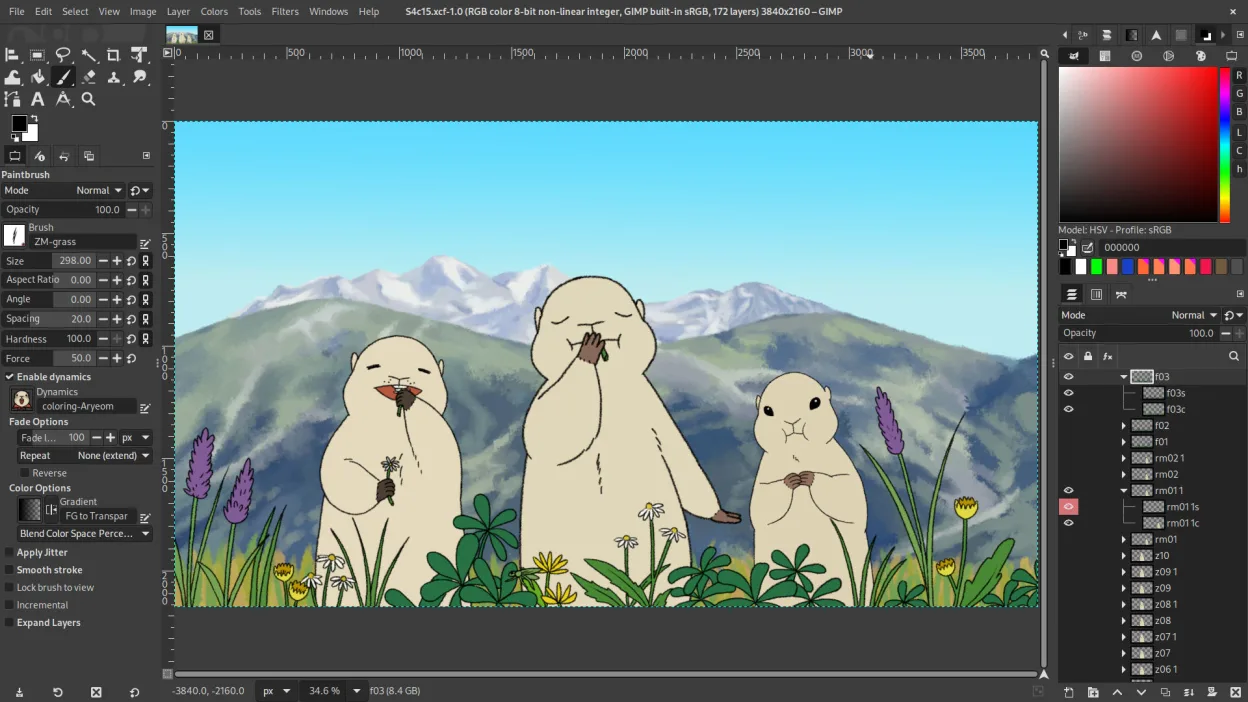
GIMP is a viable but different replacement for SketchBook. It handles pressure-sensitive drawing and raster editing well, but it is a general-purpose editor, not a dedicated sketching tool. The interface is more complex and less minimal than SketchBook's. It suits users who need professional-grade layer management and export options alongside their drawing. If you want a distraction-free, simple sketchpad experience, GIMP may feel too heavy. It is best for those who want one tool for both sketching and detailed image manipulation.
- Licencia
- GPL-3.0+ AND LGPL-3.0+
- Precio
- Gratis
- Última versión
- 3.2.8 (2 de noviembre de 2026)
- Valoración
- —
Lo que funciona igual
- Both support pressure-sensitive input for drawing.
- Both use a raster-based drawing engine.
- Both offer layer management with transparency and blending modes.
- Both are free to use on Linux.
Lo que cambia
- GIMP has a more complex, customizable interface rather than a minimal, distraction-free layout.
- SketchBook is optimized specifically for quick sketching and concept art, while GIMP is a general-purpose editor.
- GIMP includes advanced photo retouching and scripting features that SketchBook lacks.
- SketchBook has a more streamlined workflow for pure drawing, whereas GIMP requires more setup for similar tasks.
Abrir tus archivos de SketchBook
GIMP supports common formats like PNG, JPEG, TIFF, and PSD. SketchBook primarily uses its own .skb format, which GIMP does not natively open. You must export your SketchBook work to a standard format like PNG or PSD before importing it into GIMP. Direct .skb file compatibility is not available.
Pasar de SketchBook a GIMP, paso a paso
- Export your SketchBook projects as PNG or PSD files.
- Install GIMP from your distribution's package manager or Flathub.
- Configure your tablet drivers to ensure pressure sensitivity works in GIMP.
- Import your PNG or PSD files into GIMP to start editing.
- Set up your preferred brush presets and workspace layout in GIMP.
Funciones clave de GIMP
- Edición basada en capas con máscaras, modos de fusión y transparencia
- Motor de pinceles avanzado para pintura digital y retoque
- Soporte de plug‑ins compatibles con Photoshop (a través de capas de compatibilidad)
- Procesamiento por lotes y scripting con Script‑Fu, Python o GEGL
- Edición no destructiva posible mediante plug‑ins como G'MIC
- Soporte de formato extenso: PNG, JPEG, TIFF, PSD, WebP y más
- Interfaz personalizable con paneles acoplables y temas
- Gestión de color con soporte de perfiles ICC
Cómo instalar GIMP en Linux
flatpak install flathub org.gimp.GIMPsudo apt install gimpsudo apt install gimpsudo dnf install gimpsudo pacman -S gimpsudo zypper install gimpPreguntas frecuentes
Does GIMP support Wacom tablets?
Yes, GIMP has good support for pressure-sensitive tablets, including Wacom, through standard Linux input drivers.
Is GIMP harder to learn than SketchBook?
Yes, GIMP has a steeper learning curve due to its broader feature set and more complex interface.
Can I use GIMP for professional concept art?
Yes, many artists use GIMP for concept art, especially if they also need to handle image compositing and retouching.
Otras 4 alternativas a SketchBook
 KritaKrita es un programa de pintura digital e ilustración de código abierto con todas las funciones.Código abiertoGratisFlatpakKrita vs SketchBook
 MyPaintMyPaint es un programa de pintura raster rápido, gratuito y de código abierto centrado en la dinámica de…Código abiertoGratisFlatpakMyPaint vs SketchBook
 PintaPinta es un editor de bitmaps gratuito y de código abierto que imita a Paint.NET con una interfaz sencilla y…Código abiertoGratisFlatpakPinta vs SketchBook
 Xournal++Una aplicación de notas multiplataforma y de código abierto para escritura a mano, anotación de PDF y pizarra…Código abiertoGratisFlatpakXournal++ vs SketchBook