
 Jitsi MeetLinux
vs
TeamSpeak 3Windows
Jitsi Meet como alternativa Linux a TeamSpeak 3
Actualizado el
Nuestra opinión
Jitsi Meet can replace TeamSpeak 3 for users who need a simple, low‑latency voice chat with channel‑like rooms and basic moderation. It works on Linux, Windows, macOS, and browsers, and supports Opus audio for good quality. However, it lacks the dedicated voice‑only focus, the granular permission system, and the long‑standing server‑side stability that TeamSpeak 3 offers. It is best suited for small to medium groups who prefer a web‑based solution and can tolerate occasional audio lag during heavy traffic.
- Licencia
- Apache-2.0
- Precio
- Gratis
- Última versión
- 2026.10.0 (21 de octubre de 2026)
- Valoración
- —
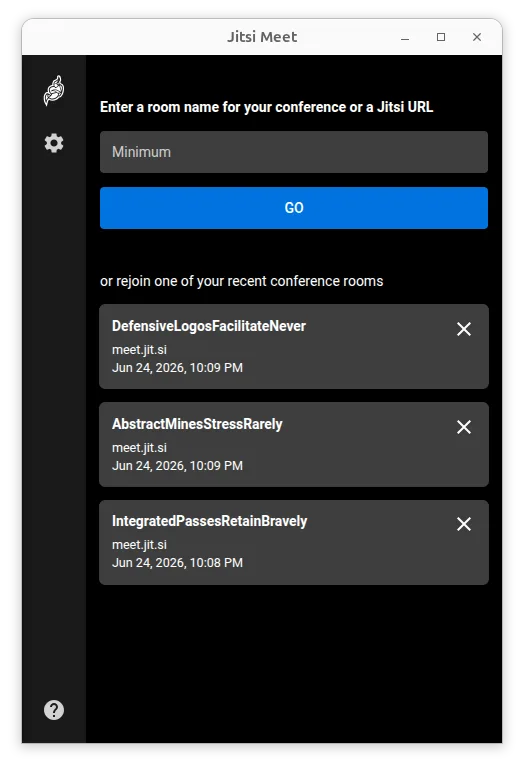
Lo que funciona igual
- Cross‑platform clients (Linux, Windows, macOS, browser)
- Low‑latency audio using Opus
- Password‑protected rooms
- Server‑side control via self‑hosted deployments
- Open‑source licensing
Lo que cambia
- TeamSpeak 3 offers dedicated voice‑only channels, while Jitsi is video‑centric
- TeamSpeak 3 has a mature, fine‑grained permission hierarchy; Jitsi has basic moderator controls
- TeamSpeak 3 is known for very low CPU usage even on low‑end hardware; Jitsi may use more resources with video
- TeamSpeak 3 has a long‑standing, stable server ecosystem; Jitsi’s server performance depends on your own deployment
Abrir tus archivos de TeamSpeak 3
TeamSpeak 3 uses .ts3server.ini and .ts3client.ini configuration files, and channel data is stored in a proprietary database format. Jitsi Meet does not read or write these files; there is no direct way to import a TeamSpeak 3 channel layout or user list into Jitsi. You would need to recreate rooms and permissions manually on your Jitsi server.
Pasar de TeamSpeak 3 a Jitsi Meet, paso a paso
- Install a Jitsi Meet server (e.g., via Docker or apt) or use a hosted instance.
- Create a room name that matches your existing TeamSpeak channel structure.
- Set a password for the room and configure moderator roles in the Jitsi admin console.
- Share the room URL with your team and instruct them to join via browser or the Jitsi client.
Funciones clave de Jitsi Meet
- Se conecta a cualquier despliegue de Jitsi, incluidos servidores auto‑alojados
- No se requiere cuenta para unirse o alojar conferencias
- Soporta cifrado de extremo a extremo para mayor privacidad
- Audio y video de alta calidad usando los códecs Opus, VP8, VP9 y AV1
- Salas protegidas con contraseña para acceso controlado
- Compatible con navegadores web, permitiendo que los invitados se unan sin instalar software
- Soporte de URL personalizada para enlaces de reunión fáciles de recordar
- Capacidad ilimitada de usuarios, limitada solo por los recursos del servidor
Cómo instalar Jitsi Meet en Linux
flatpak install flathub org.jitsi.jitsi-meetOtras 3 alternativas a TeamSpeak 3
 MumbleCliente de chat de voz cifrado, de código abierto y baja latencia, diseñado para juegos y comunicación en…Código abiertoGratisFlatpakMumble vs TeamSpeak 3
 DiscordUna aplicación de mensajería, voz y video multiplataforma para comunidades, juegos y encuentros casuales.FlatpakDiscord vs TeamSpeak 3LinphoneLinphone es un cliente SIP gratuito y de código abierto para llamadas de voz y vídeo, que soporta protocolos…Código abiertoGratisLinphone vs TeamSpeak 3