
 MyPaintLinux
vs
Adobe FrescoWindows
MyPaint como alternativa Linux a Adobe Fresco
Actualizado el
Nuestra opinión
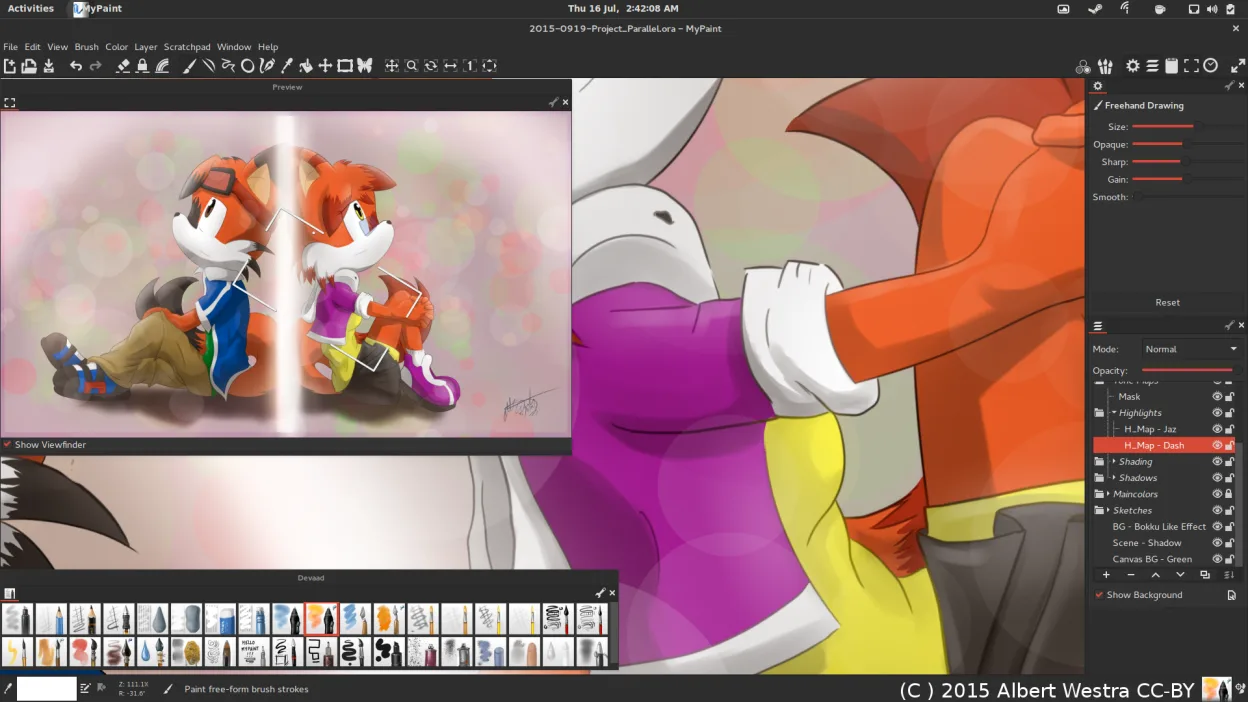
MyPaint can replace Adobe Fresco for users who only need raster painting with a strong brush engine and tablet support. It lacks vector tools, advanced layer features, and native PSD handling, so it suits illustrators and concept artists who work mainly in raster and prefer a lightweight, distraction‑free environment.
Cobertura de funciones
- Licencia
- GPL-2.0+
- Precio
- Gratis
- Última versión
- 2.0.1 (29 de mayo de 2020)
- Valoración
- —
Lo que funciona igual
- Pressure‑sensitive brush engine
- Tablet and stylus integration
- Layer support with basic blending modes
- Export to PNG/JPEG
- Unlimited undo/redo history
Lo que cambia
- No vector shape tools
- Limited layer options (no masks, advanced blending modes)
- No native PSD import/export
- No built‑in PSD compatibility
- No advanced color management
- No cloud sync or collaboration features
Abrir tus archivos de Adobe Fresco
MyPaint cannot open Adobe Fresco files directly. Exporting from Fresco to PNG or JPEG and then opening in MyPaint is possible, but any layer or vector data will be flattened. Importing MyPaint files into Fresco is not supported either. For PSD compatibility, a third‑party converter or intermediate format like OpenRaster would be required.
Pasar de Adobe Fresco a MyPaint, paso a paso
- Export your Fresco artwork to PNG or JPEG (flatten layers).
- Open the exported image in MyPaint via File → Open.
- Recreate any vector elements using MyPaint’s shape tools (if needed).
- Save the new file as a MyPaint project (.mypaint) or export to PNG/JPEG for further use.
- If you need PSD compatibility, use GIMP or Krita to convert the MyPaint file to PSD.
Funciones clave de MyPaint
- Motor de pinceles con cientos de parámetros configurables
- Soporta sensibilidad a la presión e inclinación en tabletas gráficas
- Interfaz simple y sin distracciones, solo lienzo
- Soporte de capas con modos de mezcla básicos
- Exporta a PNG, JPEG, OpenRaster y otros formatos comunes
- Extensible mediante plugins de Python
- Paquetes de pinceles preinstalados de artistas profesionales
- Historial de deshacer/rehacer con pasos ilimitados
Cómo instalar MyPaint en Linux
Flatpak (Flathub)
flatpak install flathub org.mypaint.MyPaintUbuntu / Mint
sudo apt install mypaintDebian
sudo apt install mypaintFedora
sudo dnf install mypaintArch / Manjaro
sudo pacman -S mypaintopenSUSE
sudo zypper install mypaintOtras 5 alternativas a Adobe Fresco
 KritaKrita es un programa de pintura digital e ilustración de código abierto con todas las funciones.Código abiertoGratisFlatpakKrita vs Adobe Fresco
 GIMPGIMP es un editor de gráficos rasterizados gratuito y de código abierto para edición fotográfica, pintura…Código abiertoGratisFlatpakGIMP vs Adobe Fresco
 InkscapeInkscape es un editor de gráficos vectoriales gratuito y de código abierto que rivaliza con Adobe Illustrator…Código abiertoGratisFlatpakInkscape vs Adobe Fresco
 Pencil2DPencil2D es una herramienta de animación 2D de código abierto para gráficos vectoriales y de mapa de bits…Código abiertoGratisFlatpakPencil2D vs Adobe Fresco
 PixeloramaPixelorama is a free, open-source pixel art editor and animation tool for Linux, suitable for sprites and…Código abiertoGratisFlatpakPixelorama vs Adobe Fresco
Valora MyPaint
Sé el primero en valorar
¿Es un buen sustituto de Adobe Fresco?
9