
 Rocket.ChatLinux
vs
Microsoft Teams (legacy)Windows
Rocket.ChatLinux
vs
Microsoft Teams (legacy)Windows
Rocket.Chat como alternativa Linux a Microsoft Teams (legacy)
Actualizado el
Nuestra opinión
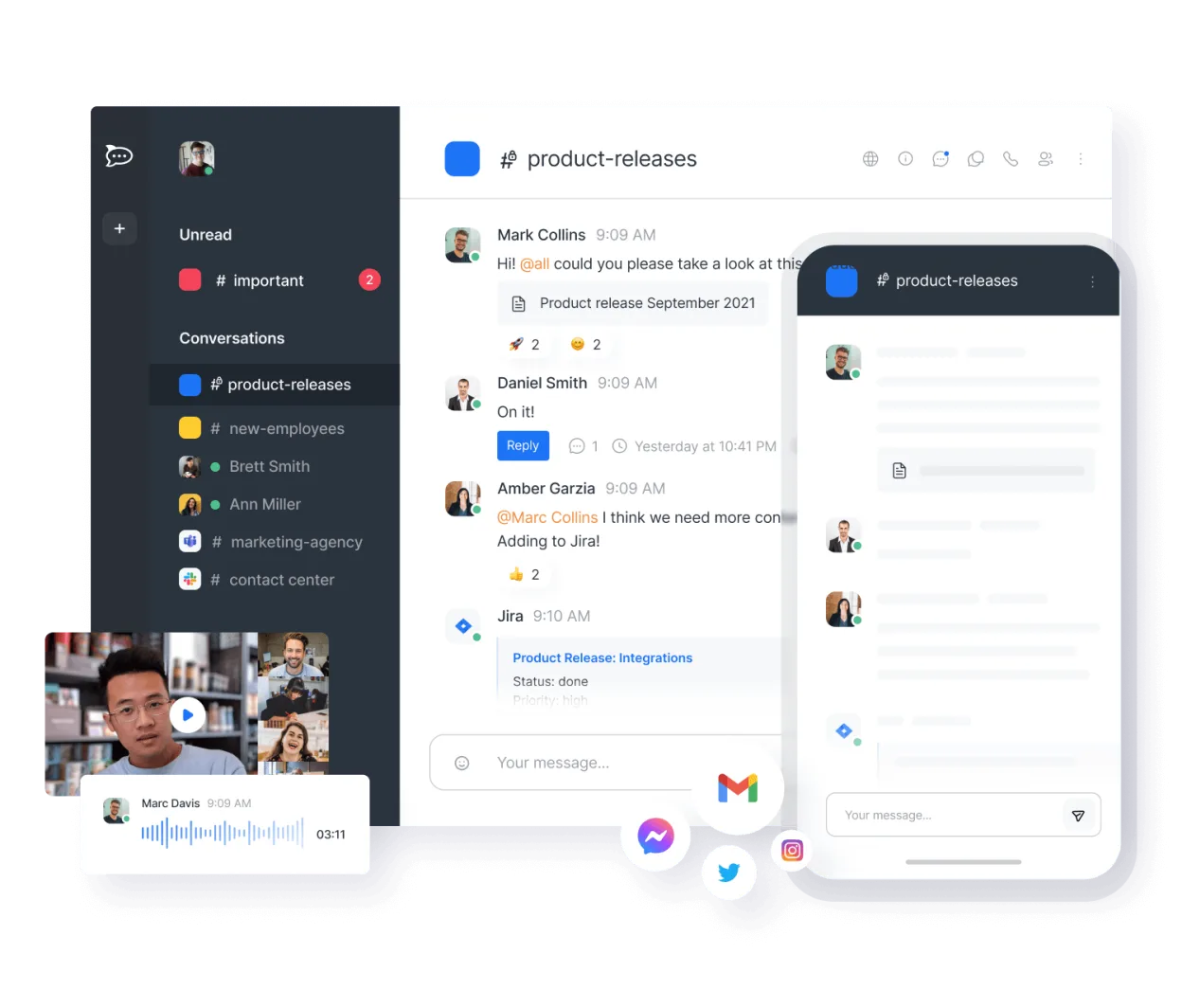
Rocket.Chat is a solid replacement for Microsoft Teams (legacy) for organizations prioritizing self-hosting, open-source software, and data control. It covers core collaboration needs: persistent chat, video conferencing, file sharing, and team workspaces. While the interface is less polished than Teams, it’s stable and feature-complete for most use cases. Best suited for technical teams or privacy-focused organizations willing to manage their own server. Avoid if you rely heavily on deep Microsoft 365 integration or advanced meeting features like live captions or breakout rooms.
- Licencia
- MIT
- Precio
- Gratis
- Última versión
- 4.18.4 (21 de octubre de 2026)
- Valoración
- —
Lo que funciona igual
- Persistent, organized text channels for teams and projects
- Real-time audio and video calls with screen sharing
- File sharing with version tracking and storage history
- Cross-platform support including Linux desktop, web, iOS, and Android
- Group-based workspace and permission management
Lo que cambia
- No native integration with Outlook or Microsoft Calendar
- Limited support for large webinars or external meeting links
- End-to-end encryption only in private channels, not globally
- Fewer built-in productivity tools like OneNote or Forms
- Self-hosting requires more setup and maintenance than Teams
Abrir tus archivos de Microsoft Teams (legacy)
Rocket.Chat allows file uploads and sharing, but does not natively open or convert Microsoft Teams-specific formats like .teams files or meeting artifacts. Shared documents (PDF, DOCX, PPTX) can be uploaded and viewed, but version history is limited to file replacements, not document-level revisions like in OneDrive. Exporting chat history includes attached files, but no direct import into Teams. Migration of historical files requires manual download and re-upload.
Pasar de Microsoft Teams (legacy) a Rocket.Chat, paso a paso
- Install Rocket.Chat via Snap, Docker, or self-hosted server
- Create workspaces and import team structure using CSV or API
- Migrate users and set up LDAP or SSO if needed
- Import chat history from Teams using Rocket.Chat’s migration tools
- Train users on channel organization and video call setup
- Deploy mobile apps and configure desktop notifications
Funciones clave de Rocket.Chat
- Usuarios y canales ilimitados por defecto
- Conferencias de video y audio
- Compartir archivos y edición de documentos en vivo
- API extensa e integraciones de bots
- Cifrado de extremo a extremo para canales privados
- Opciones autoalojadas o alojadas en la nube
- Aplicaciones móviles para iOS y Android
- Temas y diseños personalizables
Cómo instalar Rocket.Chat en Linux
flatpak install flathub chat.rocket.RocketChatPreguntas frecuentes
Can Rocket.Chat integrate with Active Directory?
Yes, Rocket.Chat supports LDAP and SAML, allowing integration with Active Directory for user authentication and group synchronization.
Is end-to-end encryption enabled by default?
No, end-to-end encryption must be manually enabled per private channel. Public channels and general server traffic are not end-to-end encrypted.
Can I use Rocket.Chat without self-hosting?
Yes, Rocket.Chat offers a cloud-hosted option, but self-hosting is recommended for full control and compliance with internal policies.
Otras 5 alternativas a Microsoft Teams (legacy)
 SlackSlack es una aplicación propietaria de comunicación para equipos en Linux que centraliza conversaciones…FlatpakSlack vs Microsoft Teams (legacy)
 MattermostMattermost es una plataforma de colaboración de código abierto y autoalojada para equipos de desarrolladores…Código abiertoGratisFlatpakMattermost vs Microsoft Teams (legacy)
 ZulipZulip es una aplicación de chat de grupo de código abierto que utiliza conversaciones en hilos para gestionar…Código abiertoGratisFlatpakZulip vs Microsoft Teams (legacy)
 ElementElement es un cliente de chat y videoconferencia basado en matrices, de código abierto, para Linux.Código abiertoGratisFlatpakElement vs Microsoft Teams (legacy)
 Jitsi MeetJitsi Meet es un cliente de videoconferencias de código abierto que se conecta a cualquier servidor Jitsi…Código abiertoGratisFlatpakJitsi Meet vs Microsoft Teams (legacy)