
 Rocket.ChatLinux
vs
Microsoft Teams (legacy)Windows
Rocket.ChatLinux
vs
Microsoft Teams (legacy)Windows
Rocket.Chat as a Linux alternative to Microsoft Teams (legacy)
Updated
Our verdict
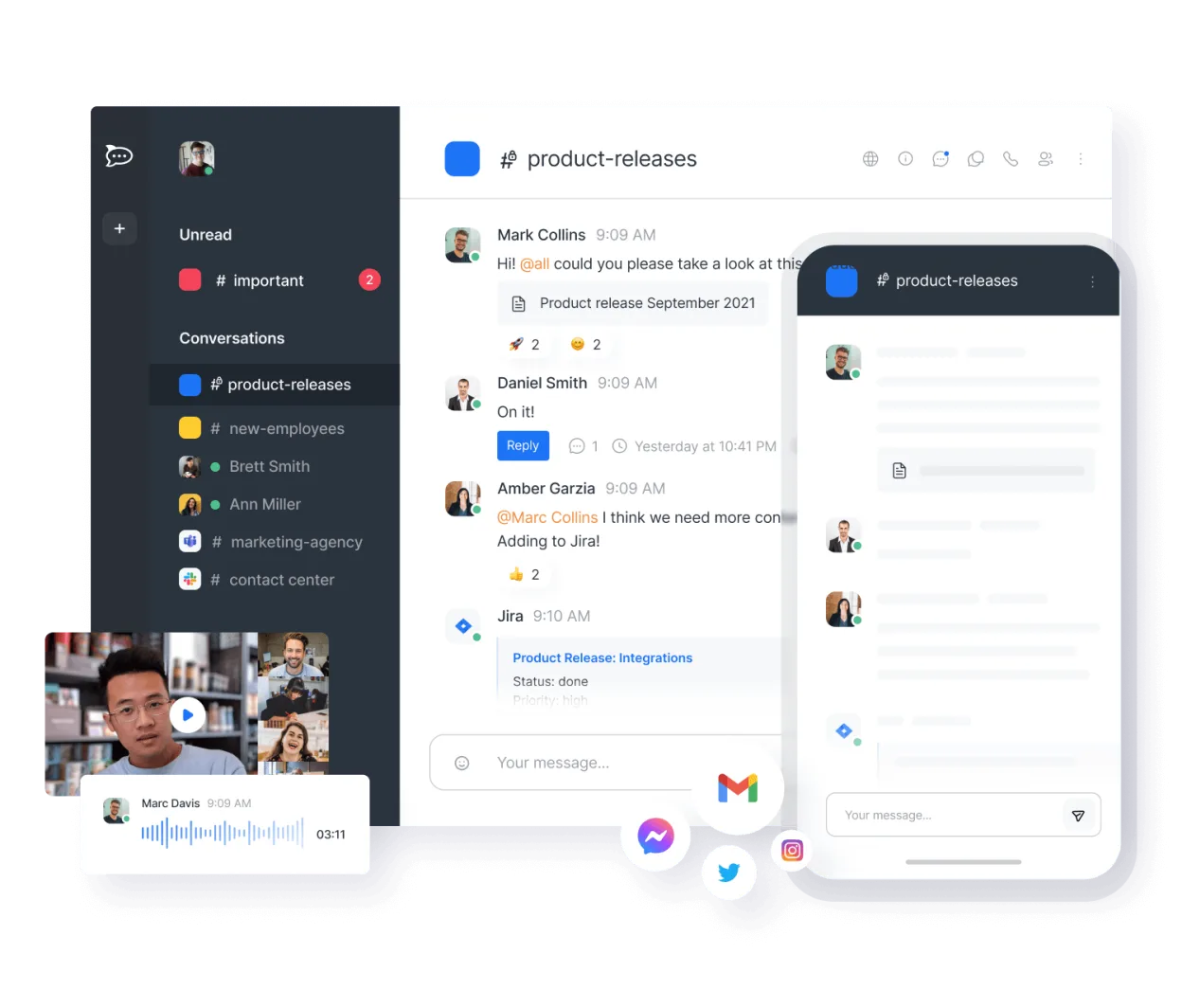
Rocket.Chat is a solid replacement for Microsoft Teams (legacy) for organizations prioritizing self-hosting, open-source software, and data control. It covers core collaboration needs: persistent chat, video conferencing, file sharing, and team workspaces. While the interface is less polished than Teams, it’s stable and feature-complete for most use cases. Best suited for technical teams or privacy-focused organizations willing to manage their own server. Avoid if you rely heavily on deep Microsoft 365 integration or advanced meeting features like live captions or breakout rooms.
- License
- MIT
- Price
- Free
- Latest version
- 4.18.4 (October 21, 2026)
- Rating
- —
What works the same
- Persistent, organized text channels for teams and projects
- Real-time audio and video calls with screen sharing
- File sharing with version tracking and storage history
- Cross-platform support including Linux desktop, web, iOS, and Android
- Group-based workspace and permission management
What is different
- No native integration with Outlook or Microsoft Calendar
- Limited support for large webinars or external meeting links
- End-to-end encryption only in private channels, not globally
- Fewer built-in productivity tools like OneNote or Forms
- Self-hosting requires more setup and maintenance than Teams
Opening your Microsoft Teams (legacy) files
Rocket.Chat allows file uploads and sharing, but does not natively open or convert Microsoft Teams-specific formats like .teams files or meeting artifacts. Shared documents (PDF, DOCX, PPTX) can be uploaded and viewed, but version history is limited to file replacements, not document-level revisions like in OneDrive. Exporting chat history includes attached files, but no direct import into Teams. Migration of historical files requires manual download and re-upload.
Switching from Microsoft Teams (legacy) to Rocket.Chat, step by step
- Install Rocket.Chat via Snap, Docker, or self-hosted server
- Create workspaces and import team structure using CSV or API
- Migrate users and set up LDAP or SSO if needed
- Import chat history from Teams using Rocket.Chat’s migration tools
- Train users on channel organization and video call setup
- Deploy mobile apps and configure desktop notifications
Key features of Rocket.Chat
- Unlimited users and channels by default
- Video and audio conferencing
- File sharing and live document editing
- Extensive API and bot integrations
- End-to-end encryption for private channels
- Self-hosted or cloud-hosted options
- Mobile apps for iOS and Android
- Customizable themes and layouts
How to install Rocket.Chat on Linux
flatpak install flathub chat.rocket.RocketChatFrequently asked questions
Can Rocket.Chat integrate with Active Directory?
Yes, Rocket.Chat supports LDAP and SAML, allowing integration with Active Directory for user authentication and group synchronization.
Is end-to-end encryption enabled by default?
No, end-to-end encryption must be manually enabled per private channel. Public channels and general server traffic are not end-to-end encrypted.
Can I use Rocket.Chat without self-hosting?
Yes, Rocket.Chat offers a cloud-hosted option, but self-hosting is recommended for full control and compliance with internal policies.
5 other alternatives to Microsoft Teams (legacy)
 SlackSlack is a proprietary team communication app for Linux that centralizes conversations, tools, and workflows…FlatpakSlack vs Microsoft Teams (legacy)
 MattermostMattermost is an open-source, self-hosted collaboration platform for developer teams, offering a secure…Open sourceFreeFlatpakMattermost vs Microsoft Teams (legacy)
 ZulipZulip is an open-source group chat application that uses threaded conversations to manage high-volume team…Open sourceFreeFlatpakZulip vs Microsoft Teams (legacy)
 ElementElement is an open‑source, matrix‑based chat and video‑conference client for Linux.Open sourceFreeFlatpakElement vs Microsoft Teams (legacy)
 Jitsi MeetJitsi Meet is an open-source video conferencing client that connects to any Jitsi server for secure…Open sourceFreeFlatpakJitsi Meet vs Microsoft Teams (legacy)