
 Rocket.ChatLinux
vs
Microsoft Teams (newer versions)Windows
Rocket.ChatLinux
vs
Microsoft Teams (newer versions)Windows
Rocket.Chat como alternativa Linux a Microsoft Teams (newer versions)
Actualizado el
Nuestra opinión
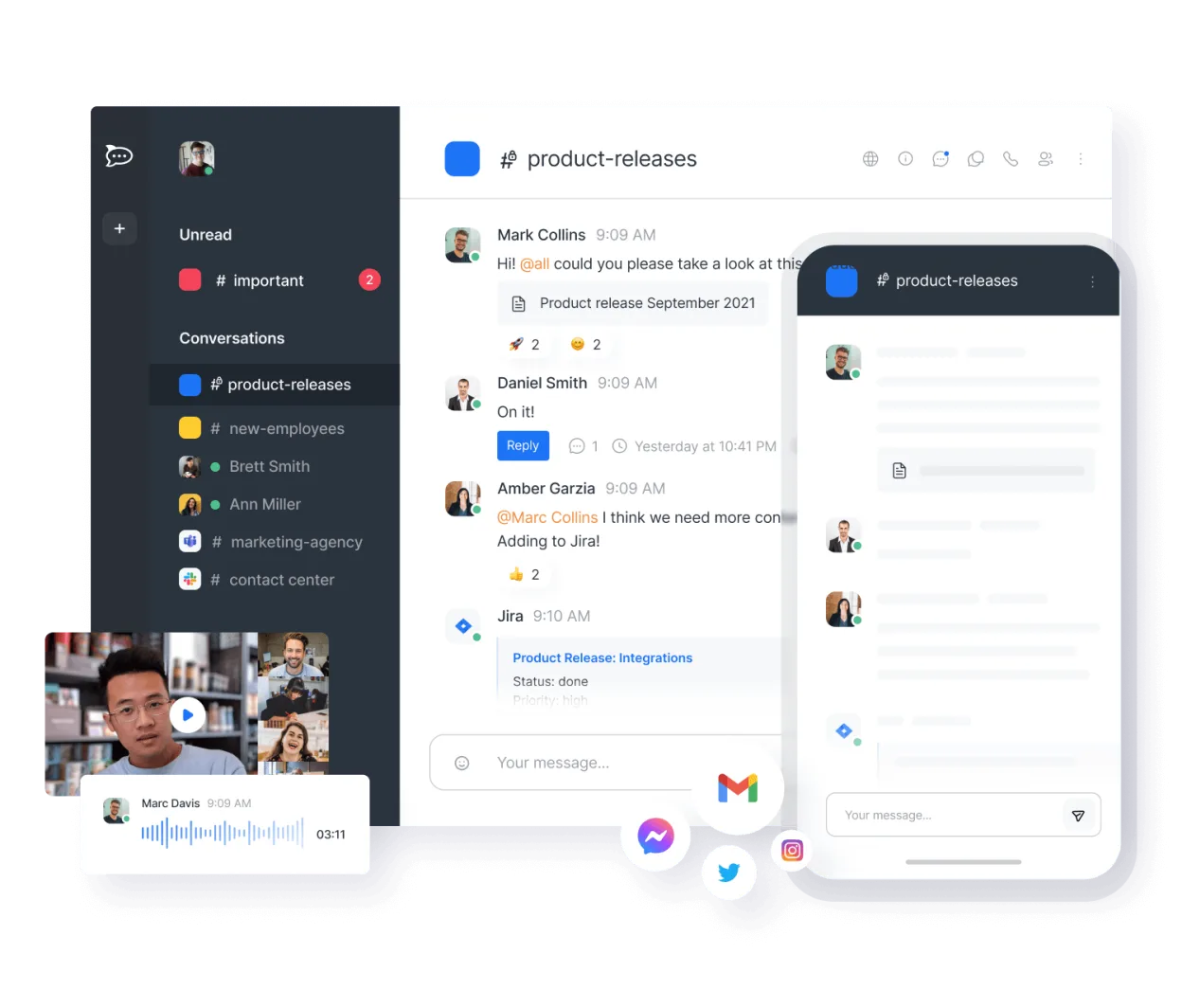
Rocket.Chat is a strong, self-hosted alternative for teams that prioritize data ownership and open standards. It covers core chat, video, and file sharing well. However, it lacks the deep Microsoft 365 integration, such as native Outlook calendar sync and Azure AD single sign-on, that many Teams users rely on. It is best for organizations willing to manage their own infrastructure or use Rocket.Chat’s cloud, and who do not need tight coupling with existing Microsoft enterprise tools.
- Licencia
- MIT
- Precio
- Gratis
- Última versión
- 4.18.5 (23 de octubre de 2026)
- Valoración
- —
Lo que funciona igual
- Real-time channel and direct messaging
- Audio and video conferencing with screen sharing
- File sharing and collaborative document editing
- Cross-platform availability including desktop and mobile apps
Lo que cambia
- No native integration with Microsoft 365 services like Outlook or OneDrive
- Lacks built-in Azure AD authentication, requiring SSO setup via LDAP or OIDC
- Self-hosted by default, requiring more administrative effort than SaaS Teams
- No native calendar application for scheduling meetings within the chat interface
Abrir tus archivos de Microsoft Teams (newer versions)
Rocket.Chat does not natively open or export Microsoft Teams-specific file formats. It handles standard office documents (DOCX, XLSX, PPTX) and PDFs via its file viewer or by downloading them to edit in external applications. There is no direct migration tool to convert Teams chat history or file structures into Rocket.Chat; files must be manually re-uploaded or synced via API scripts.
Pasar de Microsoft Teams (newer versions) a Rocket.Chat, paso a paso
- Deploy a Rocket.Chat server instance or subscribe to their cloud service
- Configure authentication using LDAP, SAML, or OIDC to match your existing identity provider
- Export necessary files and documents from Microsoft Teams storage
- Create channels and user groups in Rocket.Chat matching your team structure
- Upload shared files to the appropriate channels or use API scripts for bulk import
- Install desktop and mobile apps for all users and configure notification settings
Funciones clave de Rocket.Chat
- Usuarios y canales ilimitados por defecto
- Conferencias de video y audio
- Compartir archivos y edición de documentos en vivo
- API extensa e integraciones de bots
- Cifrado de extremo a extremo para canales privados
- Opciones autoalojadas o alojadas en la nube
- Aplicaciones móviles para iOS y Android
- Temas y diseños personalizables
Cómo instalar Rocket.Chat en Linux
flatpak install flathub chat.rocket.RocketChatPreguntas frecuentes
Can Rocket.Chat integrate with my existing Microsoft 365 calendar?
Not natively. You will need to use third-party integrations or the API to sync events, but it is not as seamless as Teams' built-in Outlook integration.
Is Rocket.Chat free to use?
The software is free and open-source under the MIT license. You pay for hosting infrastructure if self-hosting, or for their managed cloud service if you choose that option.
Does Rocket.Chat support end-to-end encryption?
Yes, it offers end-to-end encryption for private channels and direct messages, which is a feature not available in standard Microsoft Teams configurations.
Otras 5 alternativas a Microsoft Teams (newer versions)
 ElementElement es un cliente de chat y videoconferencia basado en matrices, de código abierto, para Linux.Código abiertoGratisFlatpakElement vs Microsoft Teams (newer versions)
 Jitsi MeetJitsi Meet es un cliente de videoconferencias de código abierto que se conecta a cualquier servidor Jitsi…Código abiertoGratisFlatpakJitsi Meet vs Microsoft Teams (newer versions)
 SlackSlack es una aplicación propietaria de comunicación para equipos en Linux que centraliza conversaciones…FlatpakSlack vs Microsoft Teams (newer versions)
 MattermostMattermost es una plataforma de colaboración de código abierto y autoalojada para equipos de desarrolladores…Código abiertoGratisFlatpakMattermost vs Microsoft Teams (newer versions)
 DiscordUna aplicación de mensajería, voz y video multiplataforma para comunidades, juegos y encuentros casuales.FlatpakDiscord vs Microsoft Teams (newer versions)