
 Rocket.ChatLinux
vs
Microsoft Teams (newer versions)Windows
Rocket.ChatLinux
vs
Microsoft Teams (newer versions)Windows
Rocket.Chat as a Linux alternative to Microsoft Teams (newer versions)
Updated
Our verdict
Rocket.Chat is a strong, self-hosted alternative for teams that prioritize data ownership and open standards. It covers core chat, video, and file sharing well. However, it lacks the deep Microsoft 365 integration, such as native Outlook calendar sync and Azure AD single sign-on, that many Teams users rely on. It is best for organizations willing to manage their own infrastructure or use Rocket.Chat’s cloud, and who do not need tight coupling with existing Microsoft enterprise tools.
- License
- MIT
- Price
- Free
- Latest version
- 4.18.5 (October 23, 2026)
- Rating
- —
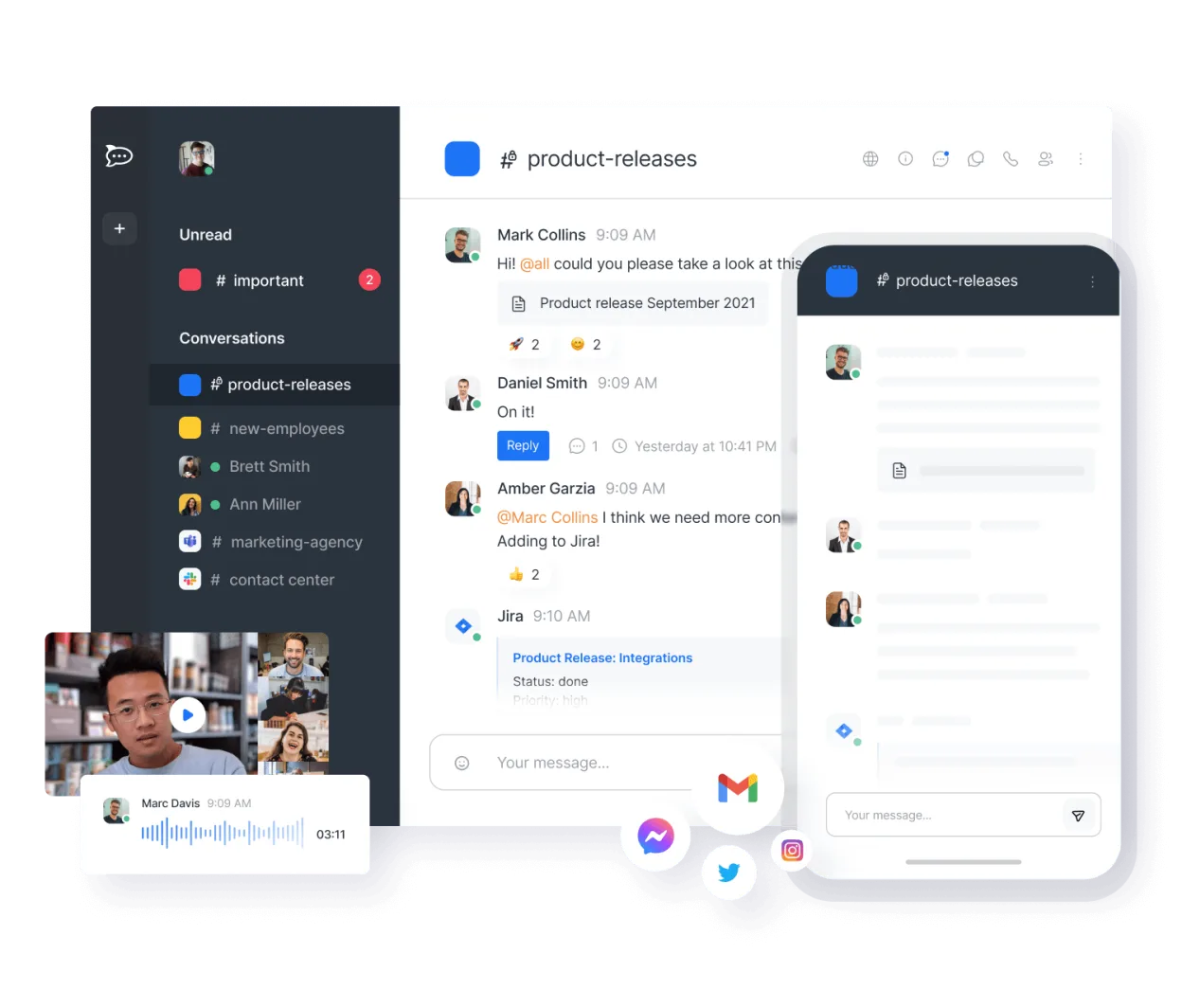
What works the same
- Real-time channel and direct messaging
- Audio and video conferencing with screen sharing
- File sharing and collaborative document editing
- Cross-platform availability including desktop and mobile apps
What is different
- No native integration with Microsoft 365 services like Outlook or OneDrive
- Lacks built-in Azure AD authentication, requiring SSO setup via LDAP or OIDC
- Self-hosted by default, requiring more administrative effort than SaaS Teams
- No native calendar application for scheduling meetings within the chat interface
Opening your Microsoft Teams (newer versions) files
Rocket.Chat does not natively open or export Microsoft Teams-specific file formats. It handles standard office documents (DOCX, XLSX, PPTX) and PDFs via its file viewer or by downloading them to edit in external applications. There is no direct migration tool to convert Teams chat history or file structures into Rocket.Chat; files must be manually re-uploaded or synced via API scripts.
Switching from Microsoft Teams (newer versions) to Rocket.Chat, step by step
- Deploy a Rocket.Chat server instance or subscribe to their cloud service
- Configure authentication using LDAP, SAML, or OIDC to match your existing identity provider
- Export necessary files and documents from Microsoft Teams storage
- Create channels and user groups in Rocket.Chat matching your team structure
- Upload shared files to the appropriate channels or use API scripts for bulk import
- Install desktop and mobile apps for all users and configure notification settings
Key features of Rocket.Chat
- Unlimited users and channels by default
- Video and audio conferencing
- File sharing and live document editing
- Extensive API and bot integrations
- End-to-end encryption for private channels
- Self-hosted or cloud-hosted options
- Mobile apps for iOS and Android
- Customizable themes and layouts
How to install Rocket.Chat on Linux
flatpak install flathub chat.rocket.RocketChatFrequently asked questions
Can Rocket.Chat integrate with my existing Microsoft 365 calendar?
Not natively. You will need to use third-party integrations or the API to sync events, but it is not as seamless as Teams' built-in Outlook integration.
Is Rocket.Chat free to use?
The software is free and open-source under the MIT license. You pay for hosting infrastructure if self-hosting, or for their managed cloud service if you choose that option.
Does Rocket.Chat support end-to-end encryption?
Yes, it offers end-to-end encryption for private channels and direct messages, which is a feature not available in standard Microsoft Teams configurations.
5 other alternatives to Microsoft Teams (newer versions)
 ElementElement is an open‑source, matrix‑based chat and video‑conference client for Linux.Open sourceFreeFlatpakElement vs Microsoft Teams (newer versions)
 Jitsi MeetJitsi Meet is an open-source video conferencing client that connects to any Jitsi server for secure…Open sourceFreeFlatpakJitsi Meet vs Microsoft Teams (newer versions)
 SlackSlack is a proprietary team communication app for Linux that centralizes conversations, tools, and workflows…FlatpakSlack vs Microsoft Teams (newer versions)
 MattermostMattermost is an open-source, self-hosted collaboration platform for developer teams, offering a secure…Open sourceFreeFlatpakMattermost vs Microsoft Teams (newer versions)
 DiscordA cross-platform messaging, voice, and video client for communities, gaming, and casual hangouts.FlatpakDiscord vs Microsoft Teams (newer versions)