
 Rocket.ChatLinux
vs
Microsoft Teams (legacy)Windows
Rocket.ChatLinux
vs
Microsoft Teams (legacy)Windows
Rocket.Chat, alternative Linux à Microsoft Teams (legacy)
Mis à jour le
Notre avis
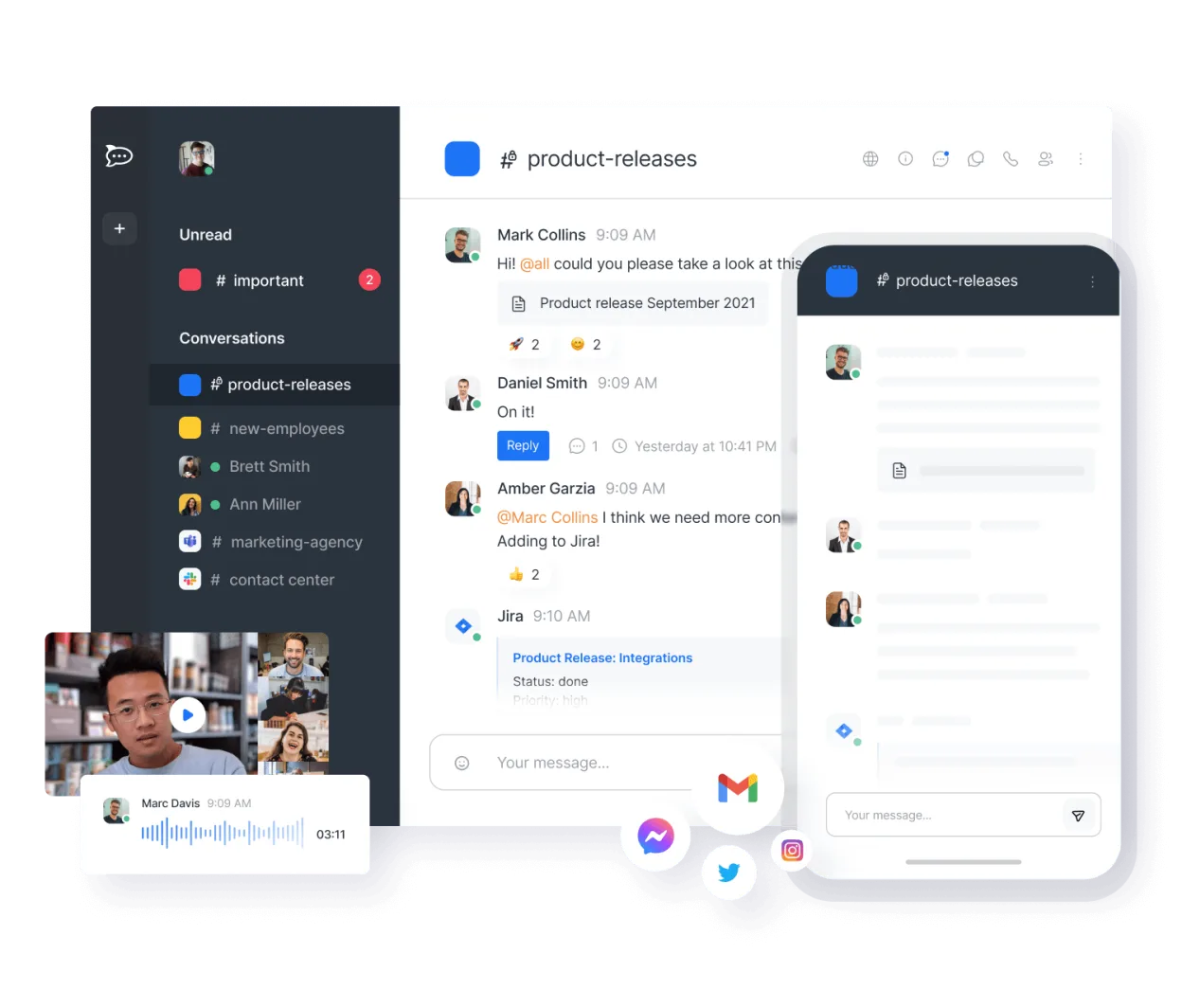
Rocket.Chat is a solid replacement for Microsoft Teams (legacy) for organizations prioritizing self-hosting, open-source software, and data control. It covers core collaboration needs: persistent chat, video conferencing, file sharing, and team workspaces. While the interface is less polished than Teams, it’s stable and feature-complete for most use cases. Best suited for technical teams or privacy-focused organizations willing to manage their own server. Avoid if you rely heavily on deep Microsoft 365 integration or advanced meeting features like live captions or breakout rooms.
- Licence
- MIT
- Prix
- Gratuit
- Dernière version
- 4.18.4 (21 octobre 2026)
- Note
- —
Ce qui fonctionne pareil
- Persistent, organized text channels for teams and projects
- Real-time audio and video calls with screen sharing
- File sharing with version tracking and storage history
- Cross-platform support including Linux desktop, web, iOS, and Android
- Group-based workspace and permission management
Ce qui change
- No native integration with Outlook or Microsoft Calendar
- Limited support for large webinars or external meeting links
- End-to-end encryption only in private channels, not globally
- Fewer built-in productivity tools like OneNote or Forms
- Self-hosting requires more setup and maintenance than Teams
Ouvrir vos fichiers Microsoft Teams (legacy)
Rocket.Chat allows file uploads and sharing, but does not natively open or convert Microsoft Teams-specific formats like .teams files or meeting artifacts. Shared documents (PDF, DOCX, PPTX) can be uploaded and viewed, but version history is limited to file replacements, not document-level revisions like in OneDrive. Exporting chat history includes attached files, but no direct import into Teams. Migration of historical files requires manual download and re-upload.
Passer de Microsoft Teams (legacy) à Rocket.Chat, étape par étape
- Install Rocket.Chat via Snap, Docker, or self-hosted server
- Create workspaces and import team structure using CSV or API
- Migrate users and set up LDAP or SSO if needed
- Import chat history from Teams using Rocket.Chat’s migration tools
- Train users on channel organization and video call setup
- Deploy mobile apps and configure desktop notifications
Fonctionnalités clés de Rocket.Chat
- Utilisateurs et canaux illimités par défaut
- Visioconférence et audioconférence
- Partage de fichiers et édition de documents en direct
- API étendue et intégrations de bots
- Chiffrement de bout en bout pour les canaux privés
- Options d'auto-hébergement ou d'hébergement cloud
- Applications mobiles pour iOS et Android
- Thèmes et mises en page personnalisables
Installer Rocket.Chat sous Linux
flatpak install flathub chat.rocket.RocketChatQuestions fréquentes
Can Rocket.Chat integrate with Active Directory?
Yes, Rocket.Chat supports LDAP and SAML, allowing integration with Active Directory for user authentication and group synchronization.
Is end-to-end encryption enabled by default?
No, end-to-end encryption must be manually enabled per private channel. Public channels and general server traffic are not end-to-end encrypted.
Can I use Rocket.Chat without self-hosting?
Yes, Rocket.Chat offers a cloud-hosted option, but self-hosting is recommended for full control and compliance with internal policies.
5 autres alternatives à Microsoft Teams (legacy)
 SlackSlack est une application de communication d'équipe propriétaire pour Linux qui centralise les conversations…FlatpakSlack ou Microsoft Teams (legacy)
 MattermostMattermost est une plateforme de collaboration open source et auto-hébergée, conçue pour les équipes de…Open sourceGratuitFlatpakMattermost ou Microsoft Teams (legacy)
 ZulipZulip est une application de messagerie de groupe open source qui utilise des conversations en fil pour gérer…Open sourceGratuitFlatpakZulip ou Microsoft Teams (legacy)
 ElementElement est un client de messagerie et de visioconférence basé sur Matrix, open source, pour Linux.Open sourceGratuitFlatpakElement ou Microsoft Teams (legacy)
 Jitsi MeetJitsi Meet est un client de vidéoconférence open-source qui se connecte à n’importe quel serveur Jitsi pour…Open sourceGratuitFlatpakJitsi Meet ou Microsoft Teams (legacy)