
 SlackLinux
vs
DiscordWindows
SlackLinux
vs
DiscordWindows
Slack, alternative Linux à Discord
Mis à jour le
Notre avis
Slack is not a good replacement for Discord. While it handles text chat and file sharing well, it lacks the low-latency voice and video calls that define Discord for gamers and communities. Slack is designed for business workflows, not real-time social interaction. If your primary need is text-based team coordination, Slack works. However, if you rely on voice channels, screen sharing for gaming, or community moderation tools, you will find Slack lacking. It is a different tool for a different purpose, not a direct swap.
- Licence
- LicenseRef-proprietary
- Prix
- freemium
- Dernière version
- 4.52.178 (8 octobre 2026)
- Note
- —
Ce qui fonctionne pareil
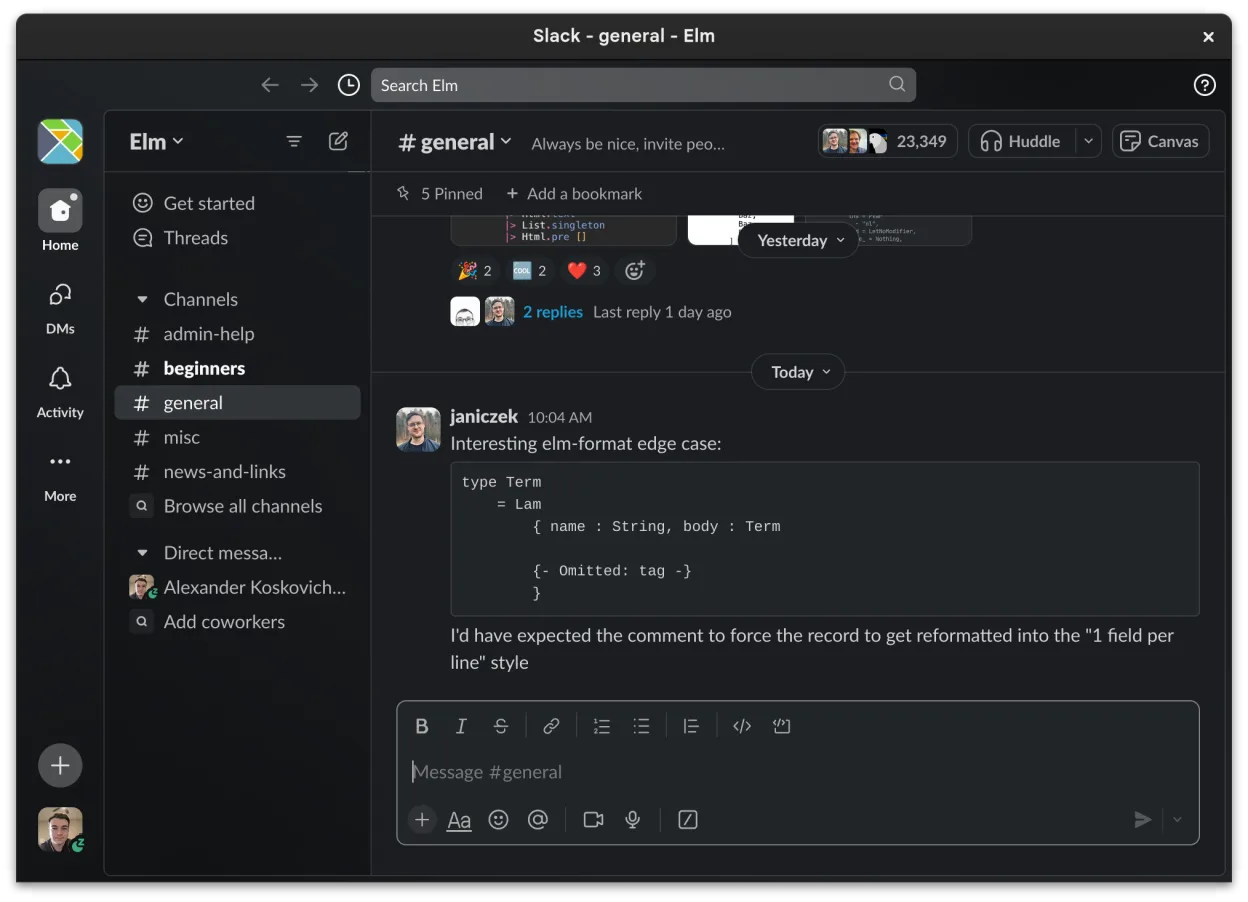
- Channel-based organization for topics and projects
- Direct messaging with read receipts and reactions
- File sharing with preview support for common formats
- Cross-device sync for messages and notifications
Ce qui change
- Slack lacks native low-latency voice and video calls for casual social use
- No equivalent to Discord's persistent voice channels for hanging out
- Moderation tools are focused on business admin, not community management
- Slack is proprietary and business-oriented, whereas Discord is community-focused
- Missing features like screen sharing optimized for gaming or streaming
Ouvrir vos fichiers Discord
Slack does not support importing or exporting Discord data. There is no built-in tool to transfer chat history, media, or user lists from Discord to Slack. You would need to manually export Discord data via its built-in export feature (if available to your account) and then manually upload files to Slack, which is not a practical migration path for most users.
Passer de Discord à Slack, étape par étape
- Create a new Slack workspace or join an existing one via invitation
- Install the Slack Linux client from Flathub or the official website
- Manually create channels in Slack that mirror your Discord server structure
- Invite your team members to the new Slack workspace
- Manually upload any critical files or documents from Discord to relevant Slack channels
- Configure notification settings per channel to match your previous Discord preferences
Fonctionnalités clés de Slack
- Organisation par canaux pour les sujets et les projets
- Messagerie directe avec accusés de lecture et réactions
- Partage de fichiers avec prise en charge de l'aperçu pour les formats courants
- Intégration avec des outils tiers via Slack Apps
- Conversations en fil pour garder les canaux principaux non encombrés
- Synchronisation multi-appareils pour les messages et les notifications
- Paramètres de notifications personnalisables par canal ou message direct
- Client Linux en bêta avec ajouts de fonctionnalités en cours
Installer Slack sous Linux
flatpak install flathub com.slack.SlackQuestions fréquentes
Can I use Slack for voice calls like Discord?
Slack supports voice and video calls, but they are designed for business meetings, not low-latency gaming or casual social voice channels. The experience is not comparable to Discord for those use cases.
Is Slack free?
Slack offers a free tier with limited history and features. Paid plans are required for advanced features, unlimited message history, and larger file uploads. Discord is free for most users with a paid Nitro option.
Will my Discord friends be on Slack?
No. Slack and Discord are separate ecosystems. Your Discord friends are not automatically on Slack, and there is no cross-platform integration to sync users or chats between the two services.
5 autres alternatives à Discord
 MumbleClient de chat vocal crypté open-source à faible latence conçu pour le jeu et la communication d'équipe.Open sourceGratuitFlatpakMumble ou Discord
 ElementElement est un client de messagerie et de visioconférence sécurisé basé sur Matrix pour Linux.Open sourceGratuitFlatpakElement ou Discord
 TelegramTelegram est un messager instantané rapide, sécurisé et basé sur le cloud, offrant un partage de fichiers…Open sourceGratuitFlatpakTelegram ou Discord
 Signal DesktopSignal Desktop est un messager privé gratuit et open‑source pour Linux, synchronisant messages et appels avec…Open sourceGratuitFlatpakSignal Desktop ou Discord
 Jitsi MeetJitsi Meet est un client de vidéoconférence open-source qui se connecte à n’importe quel serveur Jitsi pour…Open sourceGratuitFlatpakJitsi Meet ou Discord