
 SlackLinux
vs
Microsoft TeamsWindows
SlackLinux
vs
Microsoft TeamsWindows
Slack, alternative Linux à Microsoft Teams
Mis à jour le
Notre avis
Slack can replace Microsoft Teams for teams that need real‑time chat, threaded conversations, file sharing, and integration with third‑party tools. It works on Linux, macOS, Windows, and mobile, so cross‑platform teams can stay connected. However, it lacks native Office 365 integration, built‑in video conferencing, and the same level of enterprise‑grade security controls that Teams offers. It is best suited for organizations already using Slack or those who prefer a lighter, more modular communication platform.
- Licence
- LicenseRef-proprietary
- Prix
- freemium
- Dernière version
- 4.52.178 (8 octobre 2026)
- Note
- —
Ce qui fonctionne pareil
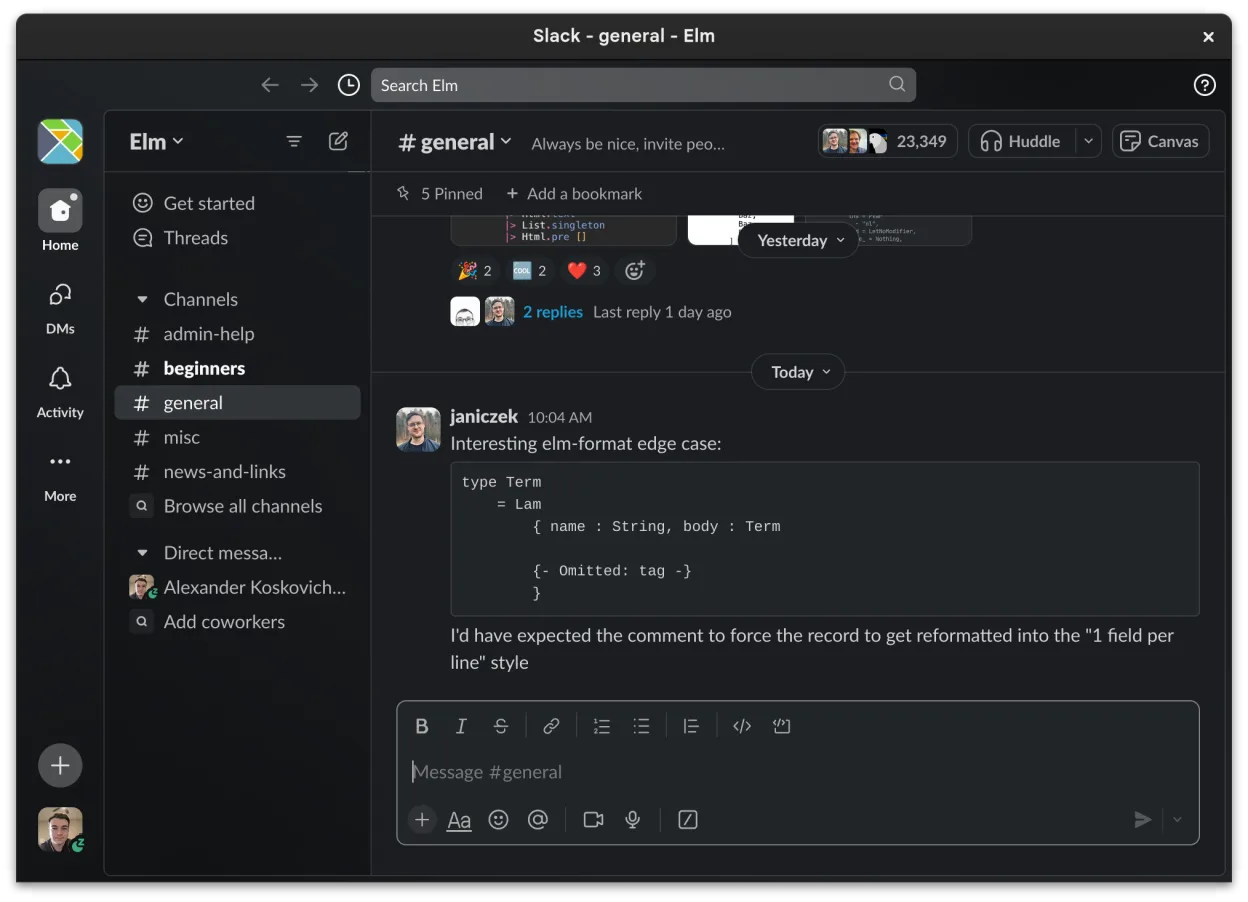
- Real‑time chat with threaded conversations
- File sharing with preview support
- Integration with third‑party tools via apps
- Cross‑platform availability
- Customizable notification settings
Ce qui change
- No native Office 365 integration
- No built‑in video conferencing (requires external apps)
- Limited enterprise‑grade security and compliance features
- Slack’s Linux client is still beta with occasional missing features
- Teams offers tighter integration with Microsoft 365 productivity suite
Ouvrir vos fichiers Microsoft Teams
Microsoft Teams primarily stores files in SharePoint/OneDrive. Slack can attach and preview common formats (PDF, DOCX, XLSX, images), but it does not natively open or edit Office documents. To view Teams files, you would need to download them to a local Office installation or use an online Office viewer. Exporting from Slack is limited to the files you upload; there is no direct conversion from Teams‑specific formats.
Passer de Microsoft Teams à Slack, étape par étape
- Export Teams channel data via the Teams admin center or PowerShell scripts.
- Download all files from SharePoint/OneDrive to a local folder.
- Create Slack workspaces and channels matching Teams teams and channels.
- Upload the downloaded files to the corresponding Slack channels.
- Recreate important messages by copying and pasting key content into Slack.
- Set up Slack apps (e.g., Google Drive, Jira) to replace Teams integrations.
Fonctionnalités clés de Slack
- Organisation par canaux pour les sujets et les projets
- Messagerie directe avec accusés de lecture et réactions
- Partage de fichiers avec prise en charge de l'aperçu pour les formats courants
- Intégration avec des outils tiers via Slack Apps
- Conversations en fil pour garder les canaux principaux non encombrés
- Synchronisation multi-appareils pour les messages et les notifications
- Paramètres de notifications personnalisables par canal ou message direct
- Client Linux en bêta avec ajouts de fonctionnalités en cours
Installer Slack sous Linux
flatpak install flathub com.slack.SlackQuestions fréquentes
Does Slack support video calls like Teams?
Slack offers video calls, but they are limited to 15‑minute calls for free accounts and 30‑minute calls for paid plans. For larger meetings, you need to integrate with Zoom, Microsoft Teams, or other services. Teams provides native, unlimited video conferencing for all users.
Will I lose file permissions when moving from Teams to Slack?
Slack does not enforce the same granular permission model as SharePoint. You will need to manually set channel permissions and use Slack’s file‑sharing controls to approximate the original access levels.
Is the Slack Linux client stable enough for production use?
Slack’s Linux client is still in beta; some features may be missing or buggy. For critical production environments, consider using the web app or waiting for a stable release.
5 autres alternatives à Microsoft Teams
 MattermostMattermost est une plateforme de collaboration open source et auto-hébergée, conçue pour les équipes de…Open sourceGratuitFlatpakMattermost ou Microsoft Teams
 DiscordUne application de messagerie, voix et vidéo multiplateforme pour les communautés, les jeux et les rencontres…FlatpakDiscord ou Microsoft Teams
 Rocket.ChatPlateforme open source de communication d'équipe pour le chat, la vidéo et la collaboration, souvent utilisée…Open sourceGratuitFlatpakRocket.Chat ou Microsoft Teams
 ZulipZulip est une application de messagerie de groupe open source qui utilise des conversations en fil pour gérer…Open sourceGratuitFlatpakZulip ou Microsoft Teams
 ElementElement est un client de messagerie et de visioconférence basé sur Matrix, open source, pour Linux.Open sourceGratuitFlatpakElement ou Microsoft Teams