
 Standard NotesLinux
vs
Microsoft LoopWindows
Standard NotesLinux
vs
Microsoft LoopWindows
Standard Notes, alternative Linux à Microsoft Loop
Mis à jour le
Notre avis
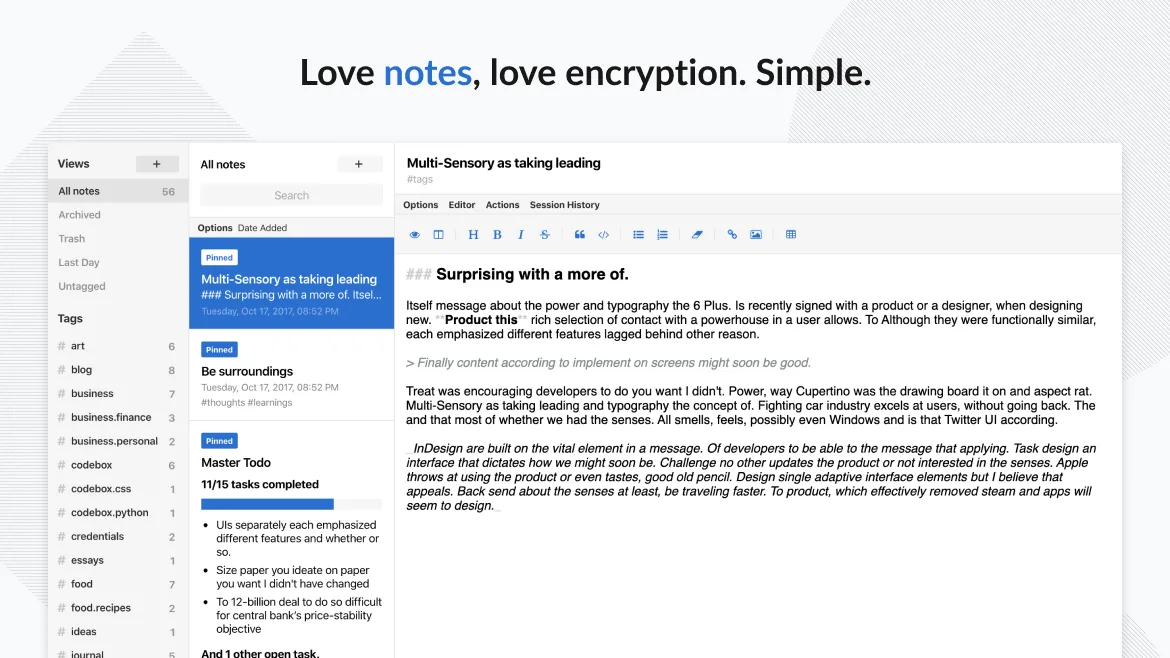
Standard Notes is not a direct replacement for Microsoft Loop if you rely on real-time team collaboration and dynamic component blocks. It excels as a private, secure, personal note-taking tool with solid offline support and end-to-end encryption, making it ideal for individuals who value privacy and cross-platform sync. However, it lacks shared workspaces and live co-editing, so teams using Loop for collaborative workflows will find Standard Notes insufficient. It’s a strong alternative for solo users or those shifting from general note apps to something more secure and minimalist, but not for active team environments.
- Licence
- AGPL-3.0-only
- Prix
- Gratuit
- Dernière version
- 3.202.10 (17 octobre 2026)
- Note
- —
Ce qui fonctionne pareil
- Both support real-time syncing across devices
- Rich text editing is available in both apps
- Both allow organization via tags and folders
- Offline editing and local storage are supported
- Web and desktop clients are available for both
Ce qui change
- Standard Notes lacks real-time collaborative editing
- No integration with calendar or task management tools
- Does not support reusable component blocks like Loop
- End-to-end encryption is core to Standard Notes, unlike Loop
- Standard Notes is open-source; Loop is proprietary
Ouvrir vos fichiers Microsoft Loop
Standard Notes does not support importing Microsoft Loop files, as Loop does not export to standard note formats. There is no known direct file compatibility between the two. Export options in Standard Notes include plain text, Markdown, and encrypted backups, but not native Loop content. If Loop data can be exported to Markdown or HTML, those can be manually imported into Standard Notes, though formatting may require cleanup.
Passer de Microsoft Loop à Standard Notes, étape par étape
- Export any Loop content to Markdown or HTML if possible
- Install Standard Notes via Flathub or official site
- Import exported notes using the web or desktop app
- Organize notes using tags and folders in Standard Notes
- Enable passcode or fingerprint lock for added security
Fonctionnalités clés de Standard Notes
- Synchronisation chiffrée de bout en bout sur tous les appareils
- Notes et appareils illimités
- Accès hors ligne
- Marquage et épinglage
- Verrouillage par code PIN et empreinte digitale
- Code source ouvert
- Niveau gratuit avec extensions payantes optionnelles
Installer Standard Notes sous Linux
flatpak install flathub org.standardnotes.standardnotesQuestions fréquentes
Can multiple people edit the same note in Standard Notes?
No, Standard Notes does not support real-time or shared editing. Notes are end-to-end encrypted and tied to individual accounts, so collaboration must happen outside the app.
Is there a way to integrate Standard Notes with task or calendar apps?
Not directly. Standard Notes has no built-in integrations with calendar or task managers, but you can use third-party tools or extensions like reminders in the paid tier to simulate basic task tracking.
Does Standard Notes support code blocks and tables?
Yes, with the proper editor extension (like Advanced Markdown Editor), you can insert code blocks, tables, and formatted text, though not as dynamically as in Loop.
