
 ZulipLinux
vs
Microsoft Teams for EducationWindows
ZulipLinux
vs
Microsoft Teams for EducationWindows
Zulip, alternative Linux à Microsoft Teams for Education
Mis à jour le
Notre avis
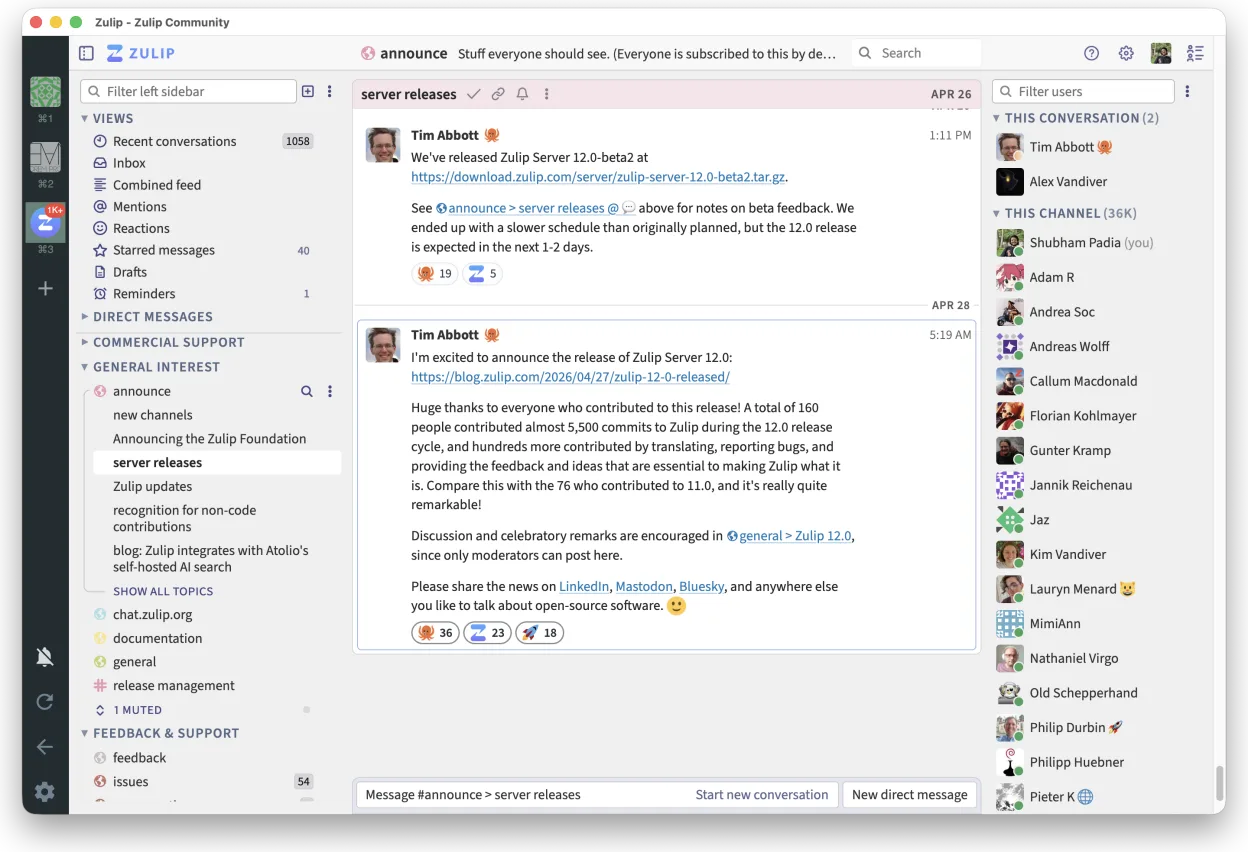
Zulip can replace Microsoft Teams for Education for schools that need real‑time chat with threaded discussions and a self‑hosted solution. It works well for teachers and students who use Linux and want a free, open‑source platform. However, it lacks built‑in classroom tools like attendance, assignment tracking, and tight LMS integration that Teams offers. For institutions prioritising those features, Teams remains preferable.
- Licence
- Apache-2.0
- Prix
- Gratuit
- Dernière version
- 5.13.2 (21 septembre 2026)
- Note
- —
Ce qui fonctionne pareil
- Real‑time chat with instant notifications
- Threaded conversation view for organized discussions
- Cross‑platform support (Linux, Windows, macOS, mobile)
- Strong search across message history
- Open‑source and self‑hostable
Ce qui change
- No native classroom management tools (attendance, assignments)
- No direct integration with common LMS platforms
- No built‑in video conferencing with screen sharing
- No native file editing collaboration (no Office‑style co‑editing)
- Limited native mobile app support compared to Teams
Ouvrir vos fichiers Microsoft Teams for Education
Microsoft Teams for Education stores documents in SharePoint/OneDrive. Zulip can attach files, but it cannot open or edit Office documents natively. Users must download files from Teams, then open them in LibreOffice or other editors. Exporting Teams messages to Zulip is not supported; only manual copy or third‑party export tools can transfer chat history.
Passer de Microsoft Teams for Education à Zulip, étape par étape
- Export Teams chat history to CSV or JSON using Microsoft Graph API or third‑party tools.
- Export assignments and attendance data from the LMS or Teams to CSV.
- Install Zulip Desktop Client from Flathub or package manager.
- Create a Zulip organization and set up streams for each class or project.
- Import chat history into Zulip using the Zulip API or by pasting messages manually.
- Upload assignment files and share links in Zulip streams.
Fonctionnalités clés de Zulip
- Conversations en fil pour des discussions organisées
- Open source et auto-hébergeable
- Disponible en tant que client bureau natif pour Linux
- Prend en charge les grands groupes et les forts volumes de messages
- Compatibilité multiplateforme
- Fonctionnalité de recherche puissante dans l'historique
Installer Zulip sous Linux
flatpak install flathub org.zulip.Zulip3 autres alternatives à Microsoft Teams for Education
 Jitsi MeetJitsi Meet est un client de vidéoconférence open-source qui se connecte à n’importe quel serveur Jitsi pour…Open sourceGratuitFlatpakJitsi Meet ou Microsoft Teams for Education
 ElementElement est un client de messagerie et de visioconférence basé sur Matrix, open source, pour Linux.Open sourceGratuitFlatpakElement ou Microsoft Teams for Education
 MattermostMattermost est une plateforme de collaboration open source et auto-hébergée, conçue pour les équipes de…Open sourceGratuitFlatpakMattermost ou Microsoft Teams for Education