

Linux · Games
Dolphin Emulator
Dolphin is a free emulator for Nintendo GameCube and Wii, delivering full‑HD gameplay with controller support, speed‑up, and multiplayer.
- License
- GPL-2.0+
- Latest version
- 2609a (October 8, 2026)
- Developer
- Dolphin Emulator Project
- Installs
- 56,330 (Flathub, 30 days)
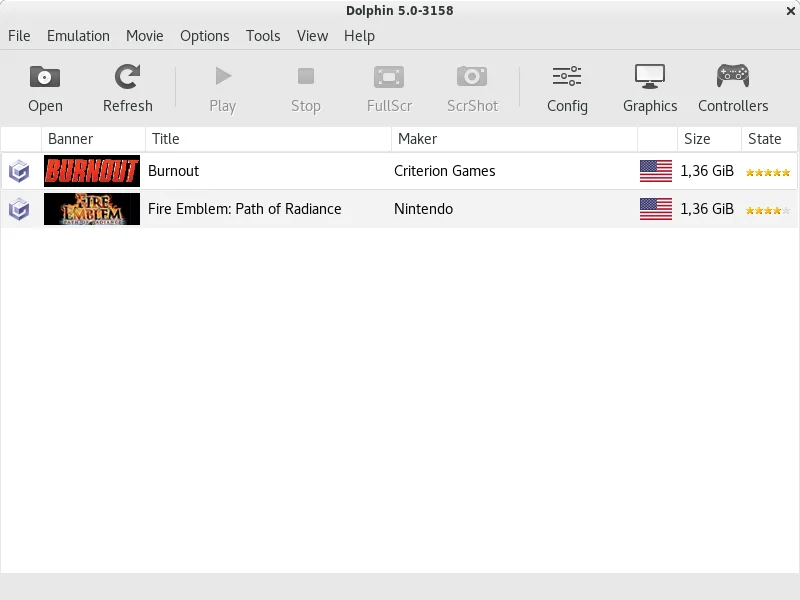
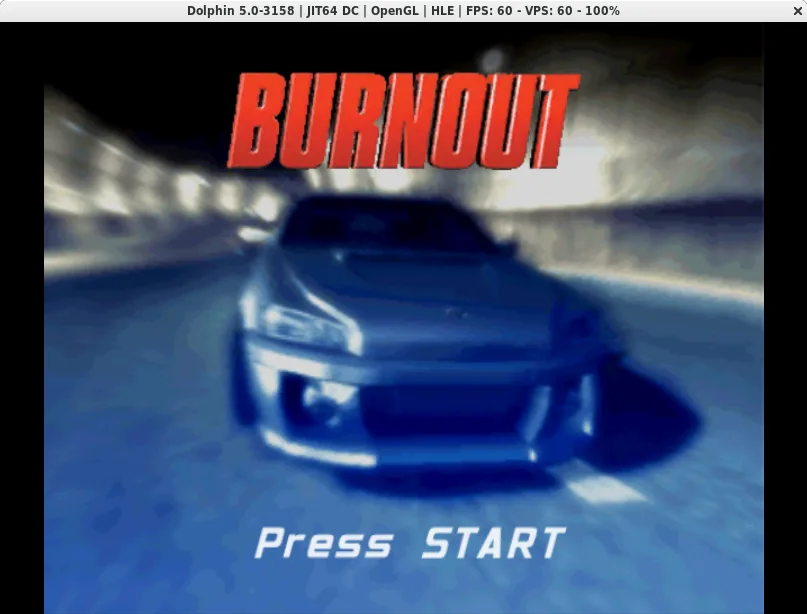
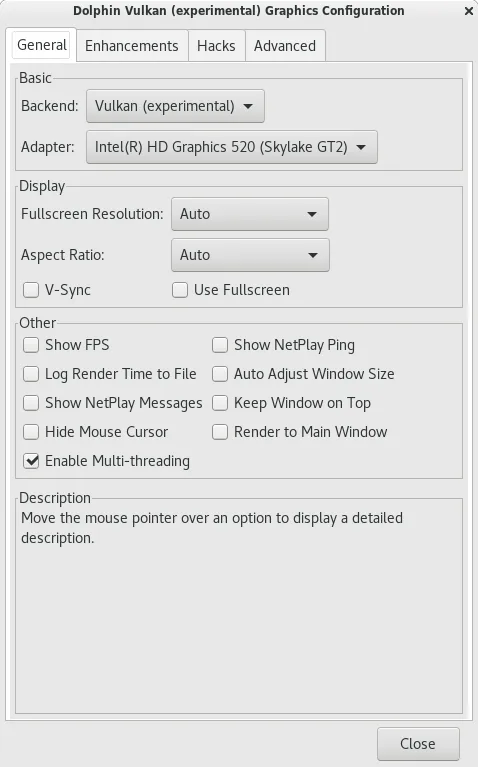
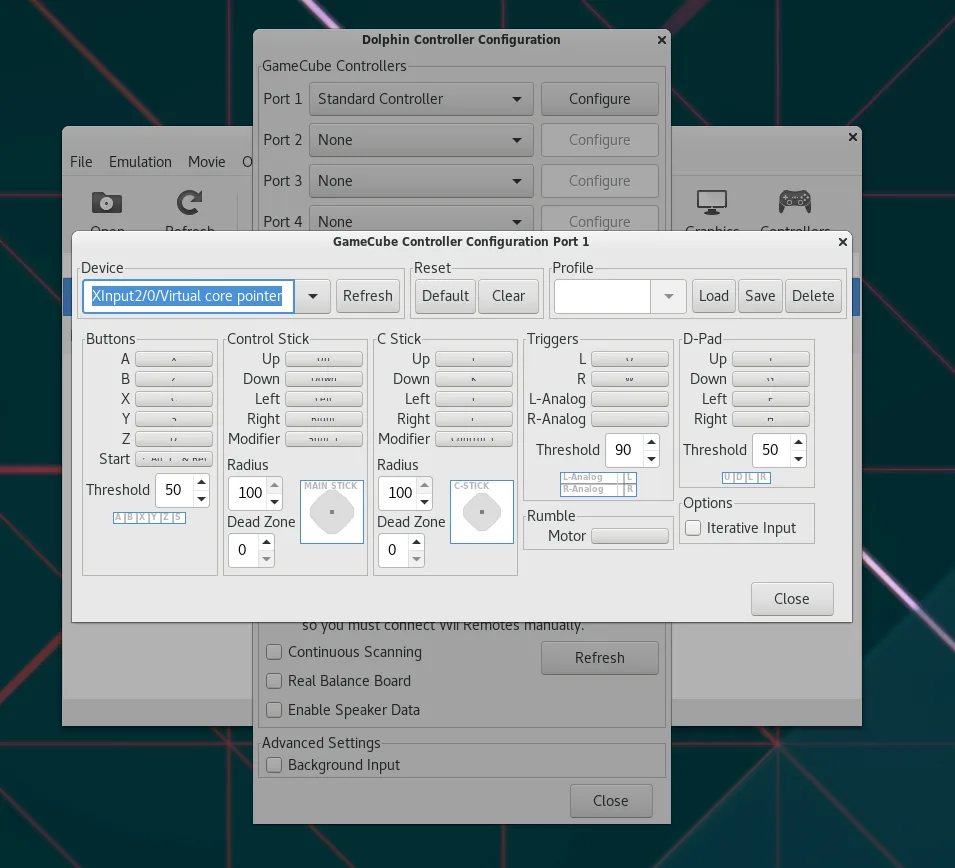
What is Dolphin Emulator?
Dolphin started in 2004 as a hobby project to run GameCube titles on Linux. Over the years it grew into a cross‑platform emulator, adding Wii support and a host of performance tweaks. The latest build, 2609a, runs on Linux, Windows, macOS, and even Android.
The emulator is aimed at gamers who want to relive classic Nintendo titles without a console. It works well with modern PCs, offering 1080p resolution, shader support, and a user‑friendly interface.
Compared to the Windows‑only tools you mentioned—like 3D Pinball or WoW clients—Dolphin lets you play console games on Linux with similar or better graphics, and it doesn’t require a Windows license or a separate game client.
Best for: Gamers who want to play GameCube and Wii titles on Linux with high‑quality graphics and multiplayer support.
Key features of Dolphin Emulator
- Full HD (1080p) rendering
- Support for all GameCube and Wii games
- Controller mapping and turbo speed
- Networked multiplayer
- Shader and video filter options
- OpenGL and Vulkan graphics backends
- Regular updates and active community
Pros
- Free and open source
- Regular updates improve compatibility
- Wide controller support
- High‑quality graphics and performance
- Cross‑platform consistency
Cons
- Requires a copy of the game’s ISO or disc
- Performance can be hit‑or‑miss on low‑end hardware
- Some Wii games need specific settings
- Setup can be confusing for beginners
How to install Dolphin Emulator on Linux
flatpak install flathub org.DolphinEmu.dolphin-emuTips for Windows users
If you’re used to Windows pinball or WoW clients, start by copying your game ISOs to a dedicated folder. Dolphin uses the same file format (ISO, WBFS, or disc image). Map your controller in the settings; the emulator recognises most USB gamepads automatically. Use the built‑in save state feature to avoid the need for manual saves, and enable network play if you want to match with other Dolphin users. Remember that Dolphin doesn’t emulate the Windows client’s UI, so you’ll need to learn its menu structure and shortcuts.
Recent releases
- 2609a —
- 2609 —
- 2606a —
- 2606 —
Dolphin Emulator: frequently asked questions
Does Dolphin support 4K resolution?
Yes, Dolphin can output up to 4K on capable hardware, but most users stick to 1080p for better performance.
Can I play games from a Wii disc?
Yes, Dolphin reads physical Wii discs via a compatible drive, but you’ll need a copy of the game’s ISO for legal reasons.
Is Dolphin stable on Linux?
The project is mature; most GameCube and Wii titles run smoothly, though some newer Wii games may need tweaking.
Do I need a paid license to use Dolphin?
No, Dolphin is free and released under GPL‑2.0+.
Updated