

Linux · Internet
Nicotine+
Nicotine+ is a free, open-source Soulseek client for Linux with a focus on usability and lightweight performance.
- License
- GPL-3.0-or-later
- Latest version
- 3.3.11 (September 16, 2026)
- Developer
- Nicotine+ Team
- Installs
- 3,515 (Flathub, 30 days)
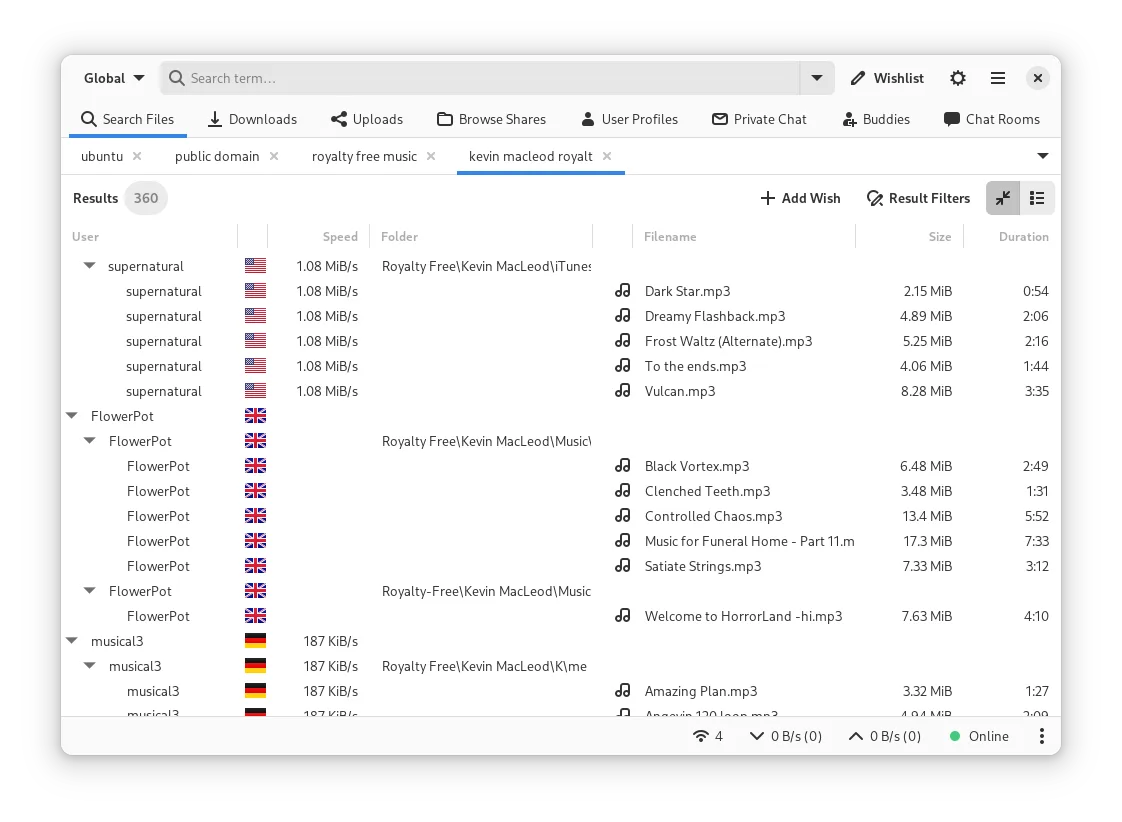


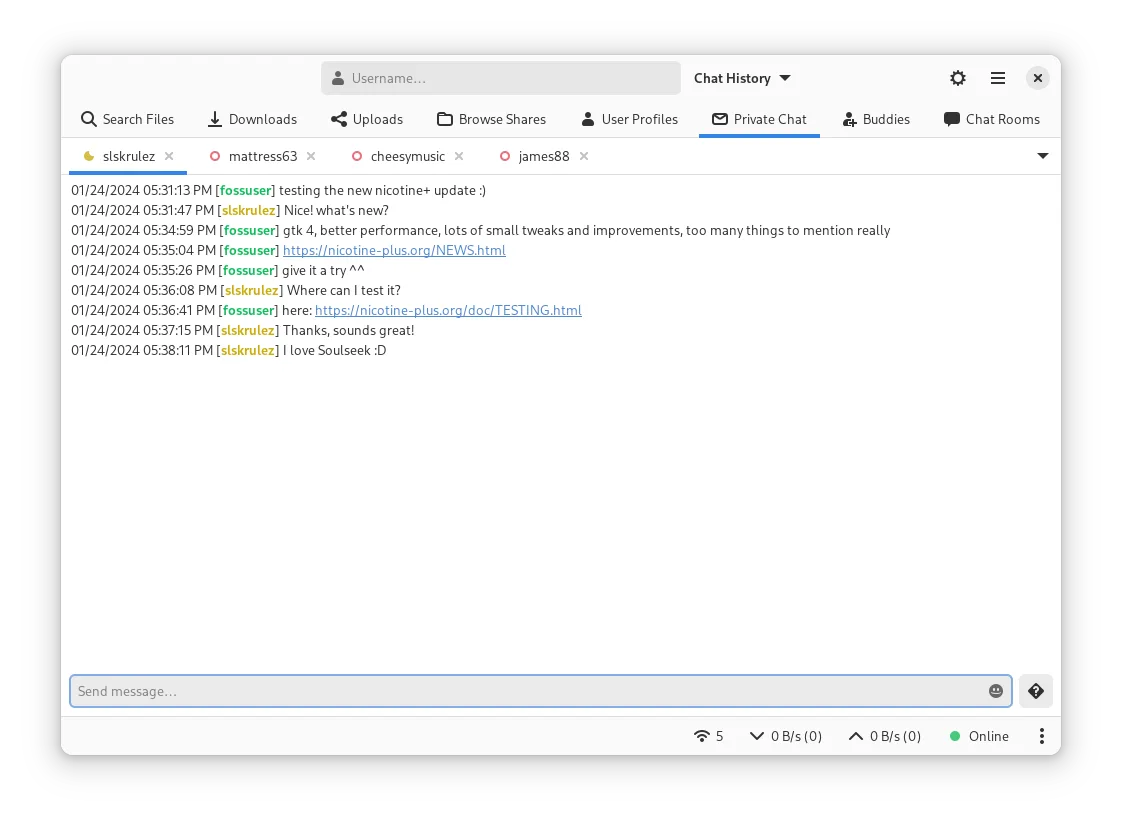
What is Nicotine+?
Nicotine+ is a mature, community-driven client for the Soulseek network, built as a cross-platform alternative to the official Windows client. It has been actively developed since the early 2010s and remains one of the most reliable ways to access Soulseek on Linux. The interface is functional and efficient, prioritizing direct access to shared files without bloat.
It's best suited for users who want full control over file searches, downloads, and private sharing within the Soulseek network. If you're used to the official Soulseek client on Windows, Nicotine+ offers similar core functionality but with a more minimal, no-frills interface. It’s ideal for those who value transparency, privacy, and open-source principles.
Compared to the Windows Soulseek client, Nicotine+ feels less polished but more customizable. It lacks some multimedia integration and auto-play features, but compensates with advanced filtering, tabbed browsing, and scripting support. Performance is solid even on older hardware, and it handles large user lists and search results efficiently.
Best for: Linux users who want a reliable, no-cost way to access the Soulseek network with full control over transfers.
Key features of Nicotine+
- Browse and search the Soulseek network by filename, size, bitrate, and more
- Download files directly from users with queue management
- Chat with users and manage private messaging
- Share files selectively with configurable upload slots
- Support for buddy lists and user comments
- Tabbed interface for managing searches, downloads, and chats
- Advanced search filtering and result grouping
- Plugin support for extending functionality
Pros
- Free and open-source with no ads or tracking
- Lightweight and runs well on older systems
- Active development and regular updates
- Detailed control over downloads and uploads
- Cross-platform: works on Linux, macOS, and Windows
Cons
- Interface looks dated and can feel cluttered
- No built-in media player or preview function
- Limited drag-and-drop support compared to Windows client
- Setup may require manual configuration for firewalls or NAT
Windows programs Nicotine+ replaces
 Soulseek
How to install Nicotine+ on Linux
flatpak install flathub org.nicotine_plus.Nicotinesudo apt install nicotinesudo apt install nicotinesudo dnf install nicotine+sudo pacman -S nicotine+Tips for Windows users
When moving from the Windows Soulseek client, note that Nicotine+ uses the same file structure and download locations by default. Your shared folders must be set manually. Keyboard shortcuts differ slightly—check the Preferences menu. Searches work the same, but results are grouped differently; use the 'Group by' option to organize them. You’ll need to re-add buddies and configure upload slots again if coming from a fresh install.
Recent releases
- 3.3.11 —
- 3.3.10 —
- 3.3.9 —
- 3.3.8 —
Nicotine+: frequently asked questions
Can Nicotine+ play music files before downloading?
No, Nicotine+ does not include a built-in media player. You’ll need to use an external player once the file is fully downloaded.
Is Nicotine+ safe and private?
Yes, it’s open-source and doesn’t include tracking. However, like all P2P apps, your IP is visible to others unless you use a VPN or proxy.
How do I fix slow downloads on Nicotine+?
Check your upload slot settings and ensure your router allows incoming connections. Increasing slots and enabling UPnP can help improve speeds.
Can I use my existing Soulseek account with Nicotine+?
Yes, Nicotine+ uses the same login credentials as the official Soulseek client. Just enter your username and password.
Updated