 Penpot DesktopLinux
vs
Axure RPWindows
Penpot DesktopLinux
vs
Axure RPWindows
Penpot Desktop como alternativa Linux ao Axure RP
Atualizado em
Nossa avaliação
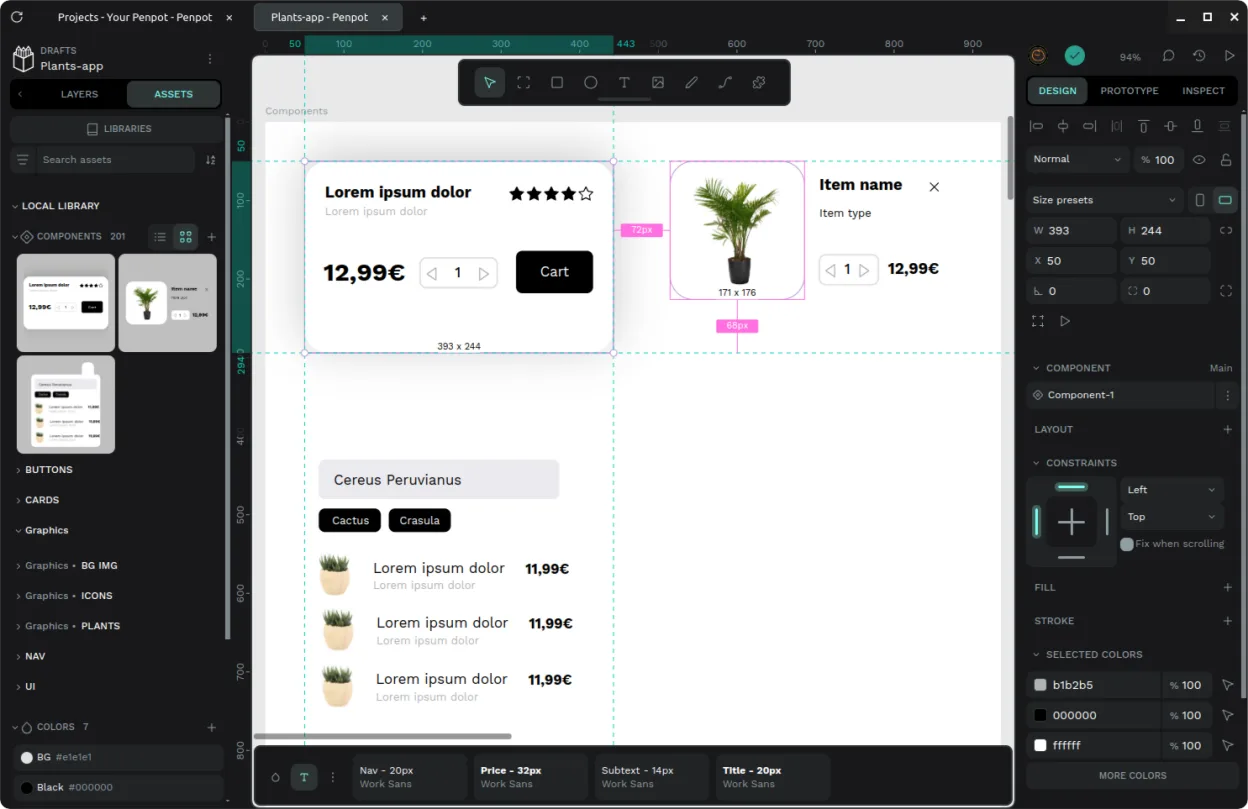
Penpot Desktop can replace Axure RP for teams that need an open‑source, cross‑platform design tool with basic prototyping features. It covers wireframing, responsive design, and exporting to HTML, PDF, or images, and it allows collaboration via shared instances. However, it lacks some of Axure’s advanced interaction logic, animation controls, and the depth of widget libraries that professional UX teams rely on. It is best suited for designers who prefer a free, extensible tool and are willing to trade some advanced interactivity for openness.
- Licença
- AGPL-3.0-or-later
- Preço
- Grátis
- Versão mais recente
- v1.0.0 (30 de setembro de 2026)
- Avaliação
- —
O que funciona igual
- Both allow creation of wireframes and high‑fidelity mockups
- Both support responsive design across multiple screen sizes
- Both can export prototypes to HTML, PDF, or image formats
- Both enable collaboration by sharing prototypes with stakeholders
O que muda
- Axure RP provides a rich set of built‑in widgets and advanced interaction logic; Penpot relies on a more limited component library and simpler interactions
- Axure RP offers advanced animation and micro‑interaction controls; Penpot’s animation options are basic
- Axure RP is a commercial product with dedicated support; Penpot is open‑source with community support
- Axure RP includes a dedicated desktop installer; Penpot Desktop is a wrapper around the web app and may require an internet connection for updates
- Axure RP’s file format (.rp) is proprietary; Penpot uses JSON‑based files that are not directly compatible
Abrindo seus arquivos do Axure RP
Axure RP’s native .rp files cannot be opened directly in Penpot Desktop. Exporting from Axure to a common format such as SVG, PNG, or HTML and then importing those assets into Penpot is possible, but the full design file structure will not transfer.
Trocando o Axure RP pelo Penpot Desktop, passo a passo
- Export your Axure projects to HTML or PDF for a quick visual backup.
- Export assets (images, icons) to PNG or SVG for reuse in Penpot.
- Create new Penpot projects and import the exported assets.
- Rebuild wireframes and prototypes in Penpot, recreating interactions manually.
- Save the Penpot design files and share them with stakeholders via the Penpot instance.
- Document any missing features that need workarounds in Penpot.”
- faq
Principais recursos do Penpot Desktop
- Janela desktop dedicada com integração em nível de sistema
- Associação de extensão de arquivo para abertura direta
- Interface de abas para alternar entre múltiplos projetos
- Suporte para conexão a instâncias oficiais, auto-hospedadas ou locais
- Configurações versáteis de modo escuro e claro
- Wrapper não oficial para o núcleo Penpot de código aberto
Como instalar o Penpot Desktop no Linux
flatpak install flathub com.authormore.penpotdesktop