
 PidginLinux
vs
PidginLinux
vs
 Miranda IMWindows
Pidgin como alternativa Linux ao Miranda IM
Atualizado em
Nossa avaliação
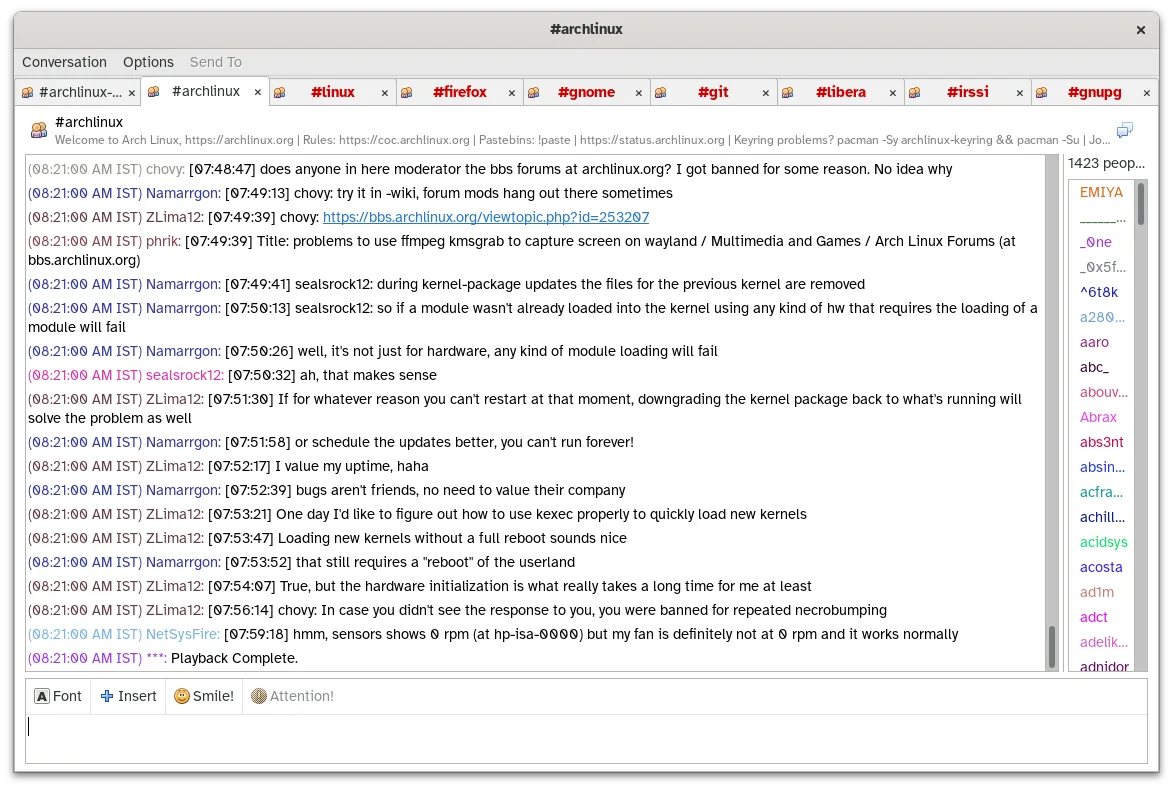
Pidgin is a strong replacement for Miranda IM, particularly for users who need multi-protocol support without heavy resource usage. Like Miranda, it uses a plugin architecture to handle XMPP, IRC, and ICQ simultaneously. It is ideal for Linux users who want a lightweight, active client that does not require separate applications for each chat network. While the interface is dated compared to modern messengers, its functionality remains solid for core instant messaging tasks, making it a direct functional equivalent for most Miranda IM workflows.
- Licença
- GPL-2.0
- Preço
- Grátis
- Versão mais recente
- 2.14.14 (23 de janeiro de 2025)
- Avaliação
- —
O que funciona igual
- Multi-protocol support allowing simultaneous login to XMPP, IRC, and ICQ
- Plugin-based architecture for extending functionality like encryption or spell-checking
- Buddy list management with grouping and status messages
- Local chat logging to text files
- Low memory and CPU footprint suitable for older hardware
O que muda
- Pidgin is cross-platform (Linux, Windows, macOS) whereas Miranda IM was Windows-only
- Pidgin uses libpurple as its underlying library, which is distinct from Miranda's internal protocol handlers
- The user interface in Pidgin is older and less modern than recent Miranda IM builds
- Pidgin lacks some of the highly specific UI customization options found in Miranda's skinning system
Abrindo seus arquivos do Miranda IM
Pidgin does not natively import Miranda IM's specific contact list or log file formats. You will likely need to manually export your buddy lists from Miranda (often as CSV or XML) and import them into Pidgin, or re-add contacts manually. Chat logs from Miranda are typically stored in different formats or locations and will not automatically appear in Pidgin's log viewer without conversion tools.
Trocando o Miranda IM pelo Pidgin, passo a passo
- Export your buddy list from Miranda IM to a standard format like CSV or XML
- Install Pidgin via your distribution's package manager or Flatpak
- Launch Pidgin and add your accounts (XMPP, IRC, ICQ) using the Add Account wizard
- Import the exported buddy list file into Pidgin if supported, or manually re-add groups and contacts
- Configure plugins such as OTR or spell-check if needed via the Tools menu
- Set up logging preferences to ensure future chats are saved to local files
Principais recursos do Pidgin
- Suporte a mais de 30 protocolos de chat via libpurple
- Login simultâneo em múltiplas contas
- Sistema de plugins para extensões (ex.: criptografia OTR, verificação ortográfica)
- Agrupamento de amigos e mensagens de status
- Transferência de arquivos para protocolos suportados
- Temas e emoticons personalizáveis
- Registro de chats em arquivos locais
- Versão portátil via Flatpak
Como instalar o Pidgin no Linux
flatpak install flathub im.pidgin.Pidginsudo apt install pidginsudo apt install pidginsudo dnf install pidginsudo zypper install pidginPerguntas frequentes
Does Pidgin support the same protocols as Miranda IM?
Yes, Pidgin supports over 30 protocols via libpurple, including all the major ones Miranda IM handled like XMPP, IRC, and ICQ.
Can I use Pidgin on Windows?
Yes, Pidgin is cross-platform and runs on Windows, macOS, and Linux, though it is most commonly used on Linux.
Is Pidgin actively maintained?
Yes, the project is active with recent releases, ensuring continued support for protocols and security updates.
