
 PidginLinux
vs
PidginLinux
vs
 Quiet Internet Pager (QIP)Windows
Pidgin como alternativa Linux ao Quiet Internet Pager (QIP)
Atualizado em
Nossa avaliação
Pidgin is a solid replacement for QIP if you need multi-protocol support on Linux. It handles ICQ, XMPP, and IRC simultaneously, covering the core needs of typical QIP users. The interface is functional but dated compared to modern messengers. It lacks some of the polished, localized UI tweaks QIP offered for Russian-speaking users, but it provides robust logging, file transfer, and plugin support. For users who primarily need reliable ICQ and multi-protocol chat without proprietary locks, Pidgin works well. It is not a drop-in clone, but it fulfills the same core job effectively for technical users comfortable with configuration.
- Licença
- GPL-2.0
- Preço
- Grátis
- Versão mais recente
- 2.14.14 (23 de janeiro de 2025)
- Avaliação
- —
O que funciona igual
- Supports multiple chat protocols including ICQ, XMPP, and IRC simultaneously
- Allows file transfers and emoticon usage across supported networks
- Provides local logging of chat histories for later review
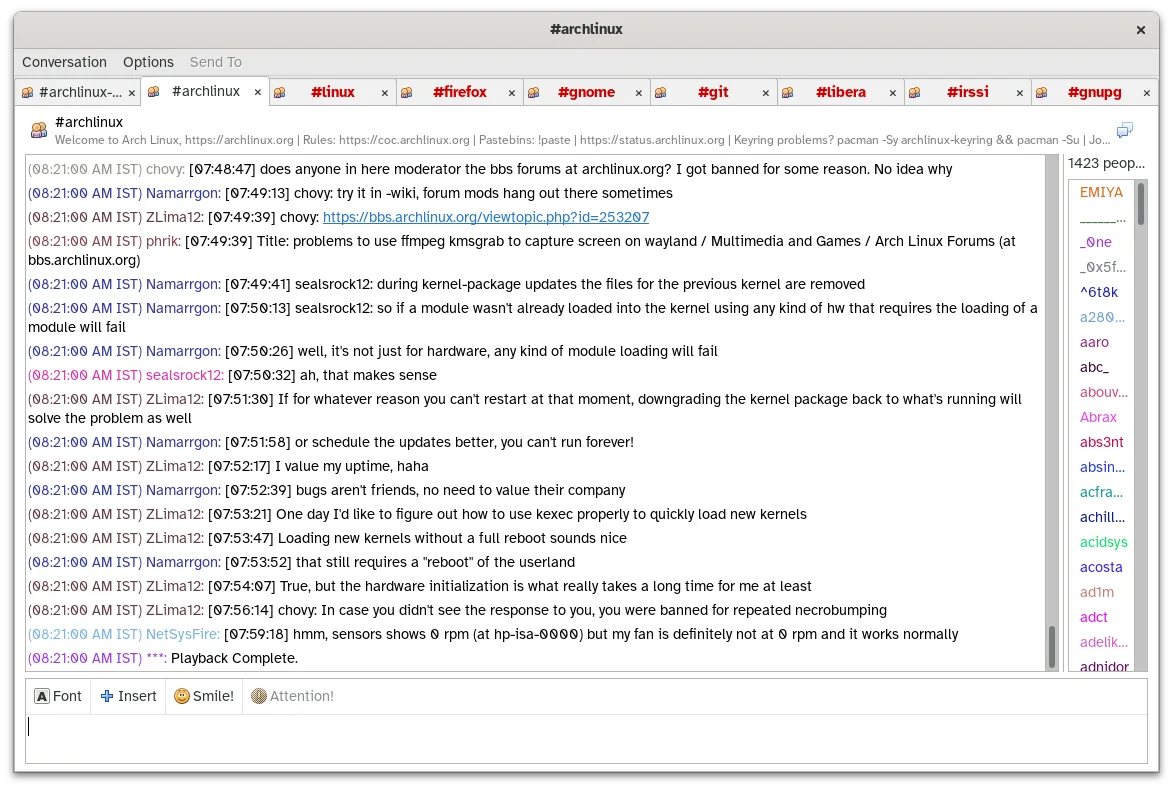
- Features a customizable interface with themes and buddy list grouping
O que muda
- Pidgin is open-source (GPL-2.0) while QIP was closed-source freeware
- Pidgin uses a plugin system for extensions like OTR, whereas QIP had built-in features
- Pidgin's UI is more utilitarian and less heavily localized for Russian aesthetics than QIP
- Pidgin supports a wider range of obsolete and modern protocols via libpurple
Abrindo seus arquivos do Quiet Internet Pager (QIP)
There is no direct import tool for QIP contact lists or chat logs into Pidgin. You will likely need to manually export contacts from QIP to a CSV or plain text file and then import them into Pidgin, if supported by a plugin, or add them manually. Chat logs from QIP are stored in a proprietary format and cannot be directly opened in Pidgin; you would need to convert them to HTML or text if you wish to archive them alongside Pidgin logs.
Trocando o Quiet Internet Pager (QIP) pelo Pidgin, passo a passo
- Install Pidgin via your distribution's package manager or Flatpak
- Add your ICQ account and other desired protocols in the account manager
- Export your QIP contact list to a text or CSV file
- Import or manually re-add contacts into Pidgin's buddy list
- Configure logging settings to save chats to local files
- Install any necessary plugins for specific features like OTR
Principais recursos do Pidgin
- Suporte a mais de 30 protocolos de chat via libpurple
- Login simultâneo em múltiplas contas
- Sistema de plugins para extensões (ex.: criptografia OTR, verificação ortográfica)
- Agrupamento de amigos e mensagens de status
- Transferência de arquivos para protocolos suportados
- Temas e emoticons personalizáveis
- Registro de chats em arquivos locais
- Versão portátil via Flatpak
Como instalar o Pidgin no Linux
flatpak install flathub im.pidgin.Pidginsudo apt install pidginsudo apt install pidginsudo dnf install pidginsudo zypper install pidginPerguntas frequentes
Does Pidgin support the ICQ protocol natively?
Yes, ICQ is one of the core protocols supported by libpurple, the library Pidgin uses. You can log in to ICQ accounts directly without additional plugins.
Can I log into multiple networks at the same time?
Yes, Pidgin is designed for simultaneous logins. You can be in an IRC channel and chatting on XMPP or ICQ in the same window.
Is Pidgin actively maintained?
Yes, the latest release is 2.14.14, released in January 2025. It is packaged in major distributions like Debian, Fedora, and Ubuntu.
Outras 3 alternativas ao Quiet Internet Pager (QIP)
 PsiPsi é um cliente de mensagens instantâneas XMPP/Jabber leve e compatível com padrões, feito para Linux.Código abertoGrátisPsi vs Quiet Internet Pager (QIP)
 KopeteKopete é um cliente de mensagens instantâneas multi-protocolo descontinuado, projetado para o ambiente de…Código abertoGrátisDescontinuadoKopete vs Quiet Internet Pager (QIP)
 EmpathyEmpathy era o cliente IM e VoIP padrão do GNOME, suportando múltiplos protocolos.Código abertoGrátisDescontinuadoEmpathy vs Quiet Internet Pager (QIP)