 SpotifyLinux
vs
TidalWindows
SpotifyLinux
vs
TidalWindows
Spotify como alternativa Linux ao Tidal
Atualizado em
Nossa avaliação
Spotify is a functional replacement for Tidal if you prioritize catalog size, social features, and native Linux support over audio fidelity. It offers a stable desktop app via Flathub with offline downloads and cross-device sync. However, it caps audio quality at 320 kbps, which is significantly lower than Tidal’s lossless and Hi-Res offerings. If you are an audiophile who relies on high-resolution streaming, Spotify will feel like a downgrade. For casual listeners who value convenience, playlist sharing, and a vast library, it is a solid, well-integrated choice.
- Licença
- LicenseRef-proprietary=https://www.spoti…
- Preço
- freemium
- Versão mais recente
- 1.2.95.453.g0eeebbed (12 de agosto de 2026)
- Avaliação
- —
O que funciona igual
- Access to a massive music catalog with millions of tracks
- Offline listening and download capabilities for Premium users
- Cross-platform account synchronization for playlists and history
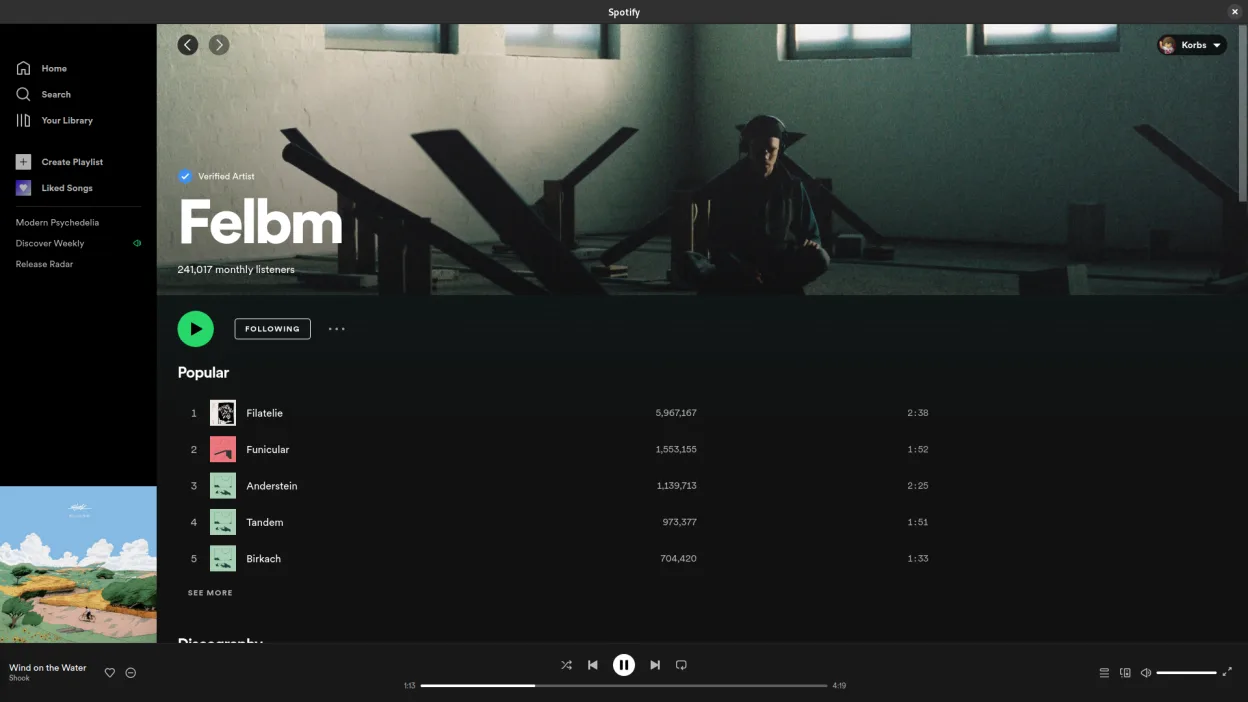
- Native Linux desktop application available via Flathub
O que muda
- Audio quality is capped at 320 kbps, lacking Tidal’s lossless and Hi-Res options
- No high-fidelity audio streaming support for critical listening
- Proprietary service with different licensing and privacy terms
- Lacks specific hi-res metadata and audio format support found in Tidal
Abrindo seus arquivos do Tidal
Spotify does not import Tidal playlists or local files directly. You can export playlists from Tidal as an M3U or CSV file and import them into Spotify, though some metadata or ordering may be lost. There is no direct file compatibility for audio streams, as both services use proprietary streaming protocols.
Trocando o Tidal pelo Spotify, passo a passo
- Export your Tidal playlists as M3U or CSV files from the Tidal app
- Install Spotify via Flathub or your package manager
- Create a Spotify Premium account to enable offline downloads
- Import the exported playlist files into Spotify
- Verify that tracks are available in Spotify’s catalog and fix any missing songs
- Configure system media keys to work with the Spotify desktop app
Principais recursos do Spotify
- Acesso a milhões de músicas e podcasts
- Descoberta de música e recomendações algorítmicas
- Recursos sociais, incluindo playlists compartilhadas e seguir artistas
- Streaming de áudio de alta qualidade (até 320 kbps para Premium)
- Sincronização multiplataforma para playlists e histórico de reprodução
- Escuta offline para assinantes Premium
- Integração com outros dispositivos e alto-falantes inteligentes
Como instalar o Spotify no Linux
flatpak install flathub com.spotify.ClientPerguntas frequentes
Does Spotify support lossless audio on Linux?
No, Spotify streams at up to 320 kbps AAC on all platforms, including Linux. It does not offer lossless or high-resolution audio.
Can I use my Tidal account on Spotify?
No, they are separate services. You need a new Spotify subscription to access Premium features like offline downloads.
Is the Spotify Linux app stable?
Yes, the Flathub build is generally stable and receives regular updates. It integrates well with system media keys and background playback.