
 TigerVNC ViewerLinux
vs
UltraVNCWindows
TigerVNC ViewerLinux
vs
UltraVNCWindows
TigerVNC Viewer como alternativa Linux ao UltraVNC
Atualizado em
Nossa avaliação
TigerVNC Viewer is a solid replacement for UltraVNC on Linux. It handles the core tasks UltraVNC users need: connecting to VNC servers, encrypting sessions via TLS, sharing the clipboard, and supporting multiple monitors with scaling options. It also runs as a daemon and offers a command‑line interface for scripting, which is useful for occasional remote support. Users who rely on UltraVNC’s file‑transfer feature will need an additional tool, but otherwise TigerVNC covers the majority of use cases.
Cobertura de recursos
- Licença
- GPL-2.0-or-later
- Preço
- Grátis
- Versão mais recente
- 1.14.0 (24 de julho de 2024)
- Avaliação
- —
O que funciona igual
- Both clients connect to VNC servers and support multiple monitors
- Both provide TLS encryption for secure sessions
- Both allow clipboard sharing between local and remote machines
- Both support configurable scaling and color depth
O que muda
- TigerVNC lacks a built‑in file‑transfer protocol; UltraVNC includes a dedicated file‑transfer feature
- UltraVNC can run as a Windows service; TigerVNC runs as a Linux daemon but requires separate configuration
- UltraVNC is Windows‑only; TigerVNC is cross‑platform but the Linux version is native
- UltraVNC uses its own proprietary extensions for certain features; TigerVNC follows standard VNC/TightVNC specifications
Abrindo seus arquivos do UltraVNC
UltraVNC does not use any special configuration files that TigerVNC can import; connection details must be entered manually or via a generic VNC URI. No export or import of UltraVNC‑specific settings is available.
Trocando o UltraVNC pelo TigerVNC Viewer, passo a passo
- Install TigerVNC Viewer from your distribution’s package manager (e.g., apt install tigervnc-viewer).
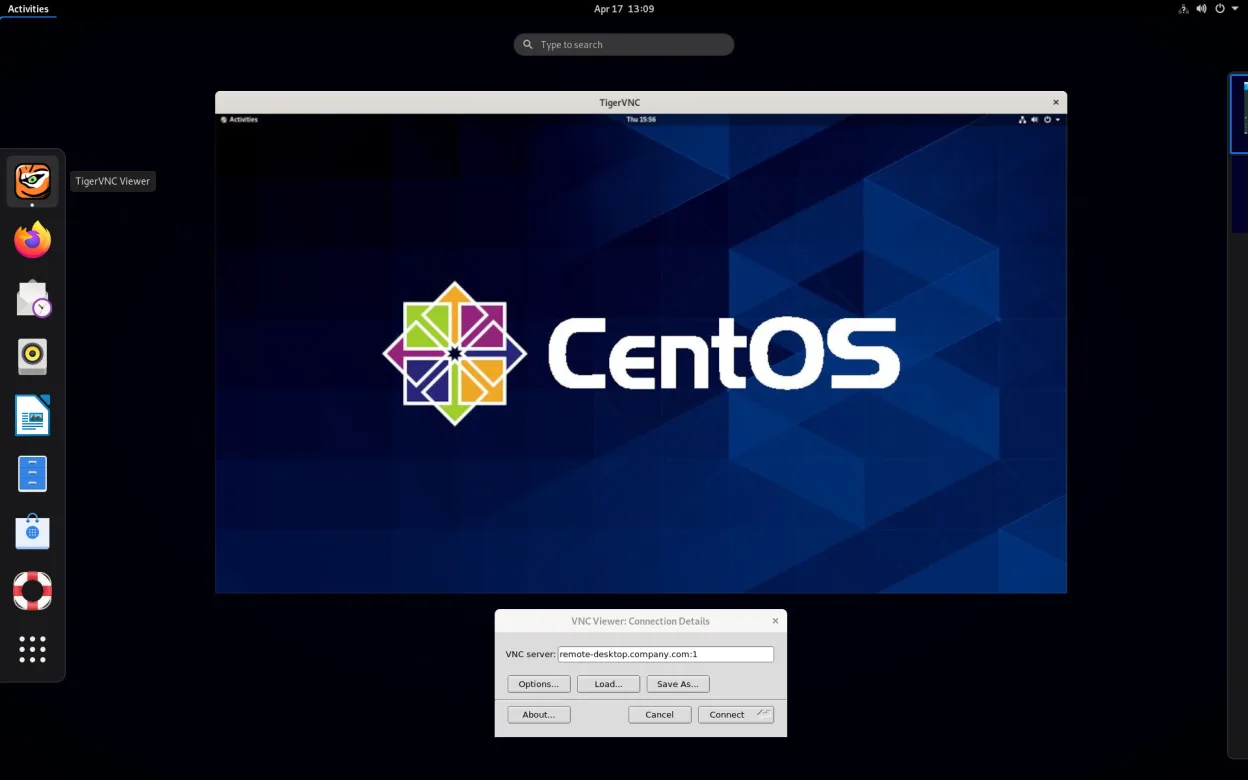
- Open the application and enter the VNC server address (hostname or IP).
- If you used UltraVNC’s encryption, enable TLS in TigerVNC’s connection settings.
- Test the connection, adjust scaling or monitor settings as needed.
- If you need file transfer, install a separate tool such as WinSCP or use the VNC file‑transfer extension if available.
Principais recursos do TigerVNC Viewer
- Suporta codificação Tight acelerada por libjpeg‑turbo
- Criptografia TLS para sessões seguras
- Compartilhamento de área de transferência entre local e remoto
- Manipulação de múltiplos monitores
- Escala e profundidade de cor configuráveis
- Tradução de layout de teclado
- Cliente multiplataforma (Linux, Windows, macOS)
- Opções de linha de comando para script
Como instalar o TigerVNC Viewer no Linux
Flatpak (Flathub)
flatpak install flathub org.tigervnc.vncviewerUbuntu / Mint
sudo apt install tigervncDebian
sudo apt install tigervncFedora
sudo dnf install tigervncArch / Manjaro
sudo pacman -S tigervncopenSUSE
sudo zypper install tigervncOutras 4 alternativas ao UltraVNC
 RemminaRemmina é um cliente de desktop remoto para Linux que oferece suporte a RDP, VNC, SSH e X2Go para conectar-se…Código abertoGrátisFlatpakRemmina vs UltraVNC
 KRDCKRDC é um cliente de desktop remoto KDE que se conecta a máquinas Windows ou Linux via RDP ou VNC.Código abertoGrátisFlatpakKRDC vs UltraVNCx11vncA VNC server for X11 that lets you control your Linux desktop remotely from any VNC client.Código abertoGrátisx11vnc vs UltraVNC
 VinagreVinagre é um visualizador de área de trabalho remota do GNOME para VNC, RDP, SSH e SPICE, agora descontinuado.Código abertoGrátisDescontinuadoVinagre vs UltraVNC
Avalie o TigerVNC Viewer
Seja o primeiro a avaliar
É um bom substituto do UltraVNC?
10