
 FreeCADLinux
vs
AutoCAD LTWindows
FreeCAD als Linux-Alternative zu AutoCAD LT
Aktualisiert am
Unser Fazit
FreeCAD can serve as a replacement for AutoCAD LT for users whose primary work is 2D drafting and who are comfortable with a slightly different workflow. It offers precise 2D sketching, dimensioning, layers and block creation, and can read and write DXF, which covers most everyday drafting tasks. However, it brings a full 3D parametric environment that may feel heavyweight for pure 2D users, and some LT‑specific shortcuts and UI conventions are missing. It is a solid choice for freelancers, small firms, or hobbyists who need a free, cross‑platform tool and are willing to invest a little time in learning its interface.
- Lizenz
- LGPL-2.1
- Preis
- Kostenlos
- Aktuelle Version
- 1.1.4 (28. September 2026)
- Bewertung
- —
Was gleich funktioniert
- Both support precise 2D geometry creation and editing
- Layer management and block/symbol insertion
- Dimensioning, annotation and text tools
- DXF import/export for industry‑standard file exchange
Was anders ist
- FreeCAD adds a full 3D parametric modeler and many workbenches (FEA, BIM, CAM) that AutoCAD LT does not have
- AutoCAD LT has a more streamlined, Windows‑style UI focused solely on 2D drafting; FreeCAD’s UI is modular and can feel less intuitive for pure 2D work
- FreeCAD relies on community add‑ons for some specialized 2D tools, whereas LT includes them out of the box
- AutoCAD LT offers tighter integration with Autodesk’s cloud services and subscription management, which FreeCAD lacks
Ihre AutoCAD LT-Dateien öffnen
FreeCAD can open DXF files generated by AutoCAD LT and can export drawings back to DXF, which covers the core exchange format used in most 2D workflows. It also reads DWG files via the optional Open Design Alliance (ODA) libraries, but that requires extra setup and may not be 100 % reliable. For other formats like PDF or SVG, FreeCAD provides export options as well.
Von AutoCAD LT zu FreeCAD wechseln – Schritt für Schritt
- Install FreeCAD from your distribution’s repository or via Flatpak.
- Open your existing DXF files in FreeCAD’s Draft workbench to verify geometry and layers.
- Recreate any custom blocks or symbols as FreeCAD Draft objects or use the ‘Insert Block’ tool.
- Set up layer colors, line types, and dimension styles to match your LT standards.
- Export the finished drawing to DXF (or PDF) for sharing with collaborators who still use AutoCAD LT.
- Create a simple template file in FreeCAD to reuse page settings and title blocks.
Wichtige Funktionen von FreeCAD
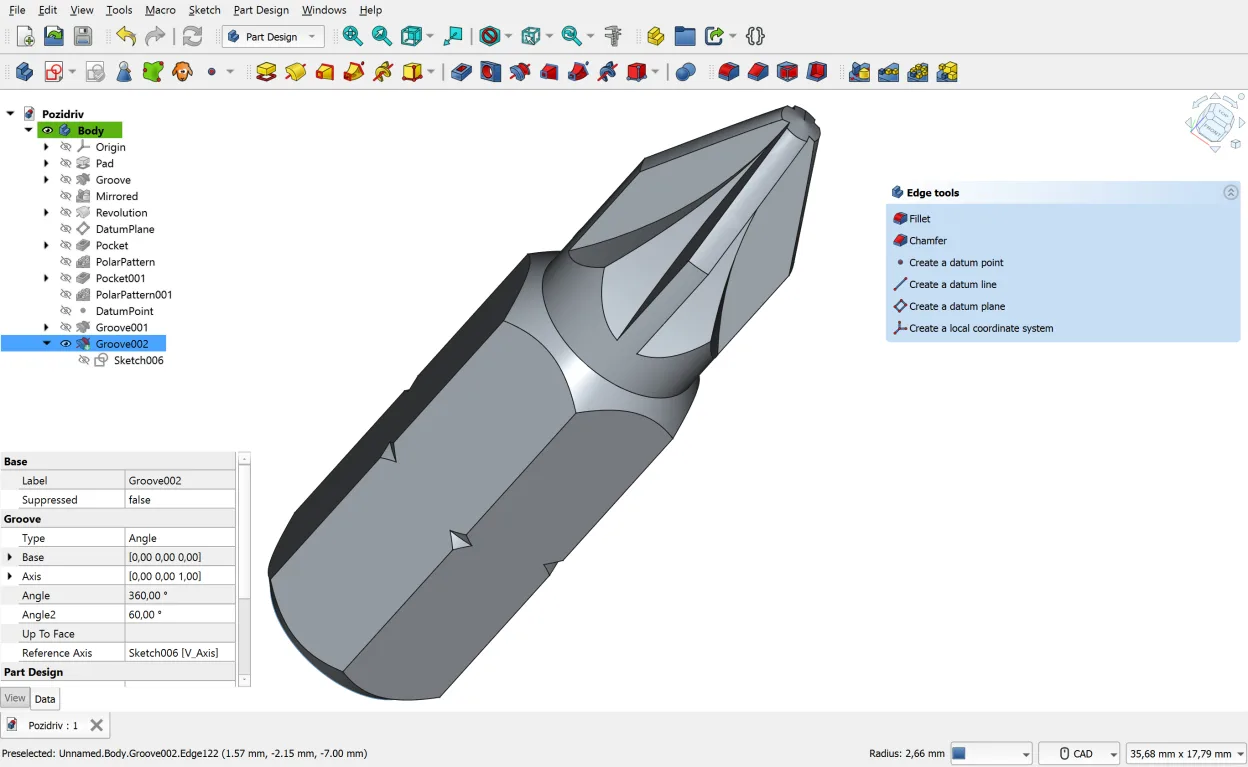
- Parametrisches Modellieren mit Historienbaum
- Unterstützung für STEP, IGES, STL, DXF, OBJ, IFC, SVG
- Integrierter 2D‑Sketcher mit Einschränkungen
- Python‑Scripting für Automatisierung
- Arbeitsbänke für FEA, BIM, CAM, Robotersimulation
- Add‑Ons und Makros aus der Community
- Cross‑Platform‑Installation über Flatpak, AUR, Debian, OpenSUSE
FreeCAD unter Linux installieren
flatpak install flathub org.freecad.FreeCADsudo apt install freecadsudo pacman -S freecadsudo zypper install FreeCADHäufige Fragen
Can FreeCAD handle large, multi‑sheet drawing sets like AutoCAD LT?
FreeCAD does not have a built‑in sheet‑set manager; you need to create separate files or use the Drawing workbench to assemble multiple pages manually.
Is there a learning curve compared to AutoCAD LT?
Yes. FreeCAD’s interface and workflow differ, especially because of its parametric history tree, so expect a few days of practice to become comfortable with basic 2D drafting.
What about support and documentation?
FreeCAD has community‑maintained manuals, forums and YouTube tutorials. There is no official commercial support, unlike Autodesk’s subscription service.

