
 FreeCADLinux
vs
3D BuilderWindows
FreeCAD als Linux-Alternative zu 3D Builder
Aktualisiert am
Unser Fazit
FreeCAD is a capable replacement for 3D Builder, but it is a heavier tool. If you only need to quickly fix STL files or scale models for printing, FreeCAD feels like overkill. Its parametric nature shines when you need to design parts from scratch or modify complex geometry. For simple mesh repairs, it lacks the dedicated, one-click simplicity of 3D Builder. However, if you want to move beyond basic adjustments into actual CAD design, FreeCAD offers far more power. It is best for users who are willing to learn a steeper learning curve in exchange for professional-grade modeling capabilities and open-source freedom.
- Lizenz
- LGPL-2.1
- Preis
- Kostenlos
- Aktuelle Version
- 1.1.4 (28. September 2026)
- Bewertung
- —
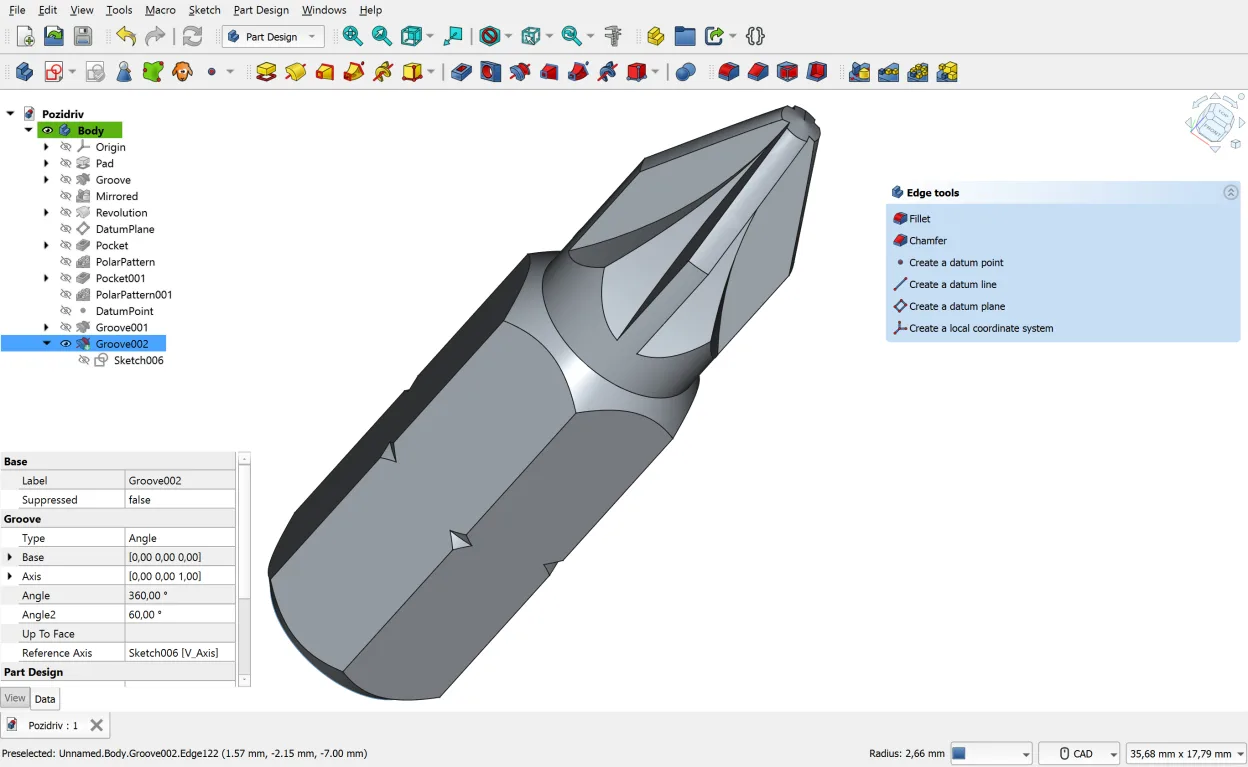
Was gleich funktioniert
- Supports importing and exporting STL and OBJ files
- Allows basic transformations like scaling and rotating objects
- Provides wireframe and solid view modes for inspection
- Open-source and free to use on Linux
Was anders ist
- FreeCAD is parametric CAD, not a dedicated mesh editor
- Lacks simple, one-click non-manifold geometry repair tools found in 3D Builder
- Steeper learning curve due to workbench-based interface
- No built-in slicer or direct 3D print preparation workflow
Ihre 3D Builder-Dateien öffnen
FreeCAD handles STL and OBJ files well, which are the primary formats used by 3D Builder. You can open these files directly. However, FreeCAD does not natively support 3MF, another common 3D printing format. If you have 3MF files, you will need to convert them to STL or OBJ using an external tool before opening them in FreeCAD. PLY support is less certain in standard distributions, so sticking to STL or OBJ is the safest bet for compatibility.
Von 3D Builder zu FreeCAD wechseln – Schritt für Schritt
- Install FreeCAD via your package manager or Flatpak
- Import your STL or OBJ files into the Part Design or Mesh workbench
- Use the Mesh workbench for basic scaling and rotation if needed
- Check geometry for errors using the mesh analysis tools
- Export the modified model as STL for your slicer
Wichtige Funktionen von FreeCAD
- Parametrisches Modellieren mit Historienbaum
- Unterstützung für STEP, IGES, STL, DXF, OBJ, IFC, SVG
- Integrierter 2D‑Sketcher mit Einschränkungen
- Python‑Scripting für Automatisierung
- Arbeitsbänke für FEA, BIM, CAM, Robotersimulation
- Add‑Ons und Makros aus der Community
- Cross‑Platform‑Installation über Flatpak, AUR, Debian, OpenSUSE
FreeCAD unter Linux installieren
flatpak install flathub org.freecad.FreeCADsudo apt install freecadsudo pacman -S freecadsudo zypper install FreeCADHäufige Fragen
Can FreeCAD repair broken meshes as easily as 3D Builder?
No. FreeCAD has mesh analysis tools to identify issues, but it lacks the simple, automated repair buttons that 3D Builder provides. You may need to use external tools like MeshLab for complex repairs.
Is FreeCAD suitable for quick, casual 3D printing tweaks?
It is possible, but inefficient. For quick tweaks, FreeCAD is overkill. It is better suited for designing new parts or making precise parametric changes rather than simple mesh adjustments.
Does FreeCAD support 3MF files?
Not natively in most standard builds. You should convert 3MF files to STL or OBJ before importing them into FreeCAD to ensure compatibility.
4 weitere Alternativen zu 3D Builder
 BlenderBlender ist eine kostenlose, quelloffene 3D-Suite für Modellierung, Animation, Rendering und Videobearbeitung.Open SourceKostenlosFlatpakBlender vs. 3D Builder
 MeshLabKostenloses, quelloffenes Tool zum Verarbeiten, Reinigen und Bearbeiten von 3D‑dreieckigen Netzen, ideal für…Open SourceKostenlosFlatpakMeshLab vs. 3D Builder
 Wings 3DWings 3D ist ein Open‑Source‑Fortgeschrittenes Subdivision-Modellierungswerkzeug für Linux.Open SourceKostenlosFlatpakWings 3D vs. 3D Builder
 Bambu StudioBambu Studio ist eine kostenlose, quelloffene 3D‑Slicing‑Anwendung für Linux, mit der Sie Modelle für…Open SourceKostenlosFlatpakBambu Studio vs. 3D Builder