
 HarunaLinux
vs
KMPlayerWindows
Haruna als Linux-Alternative zu KMPlayer
Aktualisiert am
Unser Fazit
Haruna can replace KMPlayer for users who mainly play local files and want a lightweight, open‑source player with good subtitle and multiple audio support. It handles most common codecs (AVI, MKV, MP4, FLV) and can play DVDs. It lacks some of KMPlayer’s advanced filtering, video‑editing, and built‑in ad‑blocker features, but its customization and YouTube integration give it a distinct edge for casual use.
Funktionsabdeckung
- Lizenz
- GPL-3.0-or-later
- Preis
- Kostenlos
- Aktuelle Version
- 1.9.0 (30. Oktober 2026)
- Bewertung
- —
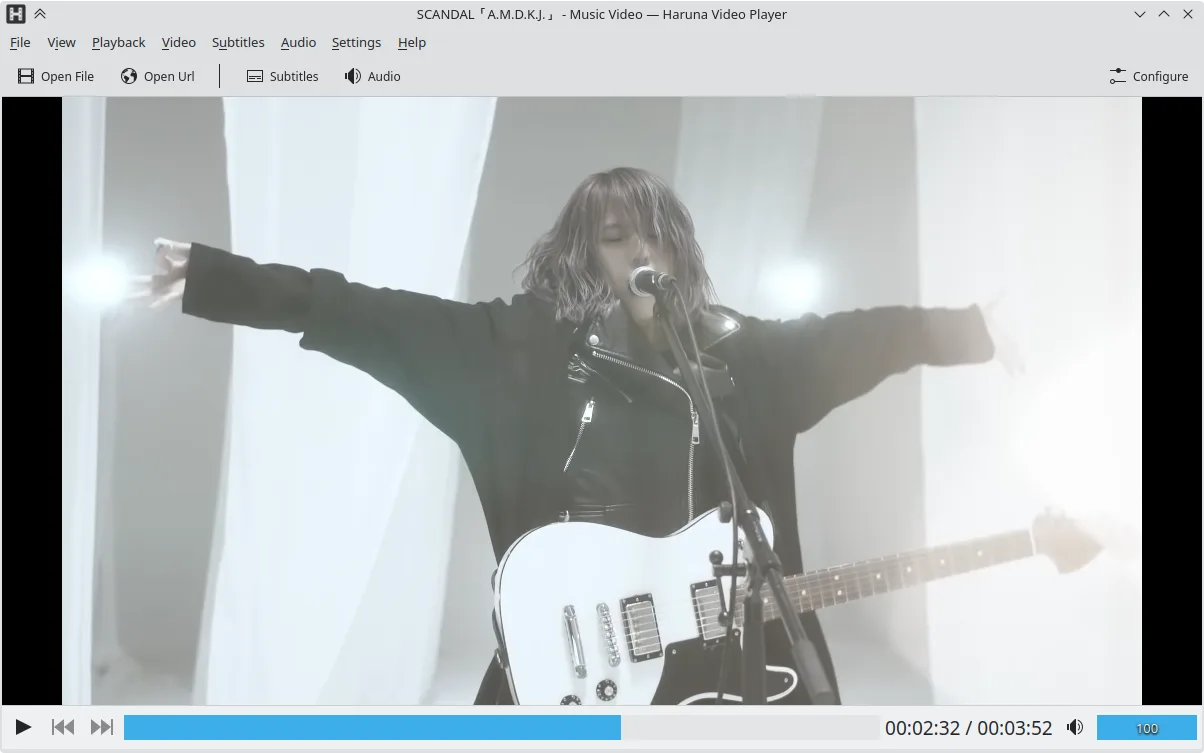
Was gleich funktioniert
- Both support a wide range of audio and video codecs (AVI, MKV, MP4, FLV)
- Both can play DVDs and handle multiple audio tracks and subtitles
- Both offer basic playback controls and a lightweight interface
Was anders ist
- Haruna is open source and GPL‑licensed, KMPlayer is proprietary
- Haruna includes YouTube playback via youtube‑dl, KMPlayer does not natively support online streams
- Haruna lacks built‑in ad‑blocking and advanced video‑filtering features that KMPlayer offers
- Haruna does not support VCD playback out of the box
- Haruna’s interface is more minimalistic and relies on keyboard/mouse shortcuts for advanced actions
Ihre KMPlayer-Dateien öffnen
Both players can open standard media files; Haruna can import most KMPlayer‑played formats, but it does not support KMPlayer‑specific playlist or configuration files. Exporting from KMPlayer to Haruna is simply a matter of opening the file; no special conversion is required.
Von KMPlayer zu Haruna wechseln – Schritt für Schritt
- Install Haruna via Flatpak, APT, or your distro’s package manager.
- Open your media file or DVD with Haruna; it will detect codecs automatically.
- Configure subtitles and audio tracks in the Settings menu if needed.
- Add any YouTube URLs directly in the address bar for online playback.
- Replace any KMPlayer shortcuts with Haruna’s customizable keybindings if desired.
- Delete or archive KMPlayer after confirming everything works.
Wichtige Funktionen von Haruna
- Wiedergabe lokaler und Online-Videos, einschließlich YouTube über youtube-dl
- Unterstützung von YouTube-Wiedergabelisten und automatisches Überspringen von Kapiteln mit bestimmten Wörtern
- Einblendung der Wiedergabeliste per Mauszeiger und Overlay auf dem Video
- Anpassbare Tastenkürzel und Maustasten
- Schneller Sprung zum nächsten Kapitel durch Mittelklick auf die Fortschrittsanzeige
- Quelloffen, Lizenz GPL-3.0-or-later
- Verfügbar als Flatpak, für Arch, Debian, Fedora, openSUSE und Ubuntu
Haruna unter Linux installieren
Flatpak (Flathub)
flatpak install flathub org.kde.harunaUbuntu / Mint
sudo apt install harunaDebian
sudo apt install harunaFedora
sudo dnf install harunaArch / Manjaro
sudo pacman -S harunaopenSUSE
sudo zypper install haruna5 weitere Alternativen zu KMPlayer
 VLC media playerVLC ist ein kostenloser, quelloffener Multimedia‑Player, der unter Linux läuft und praktisch jedes Audio‑…Open SourceKostenlosFlatpakVLC media player vs. KMPlayer
 mpvmpv ist ein kostenloser, quelloffener, plattformübergreifender Mediaplayer, der nahezu jedes Video- oder…Open SourceKostenlosFlatpakmpv vs. KMPlayer
 CelluloidCelluloid ist ein leichter Mediaplayer für Linux, der die mpv‑Engine und GTK für eine saubere GNOME‑ähnliche…Open SourceKostenlosFlatpakCelluloid vs. KMPlayer
 TotemTotem (GNOME Videos) ist der standardmäßige GNOME-Videoplayer, der auf GStreamer basiert.Open SourceKostenlosTotem vs. KMPlayer
 SMPlayerSMPlayer ist ein kostenloser, quelloffener Mediaplayer mit integrierten Codecs, der nahezu alle Video- und…Open SourceKostenlosFlatpakSMPlayer vs. KMPlayer
Haruna bewerten
Als Erste(r) bewerten
Guter Ersatz für KMPlayer?
6