
 HarunaLinux
vs
KMPlayerWindows
Haruna como alternativa Linux a KMPlayer
Actualizado el
Nuestra opinión
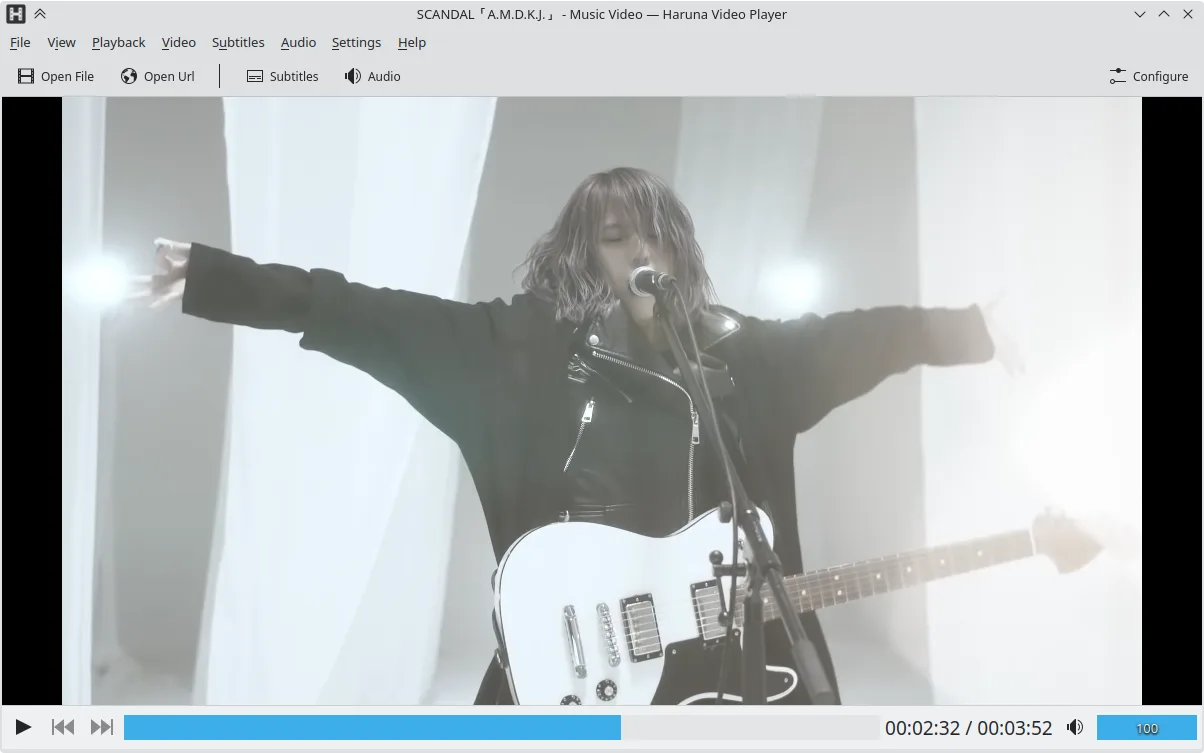
Haruna can replace KMPlayer for users who mainly play local files and want a lightweight, open‑source player with good subtitle and multiple audio support. It handles most common codecs (AVI, MKV, MP4, FLV) and can play DVDs. It lacks some of KMPlayer’s advanced filtering, video‑editing, and built‑in ad‑blocker features, but its customization and YouTube integration give it a distinct edge for casual use.
Cobertura de funciones
- Licencia
- GPL-3.0-or-later
- Precio
- Gratis
- Última versión
- 1.9.0 (30 de octubre de 2026)
- Valoración
- —
Lo que funciona igual
- Both support a wide range of audio and video codecs (AVI, MKV, MP4, FLV)
- Both can play DVDs and handle multiple audio tracks and subtitles
- Both offer basic playback controls and a lightweight interface
Lo que cambia
- Haruna is open source and GPL‑licensed, KMPlayer is proprietary
- Haruna includes YouTube playback via youtube‑dl, KMPlayer does not natively support online streams
- Haruna lacks built‑in ad‑blocking and advanced video‑filtering features that KMPlayer offers
- Haruna does not support VCD playback out of the box
- Haruna’s interface is more minimalistic and relies on keyboard/mouse shortcuts for advanced actions
Abrir tus archivos de KMPlayer
Both players can open standard media files; Haruna can import most KMPlayer‑played formats, but it does not support KMPlayer‑specific playlist or configuration files. Exporting from KMPlayer to Haruna is simply a matter of opening the file; no special conversion is required.
Pasar de KMPlayer a Haruna, paso a paso
- Install Haruna via Flatpak, APT, or your distro’s package manager.
- Open your media file or DVD with Haruna; it will detect codecs automatically.
- Configure subtitles and audio tracks in the Settings menu if needed.
- Add any YouTube URLs directly in the address bar for online playback.
- Replace any KMPlayer shortcuts with Haruna’s customizable keybindings if desired.
- Delete or archive KMPlayer after confirming everything works.
Funciones clave de Haruna
- Reproduce videos locales y en línea, incluyendo YouTube mediante youtube-dl
- Soporta listas de reproducción de YouTube y salta automáticamente capítulos con palabras específicas
- Alternar lista de reproducción al pasar el ratón y superposición en el video
- Atajos y botones del ratón configurables
- Salto rápido al siguiente capítulo con clic central en la barra de progreso
- Código abierto, licencia GPL-3.0-o-posterior
- Disponible como Flatpak, Arch, Debian, Fedora, openSUSE, Ubuntu
Cómo instalar Haruna en Linux
Flatpak (Flathub)
flatpak install flathub org.kde.harunaUbuntu / Mint
sudo apt install harunaDebian
sudo apt install harunaFedora
sudo dnf install harunaArch / Manjaro
sudo pacman -S harunaopenSUSE
sudo zypper install harunaOtras 5 alternativas a KMPlayer
 VLC media playerVLC es un reproductor multimedia gratuito y de código abierto que funciona en Linux y maneja prácticamente…Código abiertoGratisFlatpakVLC media player vs KMPlayer
 mpvmpv es un reproductor multimedia gratuito, de código abierto y multiplataforma que reproduce casi cualquier…Código abiertoGratisFlatpakmpv vs KMPlayer
 CelluloidCelluloid es un reproductor multimedia ligero para Linux que utiliza el motor mpv y GTK para ofrecer una…Código abiertoGratisFlatpakCelluloid vs KMPlayer
 TotemTotem (GNOME Videos) es el reproductor de vídeo predeterminado de GNOME construido sobre GStreamer.Código abiertoGratisTotem vs KMPlayer
 SMPlayerSMPlayer es un reproductor multimedia gratuito y de código abierto con códecs integrados que maneja casi…Código abiertoGratisFlatpakSMPlayer vs KMPlayer
Valora Haruna
Sé el primero en valorar
¿Es un buen sustituto de KMPlayer?
6