
 Rocket.ChatLinux
vs
Microsoft Office TeamsWindows
Rocket.Chat como alternativa Linux a Microsoft Office Teams
Actualizado el
Nuestra opinión
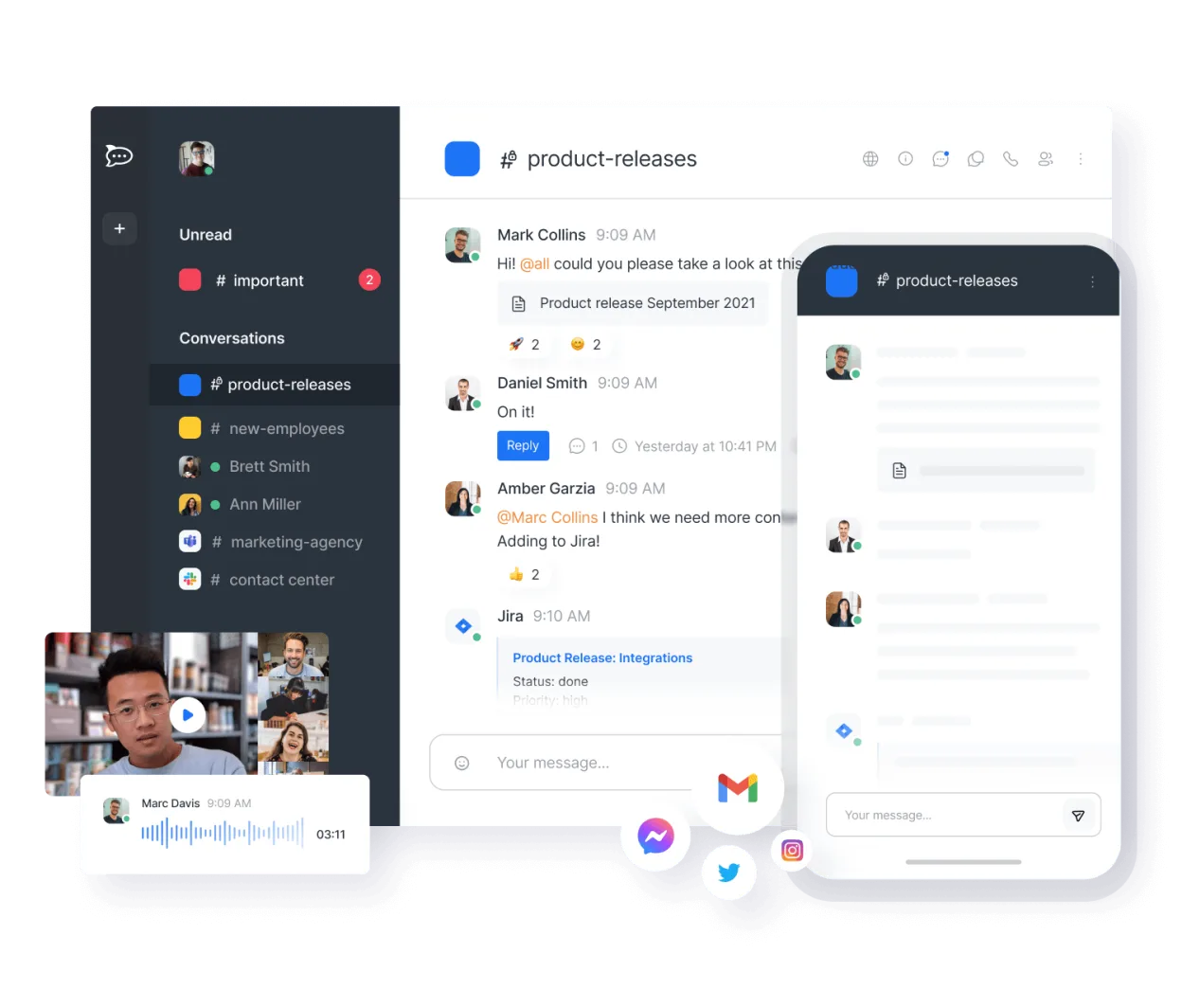
Rocket.Chat is a strong, self-hosted alternative for teams that prioritize data sovereignty and open-source standards over Microsoft's ecosystem lock-in. It covers core needs like threaded chat, video conferencing, and file sharing effectively. However, it is not a drop-in replacement for organizations deeply integrated into the Microsoft 365 suite, as it lacks native, deep integration with Office documents and Exchange. It suits tech-savvy teams willing to manage their own infrastructure or use third-party hosting, offering unlimited users without per-seat licensing fees, but requiring more initial setup than the out-of-the-box experience of Teams.
- Licencia
- MIT
- Precio
- Gratis
- Última versión
- 4.19.3 (12 de noviembre de 2026)
- Valoración
- —
Lo que funciona igual
- Real-time chat with threaded conversations and channels
- Integrated video and audio conferencing with screen sharing
- File sharing and storage capabilities within the platform
- Support for bots and external app integrations via API
- Cross-platform availability including desktop and mobile apps
Lo que cambia
- Lacks native, deep integration with Microsoft Office 365 apps like Word, Excel, and Outlook
- Requires self-hosting or third-party cloud hosting, unlike Teams' managed SaaS model
- No native Exchange calendar or email integration, requiring separate tools for scheduling
- Administrative controls and compliance features are more technical and less granular than Microsoft's enterprise offerings
Abrir tus archivos de Microsoft Office Teams
Rocket.Chat does not natively open or edit Microsoft Office files like .docx or .xlsx. It functions primarily as a chat and collaboration hub. Users can share these files within channels, but viewing or editing them requires downloading them and opening them in a separate application like LibreOffice or onlyoffice. There is no built-in live co-editing for Microsoft Office formats, though Rocket.Chat supports live document editing for its own markdown-based notes or integrated third-party editors if configured.
Pasar de Microsoft Office Teams a Rocket.Chat, paso a paso
- Set up a Rocket.Chat server instance or subscribe to a cloud-hosted plan.
- Import existing user accounts and channel structures using the built-in import tools or CSV.
- Configure SSO or LDAP to map existing corporate identities to Rocket.Chat users.
- Install necessary integrations for calendar, email, and project management tools to replace Microsoft connectors.
- Test video conferencing and file sharing limits with a pilot group before full rollout.
- Communicate the switch to users, providing guides for mobile app installation and desktop client setup.
Funciones clave de Rocket.Chat
- Usuarios y canales ilimitados por defecto
- Conferencias de video y audio
- Compartir archivos y edición de documentos en vivo
- API extensa e integraciones de bots
- Cifrado de extremo a extremo para canales privados
- Opciones autoalojadas o alojadas en la nube
- Aplicaciones móviles para iOS y Android
- Temas y diseños personalizables
Cómo instalar Rocket.Chat en Linux
flatpak install flathub chat.rocket.RocketChatPreguntas frecuentes
Does Rocket.Chat replace Microsoft Outlook for email?
No. Rocket.Chat is a chat and collaboration platform. It does not handle email. You will still need a separate email client or service for mail, though it can integrate with email alerts for mentions or messages.
Can I use Rocket.Chat for free with unlimited users?
Yes. The open-source version is licensed under MIT and allows unlimited users and channels. Costs only arise if you choose to pay for cloud hosting, premium support, or enterprise features from the vendor.
How does Rocket.Chat handle file storage limits?
File storage limits depend on your hosting setup. If self-hosted, you are limited only by your server's disk space. If using a cloud provider, limits are defined by your subscription plan. There are no per-file or per-user storage caps in the software itself.
Otras 3 alternativas a Microsoft Office Teams
 Jitsi MeetJitsi Meet es un cliente de videoconferencias de código abierto que se conecta a cualquier servidor Jitsi…Código abiertoGratisFlatpakJitsi Meet vs Microsoft Office Teams
 MattermostMattermost es una plataforma de colaboración de código abierto y autoalojada para equipos de desarrolladores…Código abiertoGratisFlatpakMattermost vs Microsoft Office Teams
 ElementUn cliente Matrix seguro y de código abierto para mensajería privada, chats grupales y videollamadas en todos…Código abiertoGratisFlatpakElement vs Microsoft Office Teams