
 Rocket.ChatLinux
vs
Microsoft Teams (preview)Windows
Rocket.Chat como alternativa Linux a Microsoft Teams (preview)
Actualizado el
Nuestra opinión
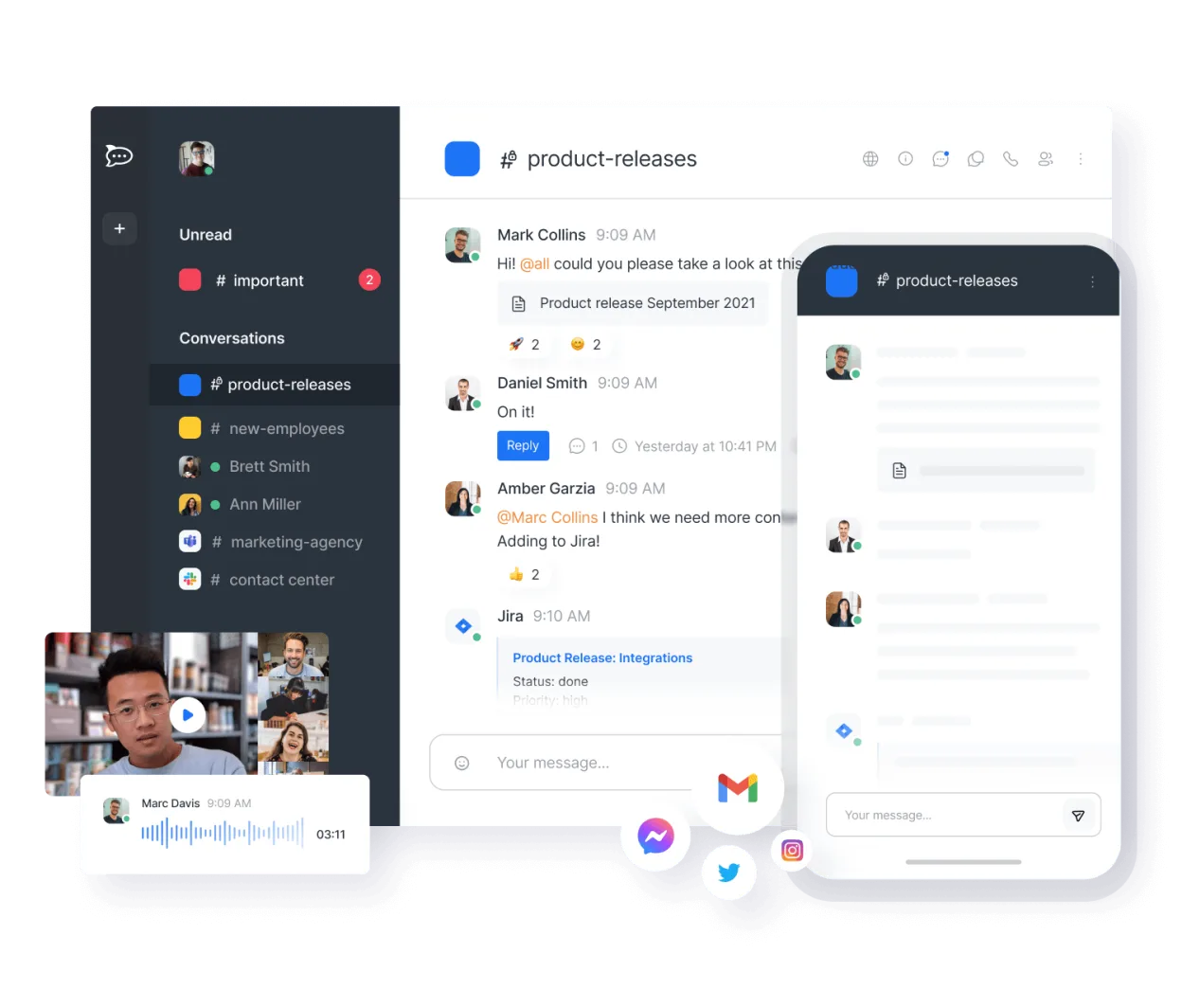
Rocket.Chat can replace Microsoft Teams for teams that need an open‑source, self‑hosted chat and video platform. It offers channel‑based chat, video/audio calls, file sharing, and bot integrations, making it suitable for small to medium organizations that prefer control over data and customization. Larger enterprises that rely on deep Microsoft 365 integration or need built‑in Office document editing may find it lacking.
- Licencia
- MIT
- Precio
- Gratis
- Última versión
- 4.19.3 (12 de noviembre de 2026)
- Valoración
- —
Lo que funciona igual
- Channel‑based persistent chat
- Video and audio conferencing
- File sharing
- Bot and API integration
- Cross‑platform clients
Lo que cambia
- No native Office 365 integration
- No built‑in live document editing like Office 365
- No automatic meeting scheduling with Outlook
- No native Windows desktop app (only web and Electron)
- No end‑to‑end encryption by default for all channels
Abrir tus archivos de Microsoft Teams (preview)
Microsoft Teams stores files in SharePoint/OneDrive; Rocket.Chat can import files via drag‑and‑drop but cannot directly open Teams‑specific .msg or .docx files. Exported files from Teams can be uploaded to Rocket.Chat, but formatting may differ.
Pasar de Microsoft Teams (preview) a Rocket.Chat, paso a paso
- Export Teams data via Microsoft Graph or Teams admin center.
- Download files and chat history as JSON or CSV.
- Import chat history into Rocket.Chat using the import API or third‑party tools.
- Re‑establish channels and user roles in Rocket.Chat.
- Configure video/audio settings and test calls.
- Re‑link external services (e.g., Jira, GitHub) via Rocket.Chat bots.
Funciones clave de Rocket.Chat
- Usuarios y canales ilimitados por defecto
- Conferencias de video y audio
- Compartir archivos y edición de documentos en vivo
- API extensa e integraciones de bots
- Cifrado de extremo a extremo para canales privados
- Opciones autoalojadas o alojadas en la nube
- Aplicaciones móviles para iOS y Android
- Temas y diseños personalizables
Cómo instalar Rocket.Chat en Linux
flatpak install flathub chat.rocket.RocketChatPreguntas frecuentes
Does Rocket.Chat support end‑to‑end encryption?
Yes, private channels can be encrypted end‑to‑end, but it requires additional configuration and is not enabled by default for all chats.
Can I host Rocket.Chat on the same server as my existing services?
Yes, Rocket.Chat can be installed on any Linux distribution via Docker, Snap, or from source, and it can share the same domain or subdomains as other services.
Is there a mobile app for Rocket.Chat?
Yes, native iOS and Android apps are available and sync with the same server as the desktop client.
Otras 5 alternativas a Microsoft Teams (preview)
 SlackSlack es una aplicación propietaria de comunicación para equipos en Linux que centraliza conversaciones…FlatpakSlack vs Microsoft Teams (preview)
 MattermostMattermost es una plataforma de colaboración de código abierto y autoalojada para equipos de desarrolladores…Código abiertoGratisFlatpakMattermost vs Microsoft Teams (preview)
 ZulipZulip es una aplicación de chat de grupo de código abierto que utiliza conversaciones en hilos para gestionar…Código abiertoGratisFlatpakZulip vs Microsoft Teams (preview)
 ElementElement es un cliente de chat y videoconferencia basado en matrices, de código abierto, para Linux.Código abiertoGratisFlatpakElement vs Microsoft Teams (preview)
 Jitsi MeetJitsi Meet is an open‑source video‑conferencing app that runs in the browser and as a native Linux client.Código abiertoGratisFlatpakJitsi Meet vs Microsoft Teams (preview)