
 geditLinux
vs
EmacsWindows
gedit, alternative Linux à Emacs
Mis à jour le
Notre avis
gedit is not a realistic replacement for Emacs if you rely on its extensibility, modal editing, or Lisp customization. It is a simple, modal-free text editor designed for general-purpose use and basic coding. It lacks the deep integration, terminal access, and plugin ecosystem that define the Emacs experience. Switching to gedit means abandoning the 'editor within an editor' workflow. It is only suitable for users who want to move away from Emacs entirely because they find it too complex, not for those seeking an equivalent tool.
- Licence
- GPL-2.0+
- Prix
- Gratuit
- Dernière version
- 51.0 (15 octobre 2026)
- Note
- 5/5 (1)
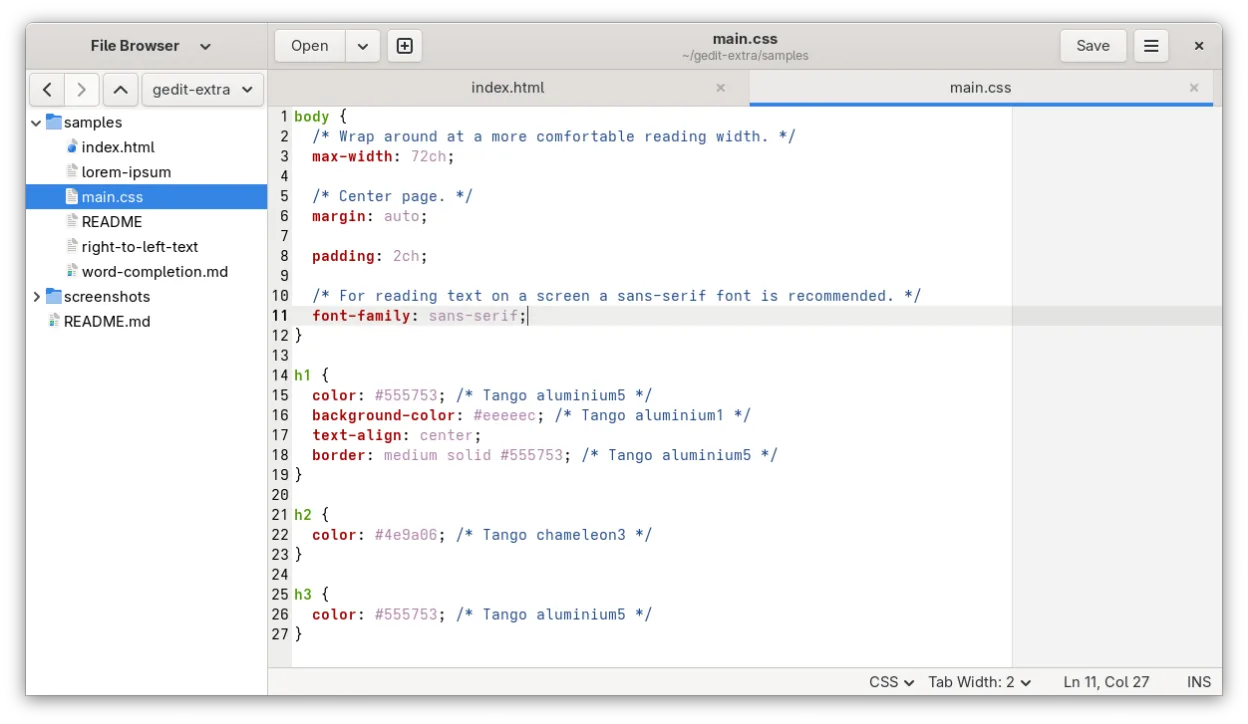
Ce qui fonctionne pareil
- Supports syntax highlighting for many programming languages
- Allows customization of keybindings and editor settings
- Handles UTF-8 text encoding and multiple document interfaces
- Provides basic search and replace functionality
Ce qui change
- No native modal editing mode or Lisp-based customization system
- Lacks integrated terminal or shell access within the editor
- Limited plugin ecosystem compared to Emacs packages
- No built-in remote file editing capabilities like Tramp
- No native version control integration or advanced IDE features
Ouvrir vos fichiers Emacs
gedit opens and saves standard plain text files (.txt, .c, .py, .js, etc.) without issue. If you use Emacs-specific file formats like .org or .el, gedit will open them as plain text but will not render Org-mode structures or provide Lisp evaluation. There is no special conversion needed for plain text, but you lose the semantic structure of Org files.
Passer de Emacs à gedit, étape par étape
- Install gedit via your package manager or Flathub
- Configure syntax highlighting for your primary languages
- Set up custom keybindings to match your muscle memory
- Enable line numbers and auto-indent for code editing
- Install necessary plugins for basic enhancements
- Test opening existing text files to ensure compatibility
Fonctionnalités clés de gedit
- Coloration syntaxique pour de nombreux langages de programmation
- Système de plugins pour étendre les fonctionnalités
- Recherche et remplacement avec prise en charge des expressions régulières
- Police, largeur d'onglet et retour à la ligne configurables
- Numéros de ligne, appariement des accolades et indentation automatique
- Prise en charge de l'encodage de texte UTF-8
- Édition de texte par glisser-déposer
- Interface multi-documents avec onglets
Installer gedit sous Linux
flatpak install flathub org.gnome.geditsudo apt install geditsudo apt install geditsudo dnf install geditsudo pacman -S geditsudo zypper install geditQuestions fréquentes
Can I use Emacs Lisp in gedit?
No. gedit does not support Emacs Lisp or any Lisp-based customization. You cannot run Elisp code or use Emacs packages.
Does gedit have a built-in terminal?
No. gedit does not include an integrated terminal. You must use a separate terminal emulator for shell access.
Is gedit suitable for large codebases?
It is not optimized for large codebases. It lacks features like project-wide search, refactoring tools, and advanced navigation that are common in IDEs or Emacs.
5 autres alternatives à Emacs
 VimVim est un éditeur de texte modal hautement configurable pour une édition efficace sous Linux.Open sourceGratuitFlatpakVim ou Emacs
 NeovimNeovim est une version moderne de Vim qui ajoute extensibilité, support UI avancé et extensions puissantes…Open sourceGratuitFlatpakNeovim ou Emacs
 KateKate est un éditeur de texte riche en fonctionnalités, axé sur les programmeurs, issu de KDE, prenant en…Open sourceGratuitFlatpakKate ou Emacs
 Visual Studio CodeUn éditeur de code léger et extensible qui prend en charge le débogage, Git et de nombreux langages.GratuitFlatpakVisual Studio Code ou Emacs
 Sublime TextSublime Text est un éditeur de code source léger et rapide, doté d'une interface minimale et d'une…FlatpakSublime Text ou Emacs